Year:
Fall 2024
Duration:
2 months
Project Members:
Yabing Yang
Research and Discovery
Starting is the hardest part of drawing. Where to start? What tools to use? Users are overwhelmed by choices they are presented with. A brief survey was conducted to understand the behaviors of those who had purchased an iPad.
Of those surveyed, 83% had bought an iPad and Apple Pencil with the intention of drawing.
Only 40% of those users still uses their purchase regularly, but not for drawing.
Our Solution
Drawing with friends, in a social space, can be fun and approachable for all.
It creates an environment which is light-hearted and comfortable, and the social connections serve as a built-in motivator for users to engage with art.
Identifying the Gap
Building a habit of drawing to improve takes time, and motivation. Often we lack the intrinsic motivation to make those goals happen.
Existing Painpoints
Users reported it was easy for them to forget their goal of drawing, and having no motivation to start drawing again.
Many drawing apps have a lot of tools available to the user, but for those who are new to drawing, it can be overwhelming and make the drawing process too focused on getting the drawing right or perfect, instead of getting into the habit of drawing often.
Ideation
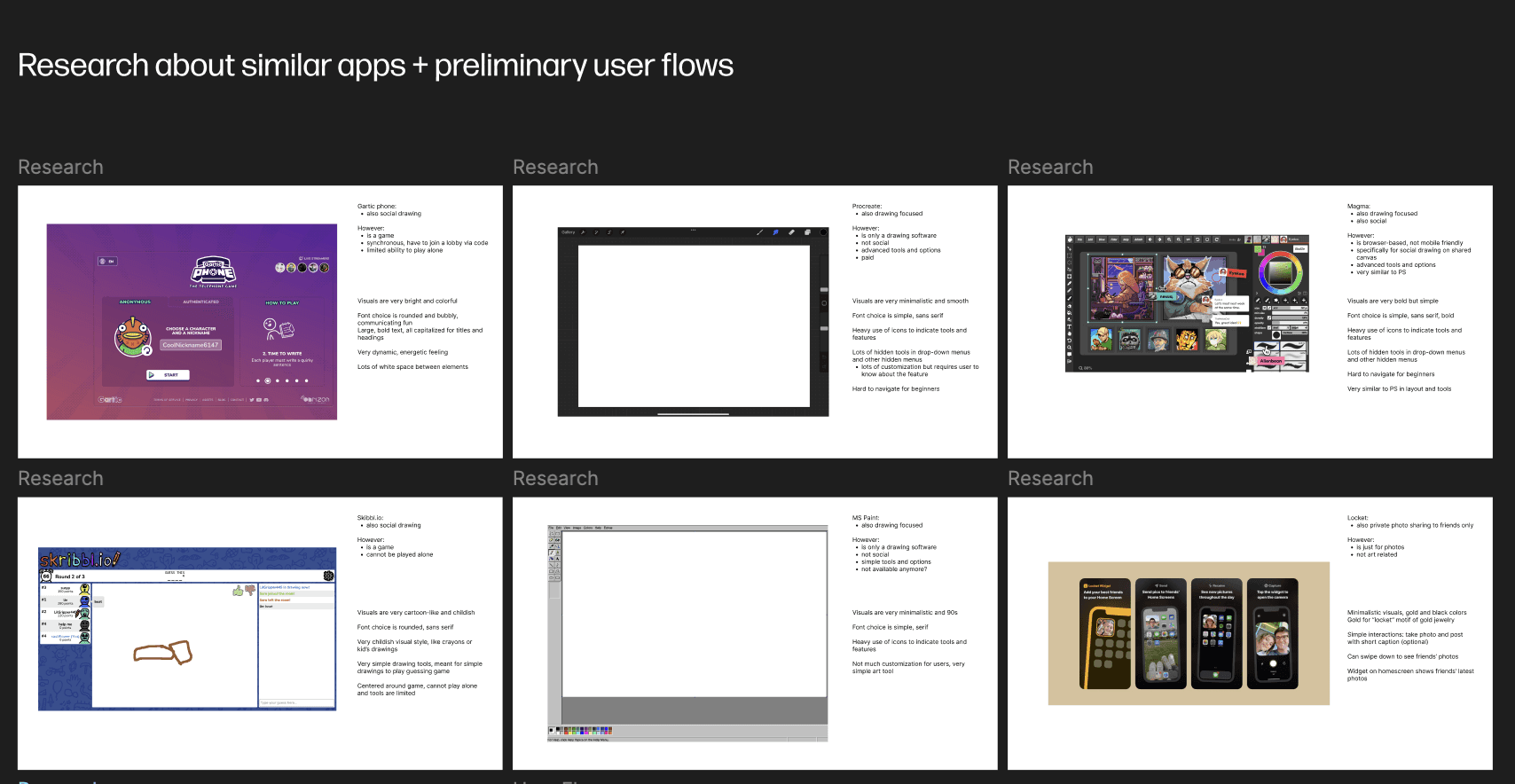
First, I narrowed down what features I wanted this app to have, and compared it to other apps on the market, such as Gartic Phone (social drawing game) and Magma (collaborative drawing platform).
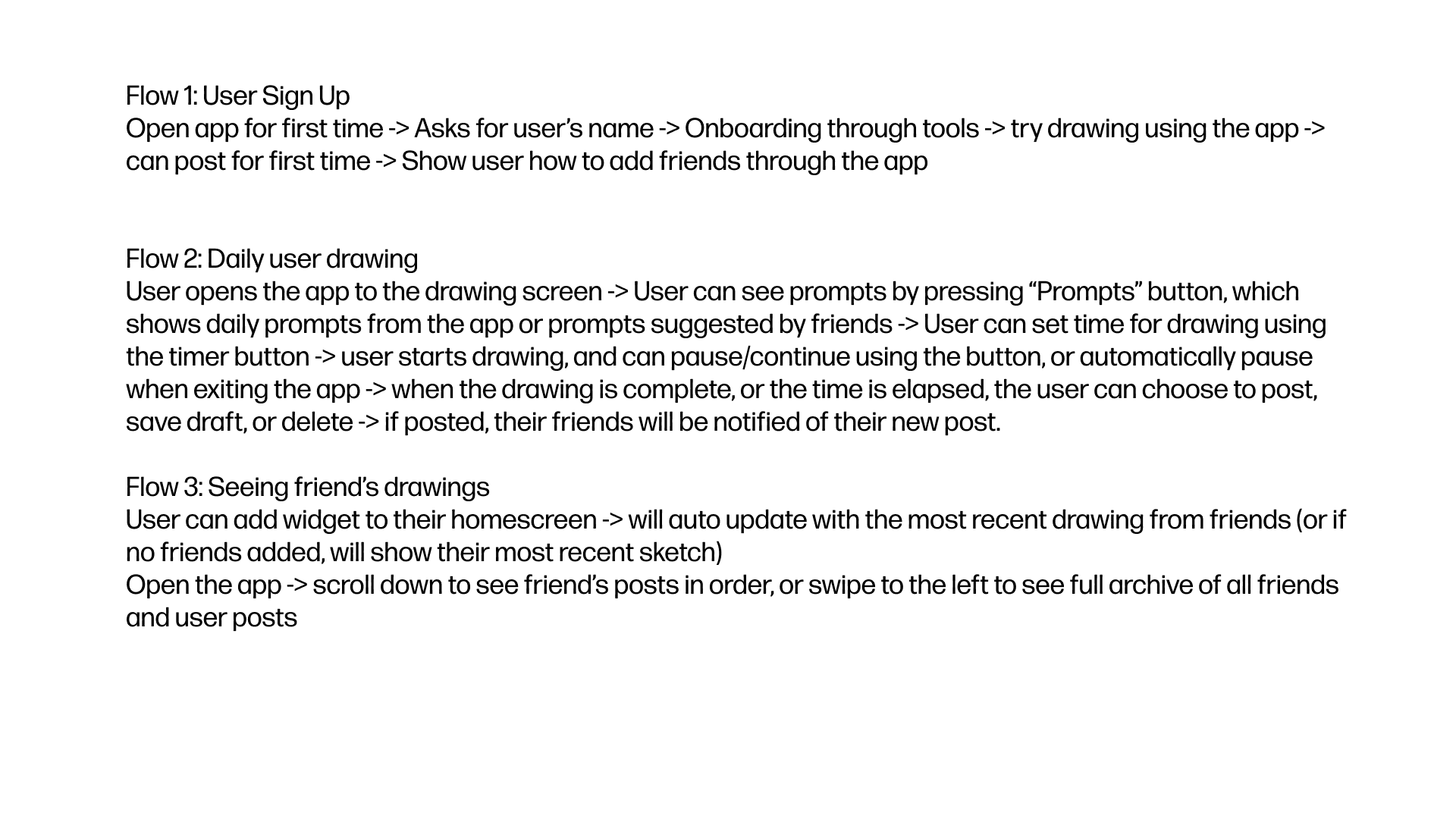
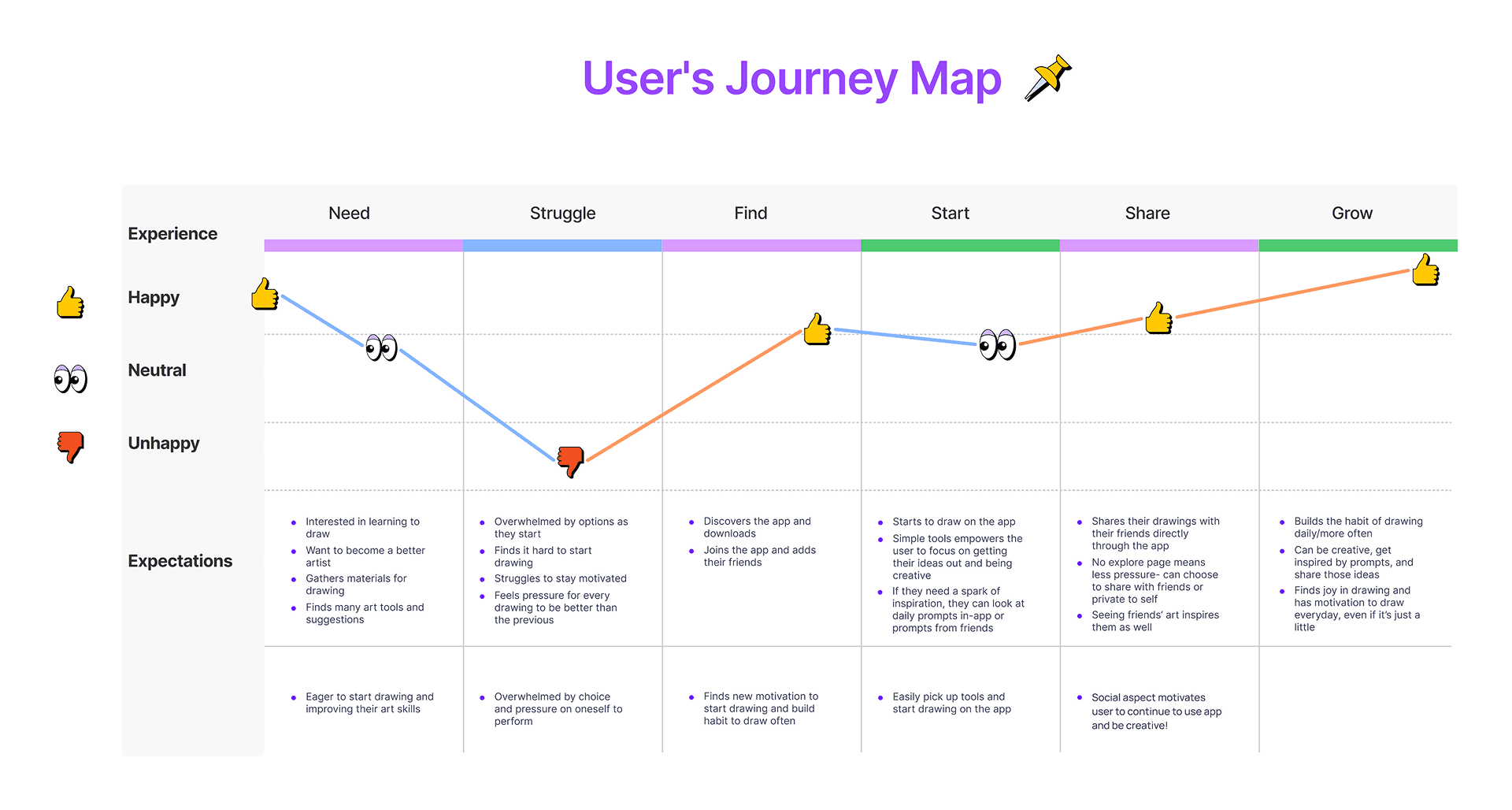
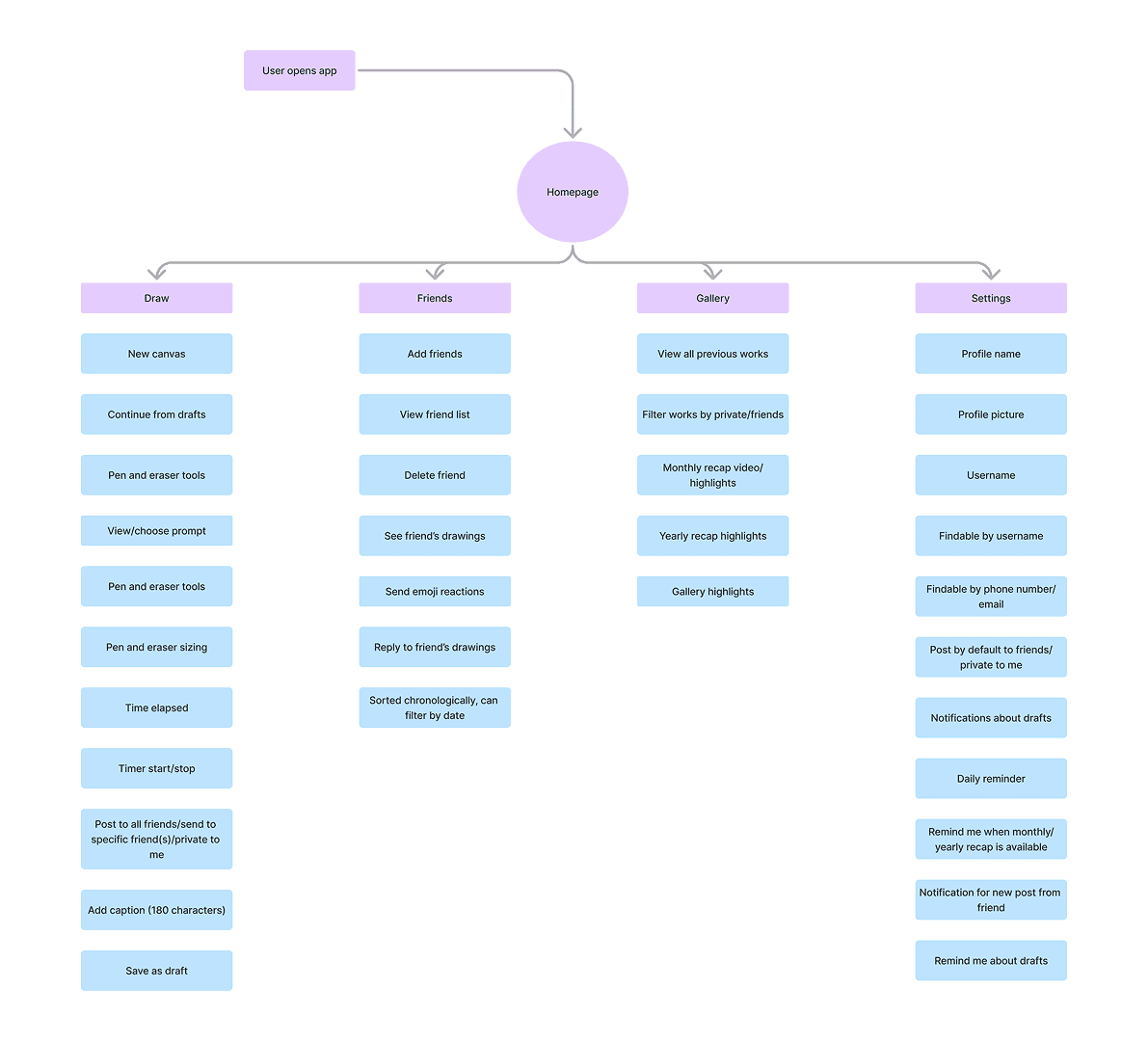
From here, I began to create a site map based on what I wanted to include in the app for drawing and social use, wanting to make it more limited and specific to friends, similar to apps like Locket. I then created a User Journey Map to explore how I wanted users to interact with the app.
User Flows
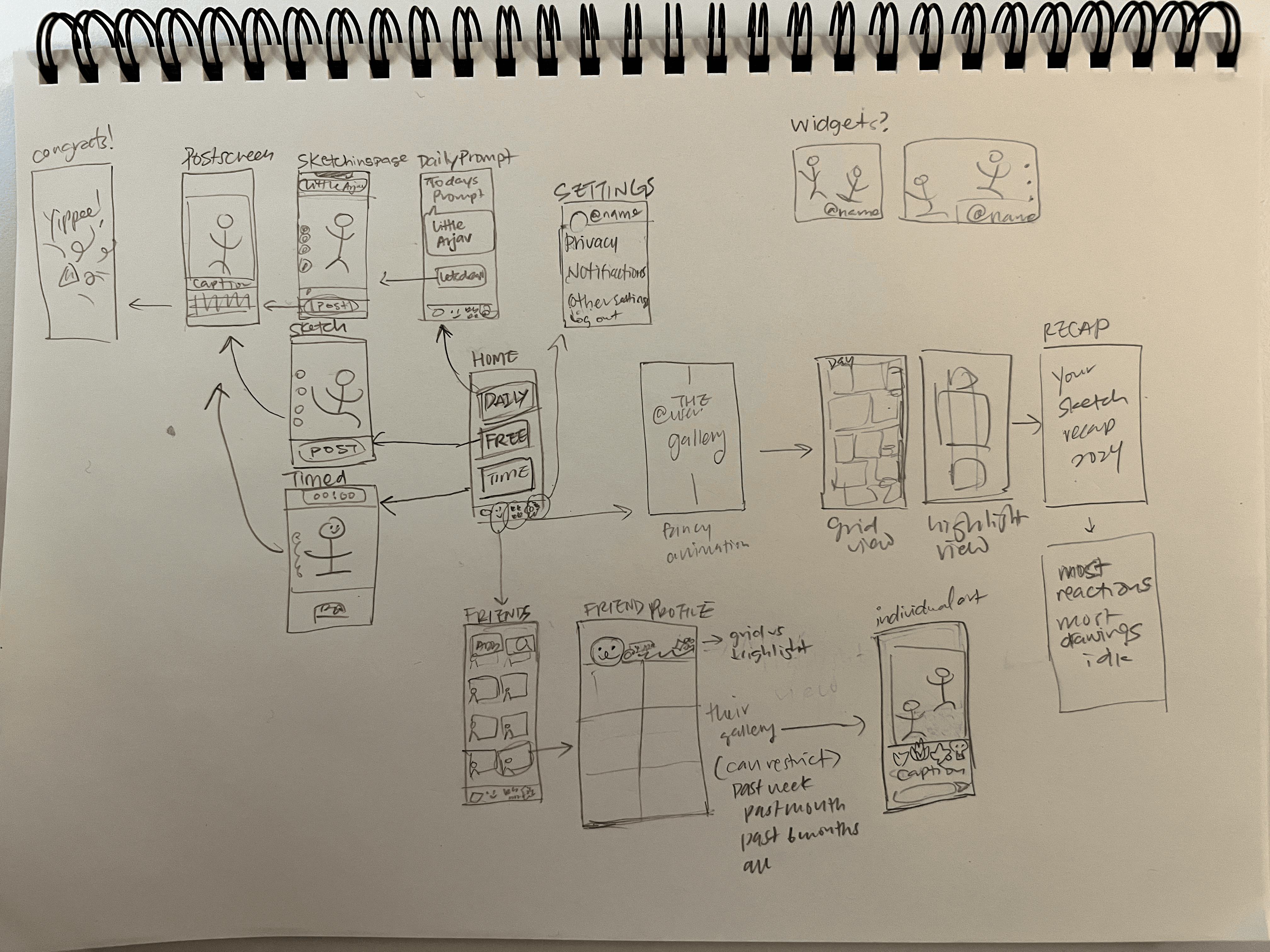
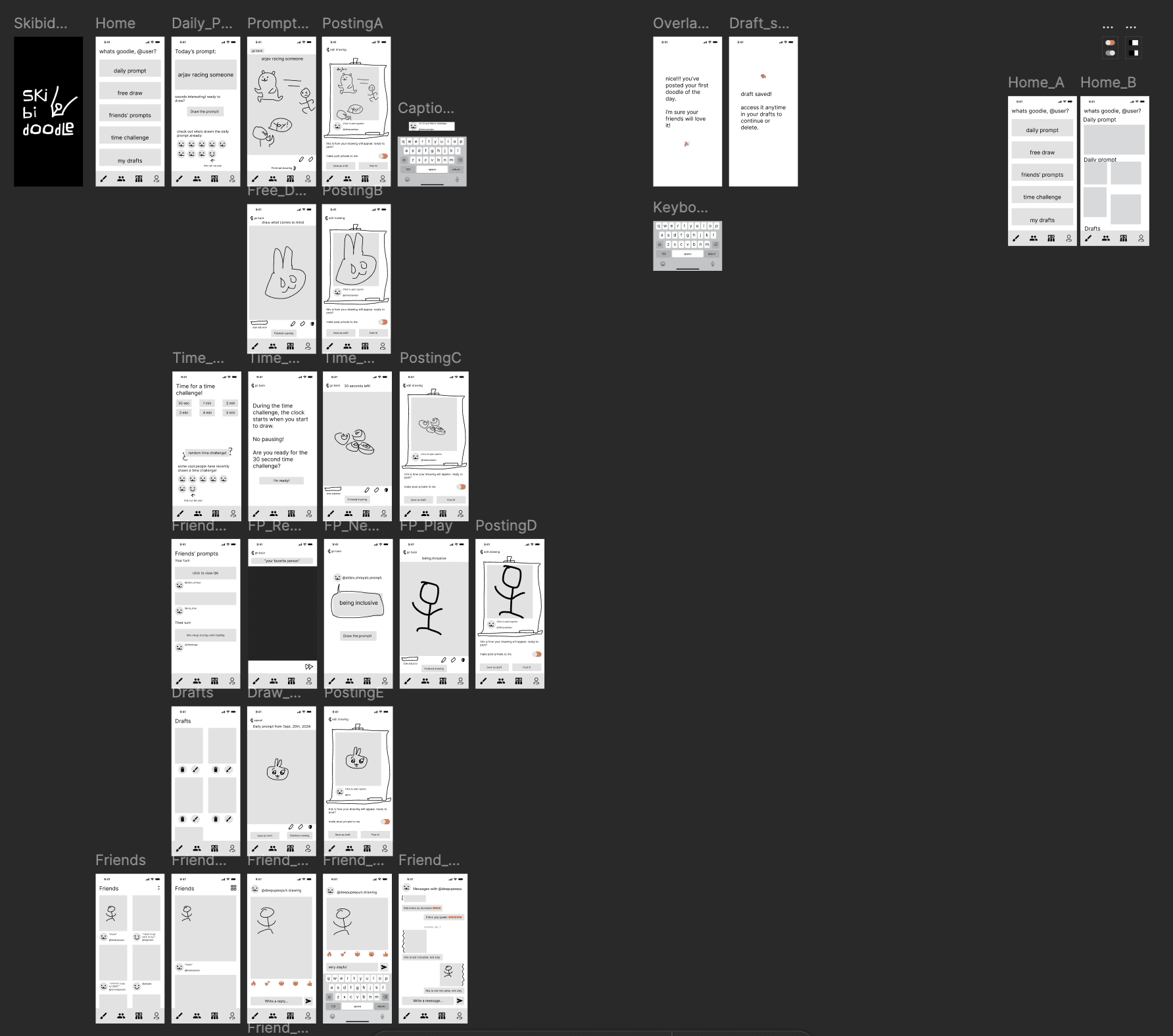
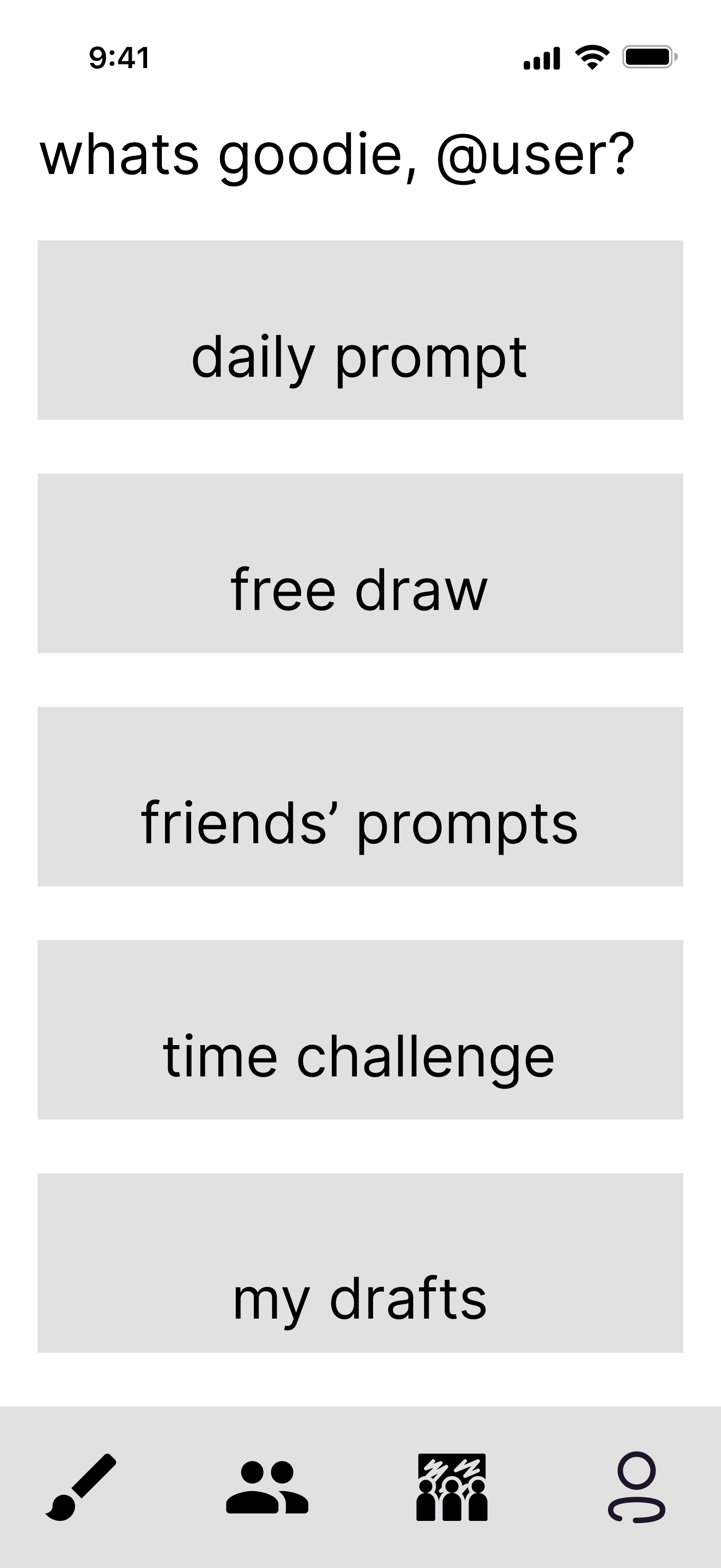
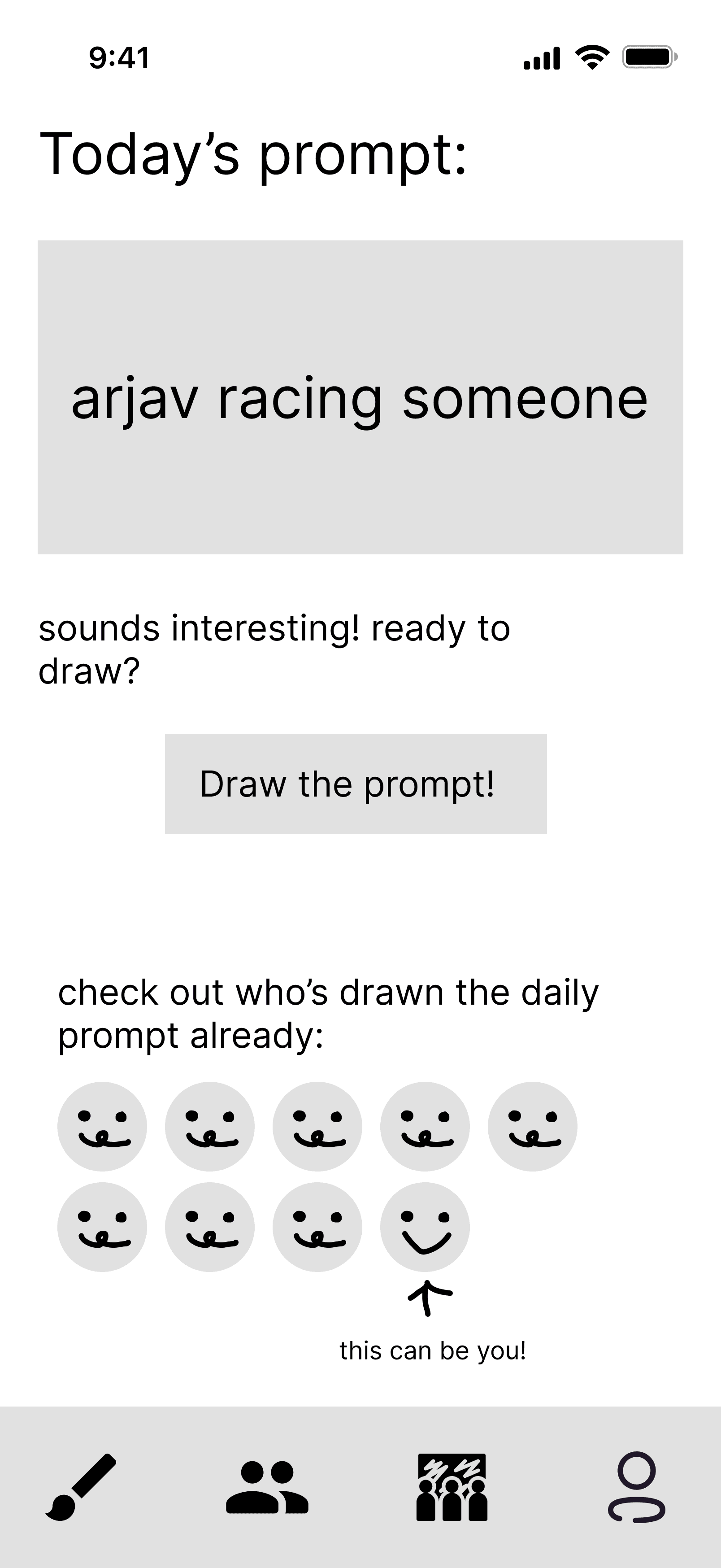
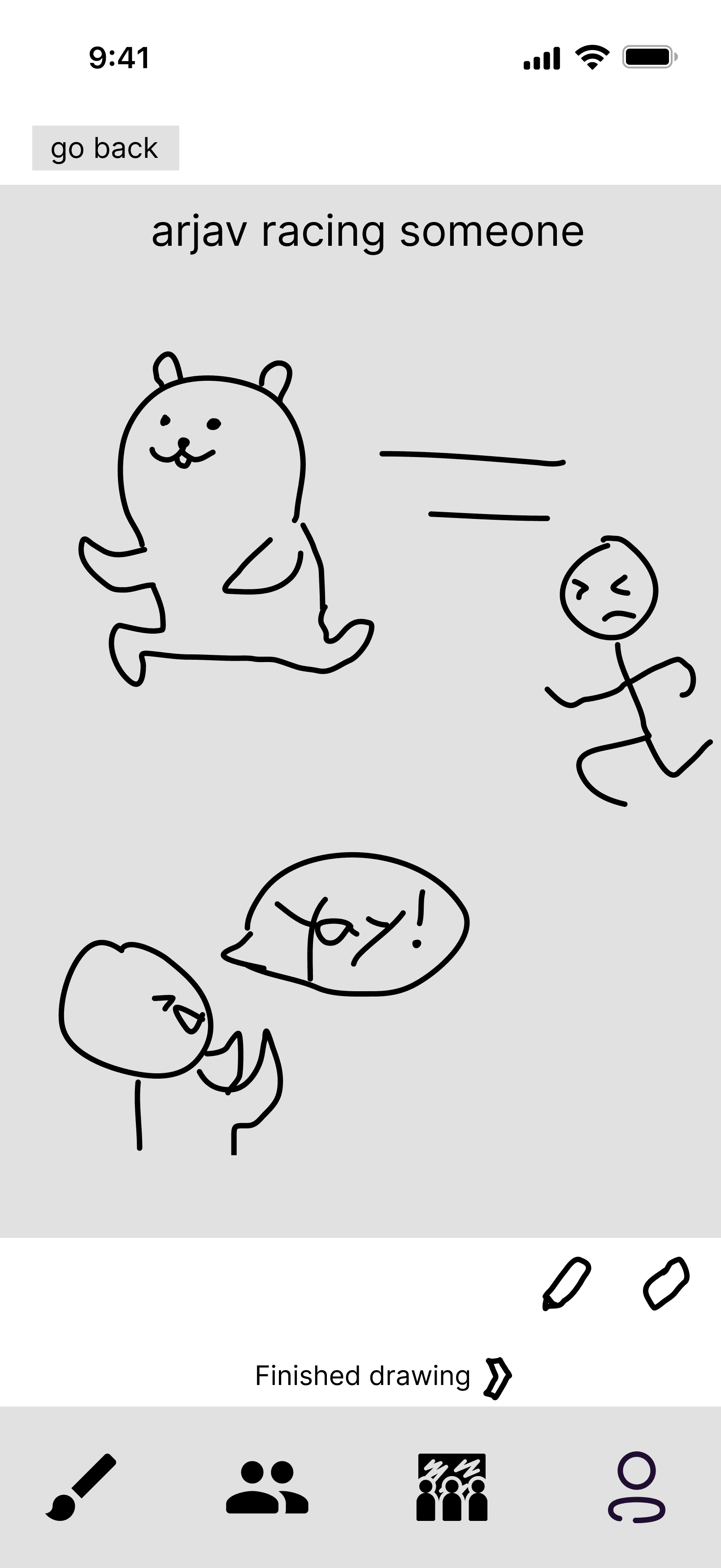
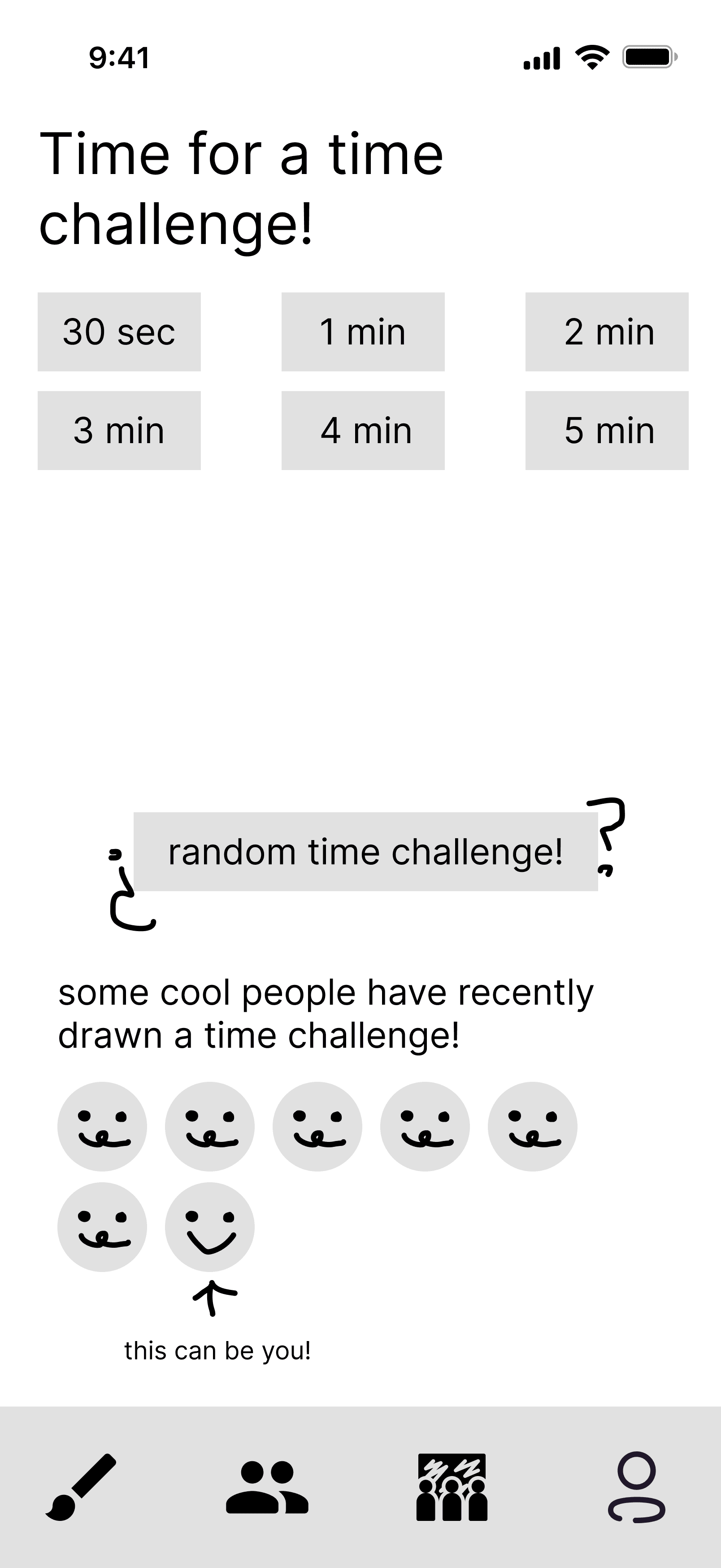
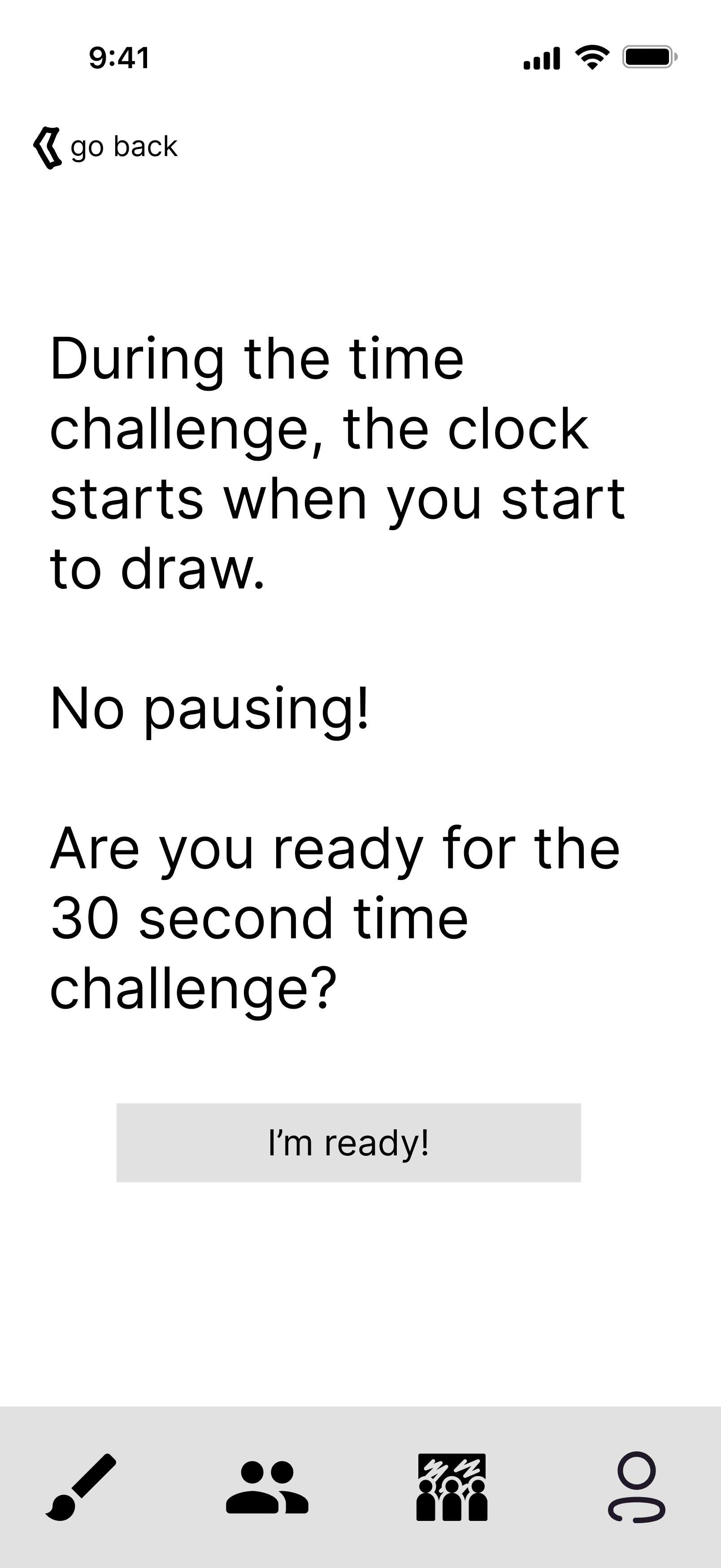
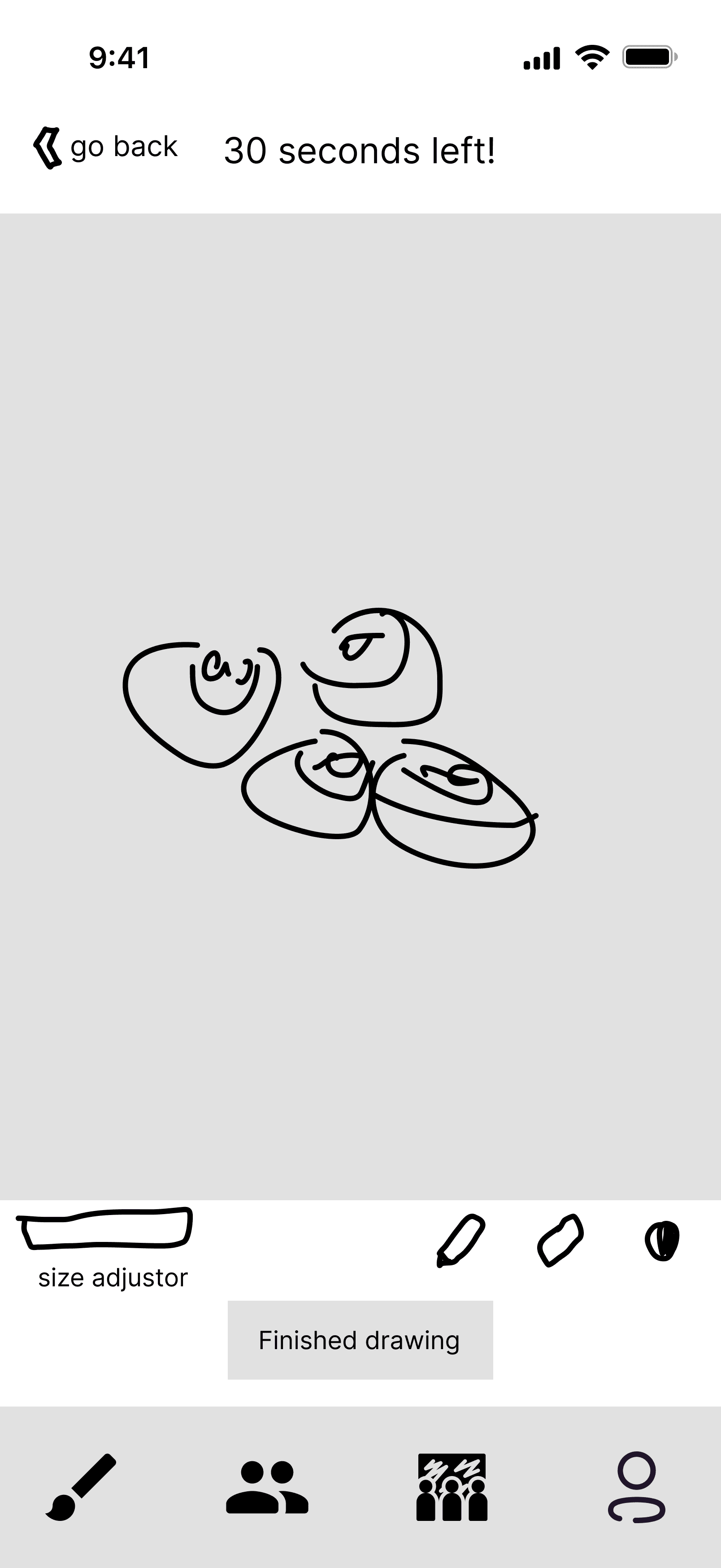
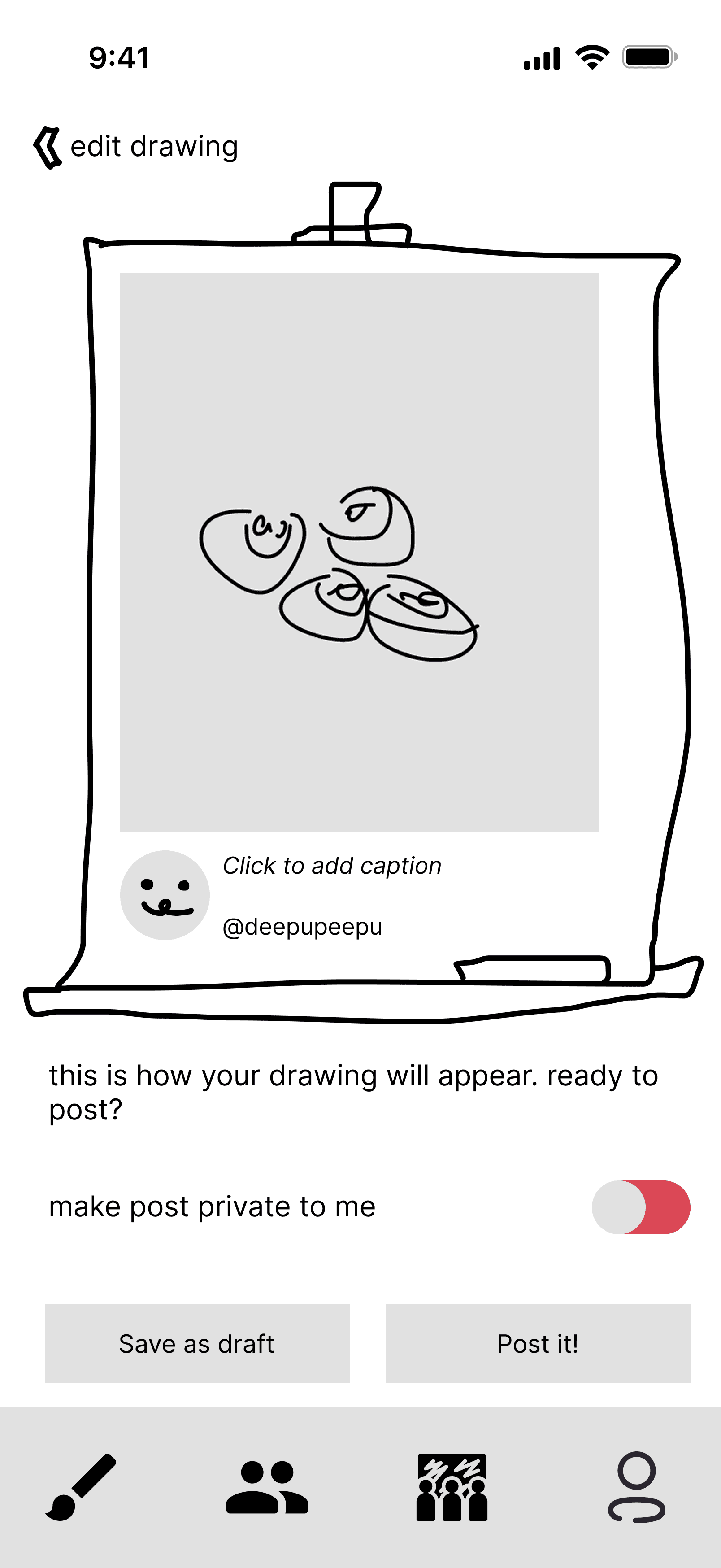
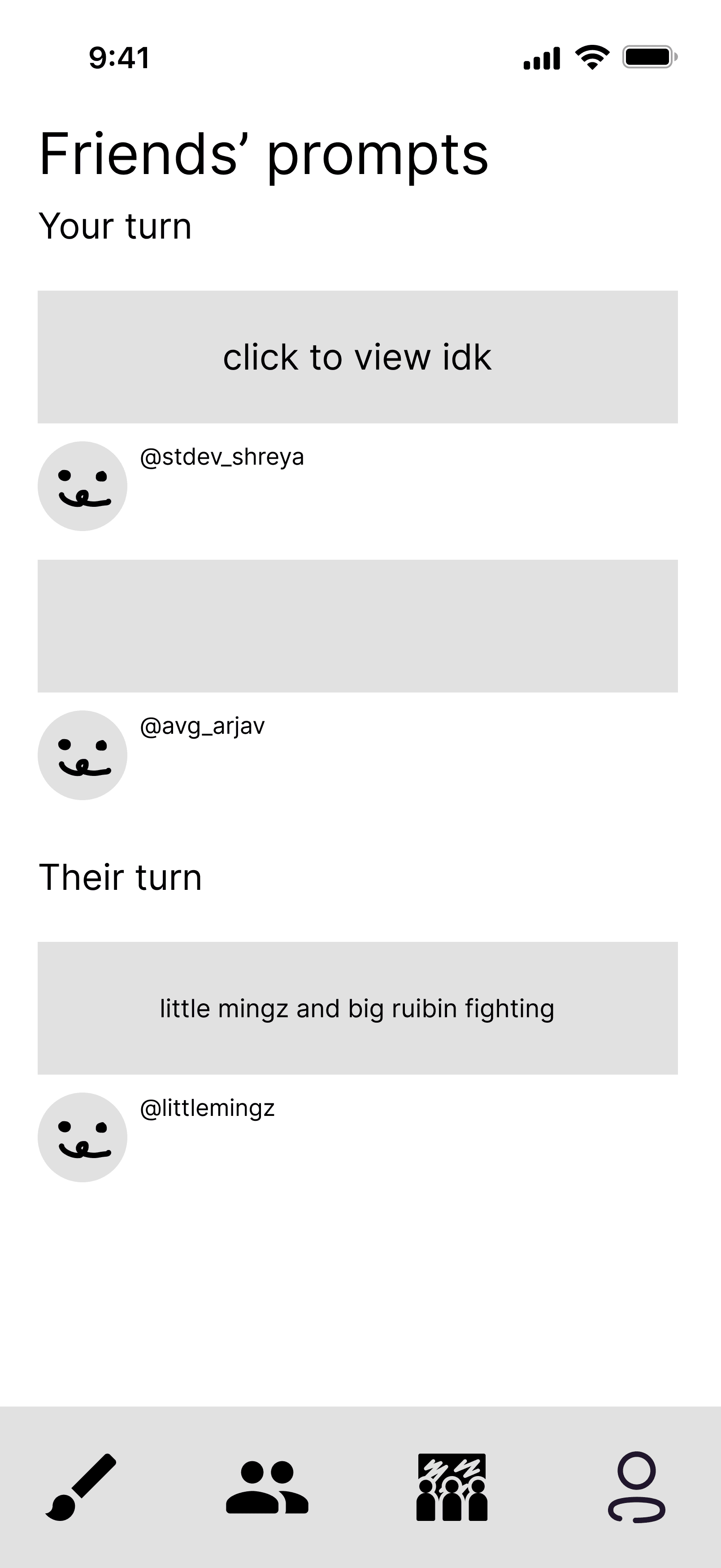
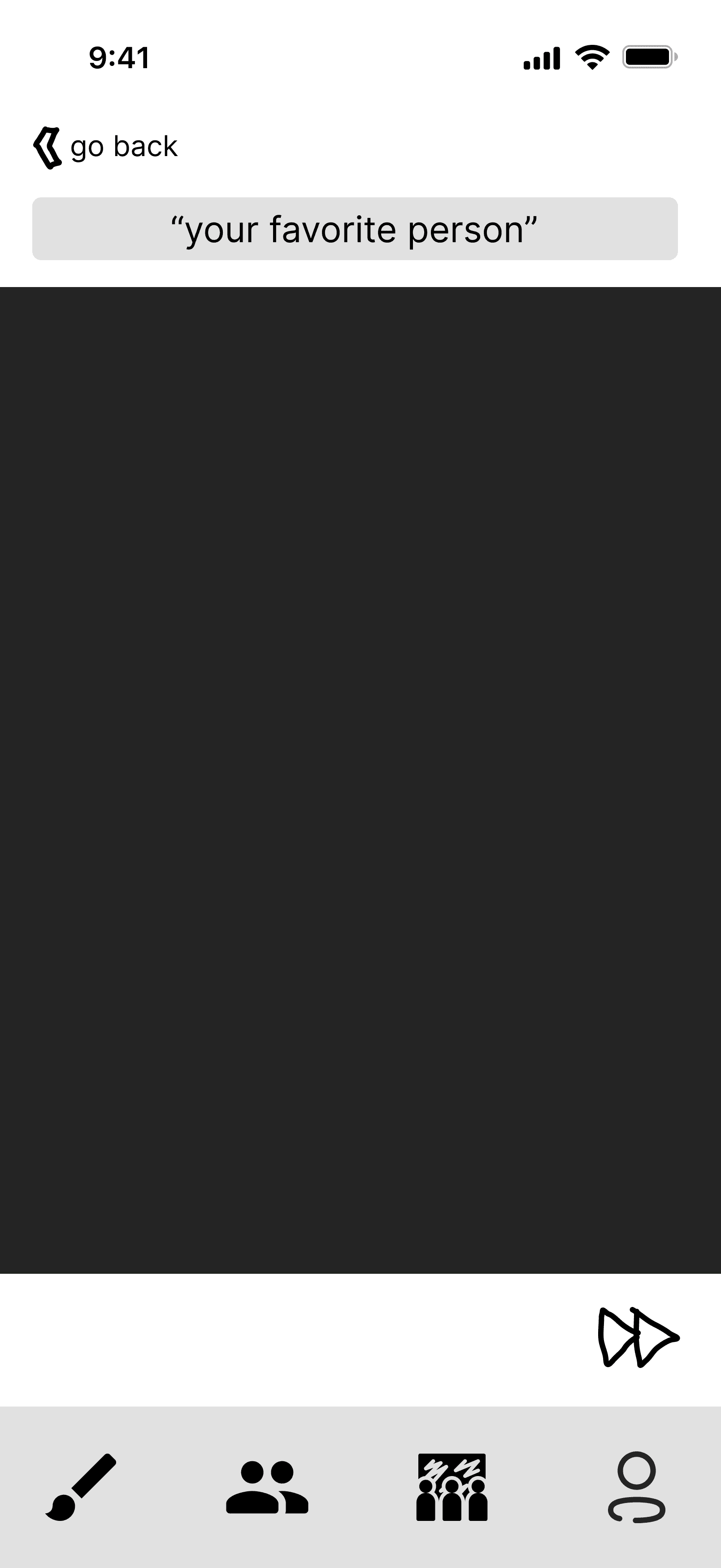
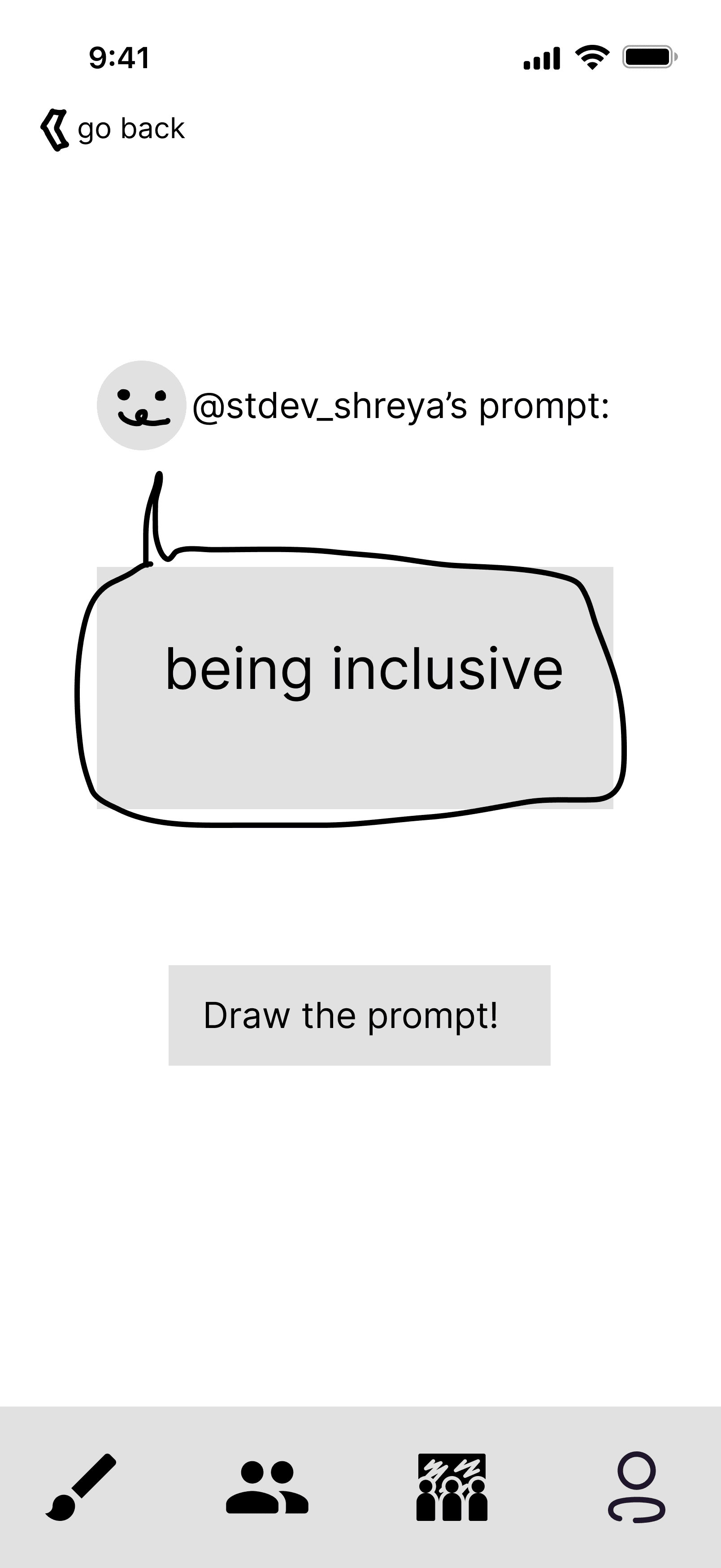
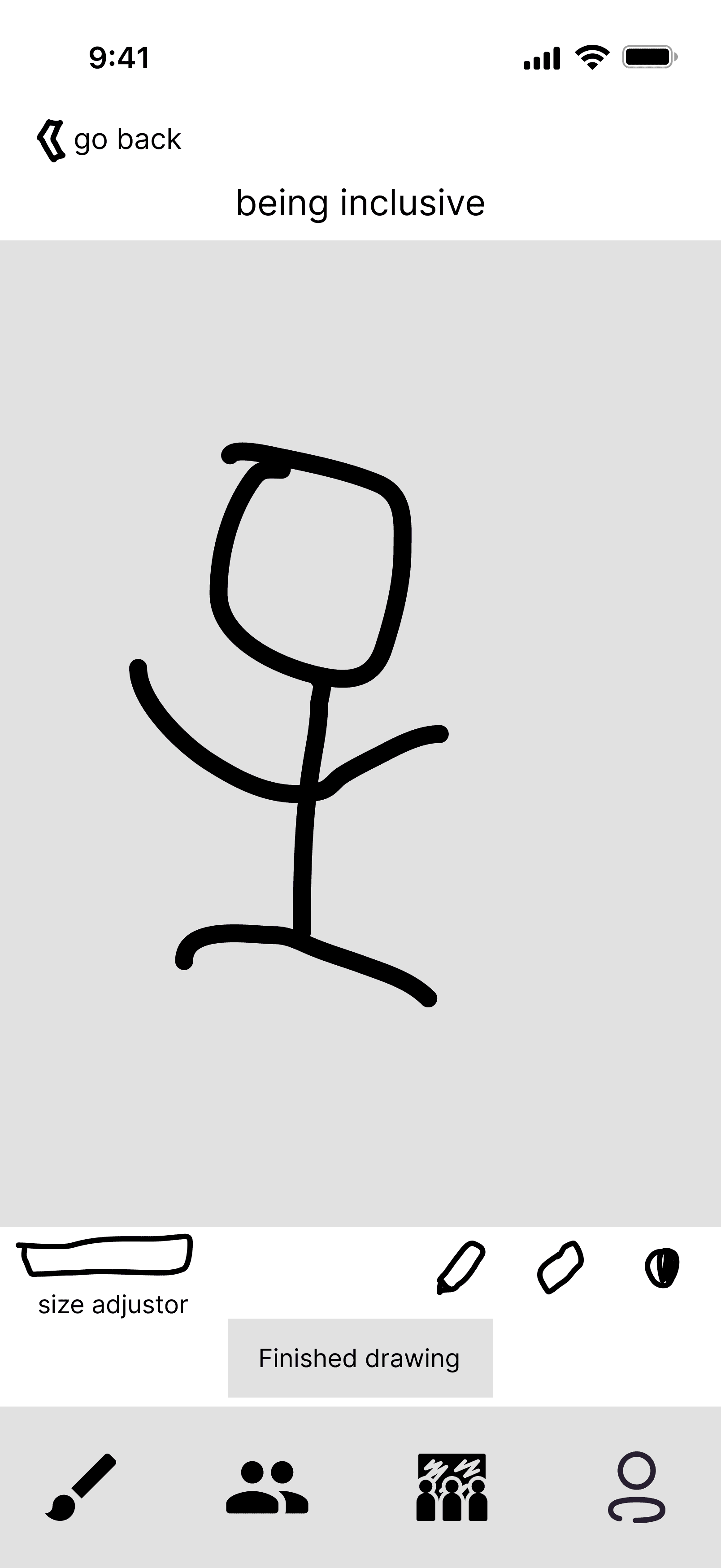
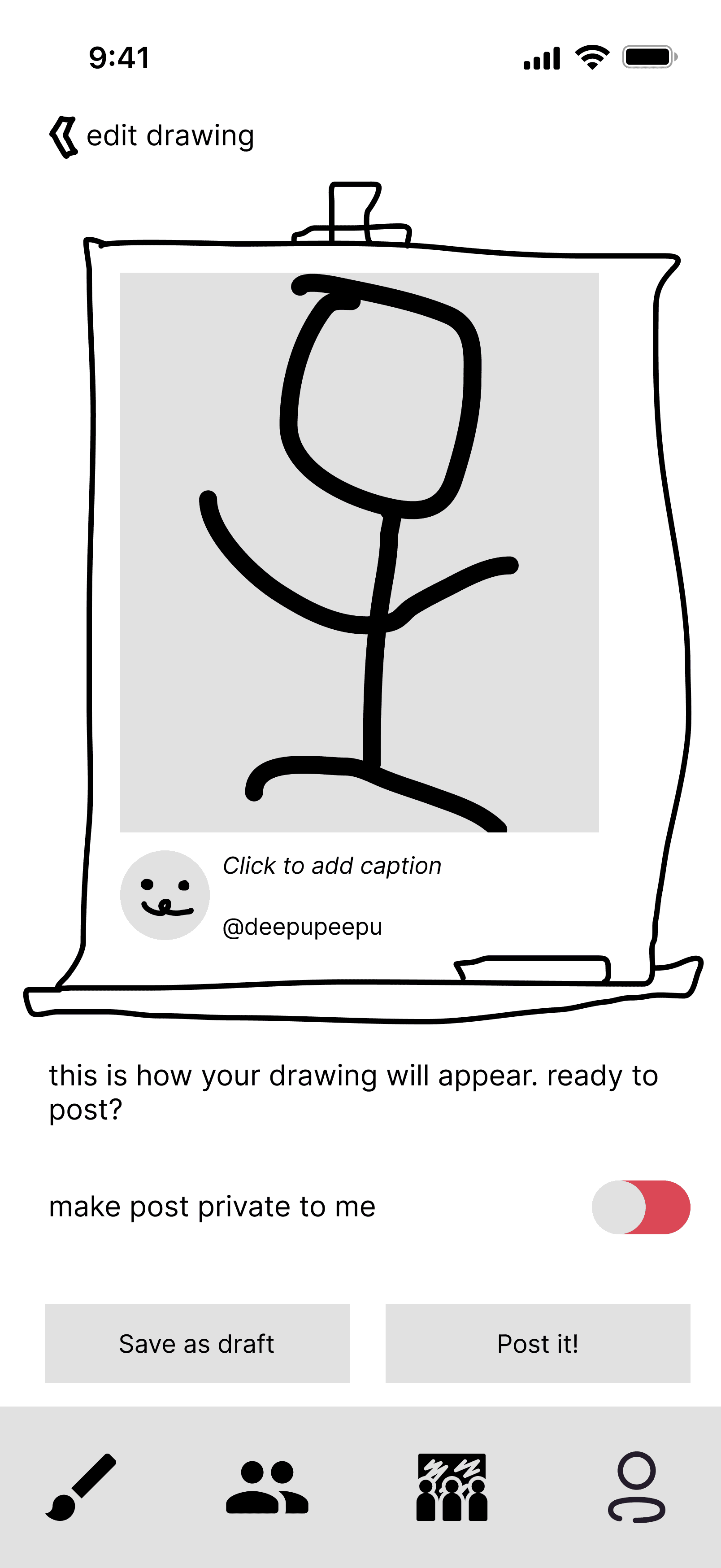
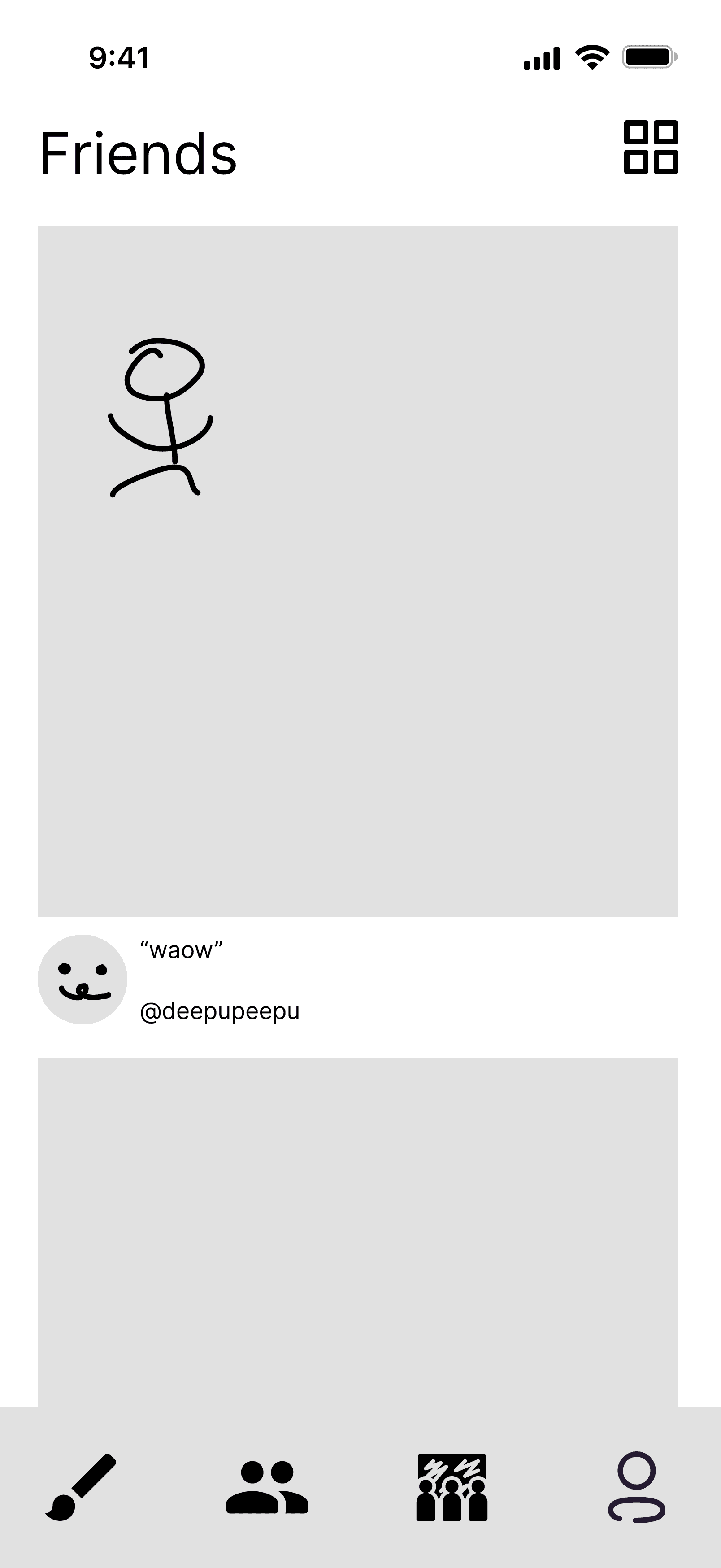
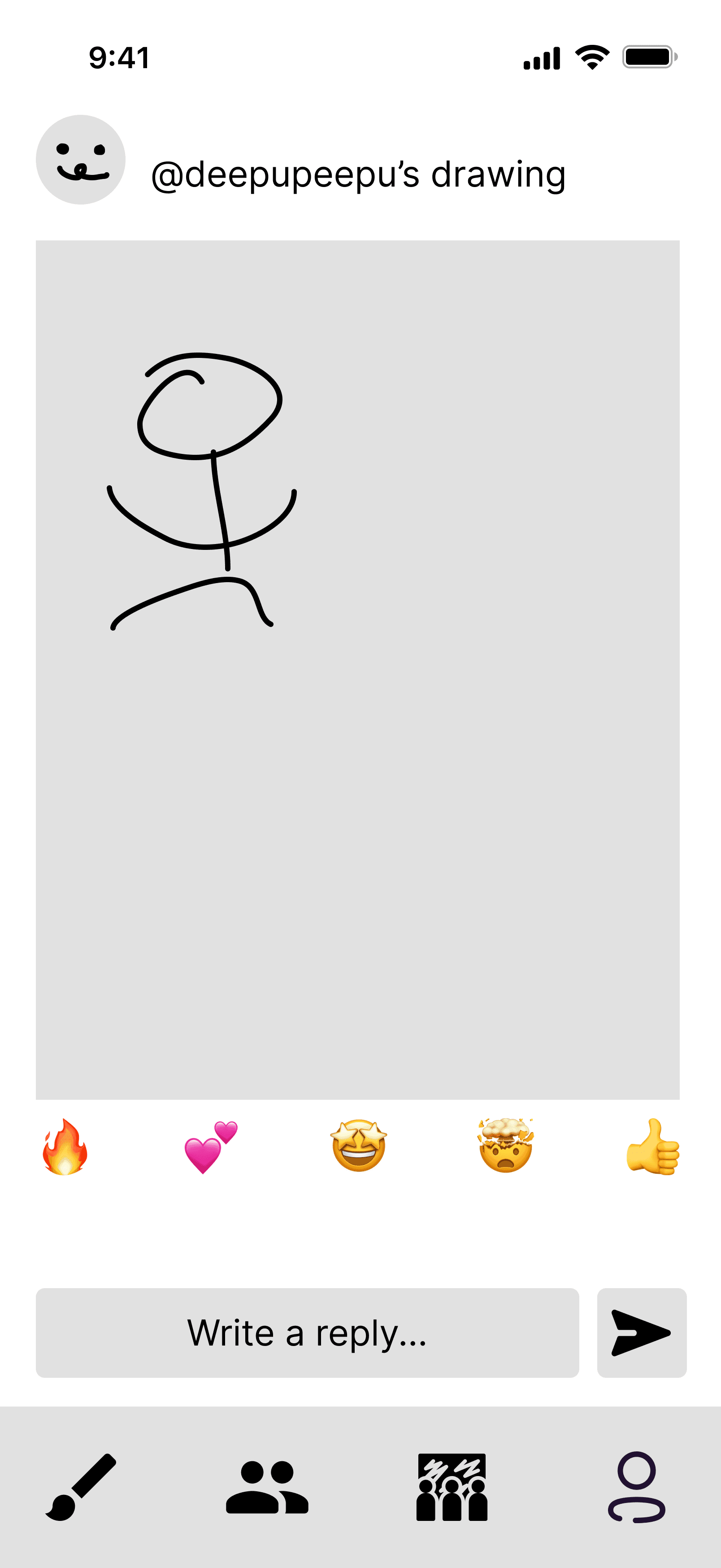
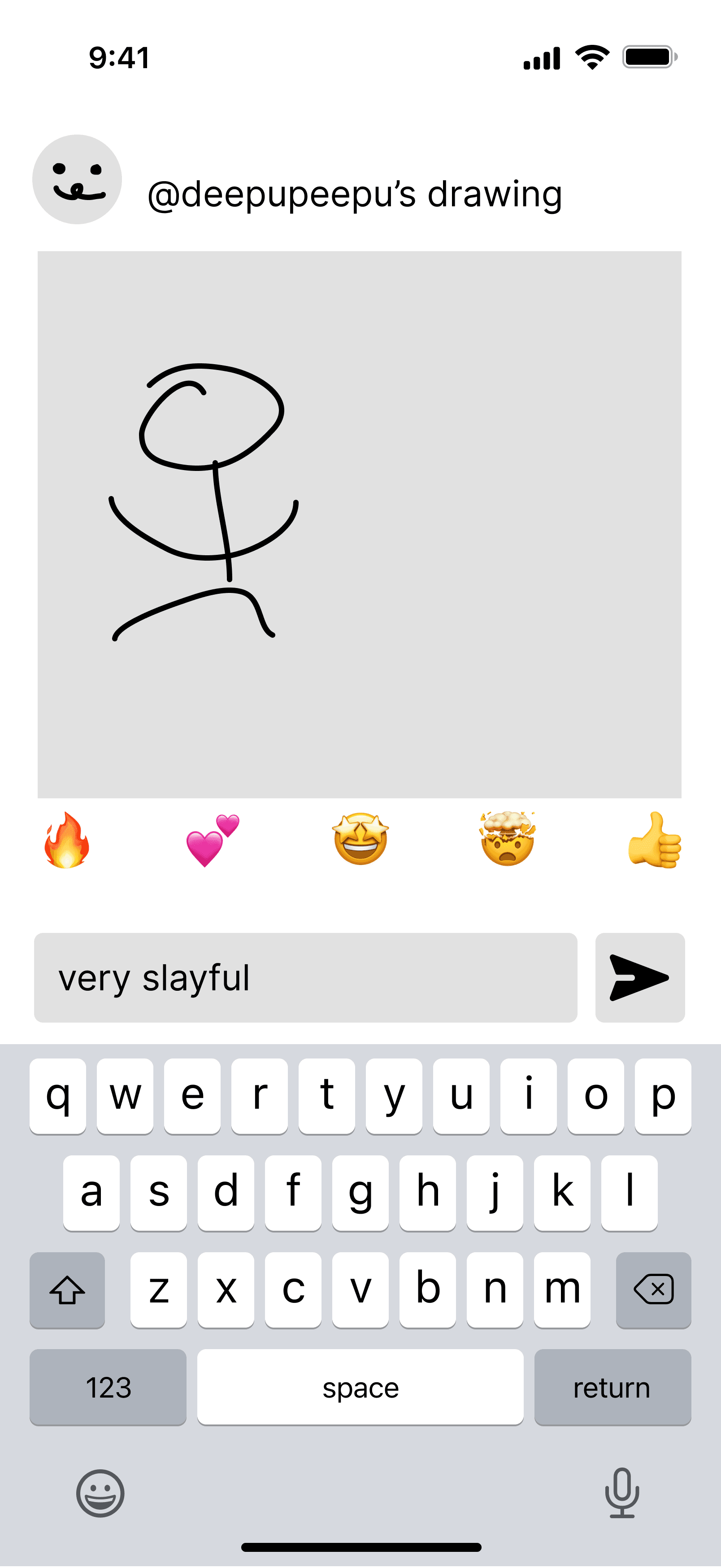
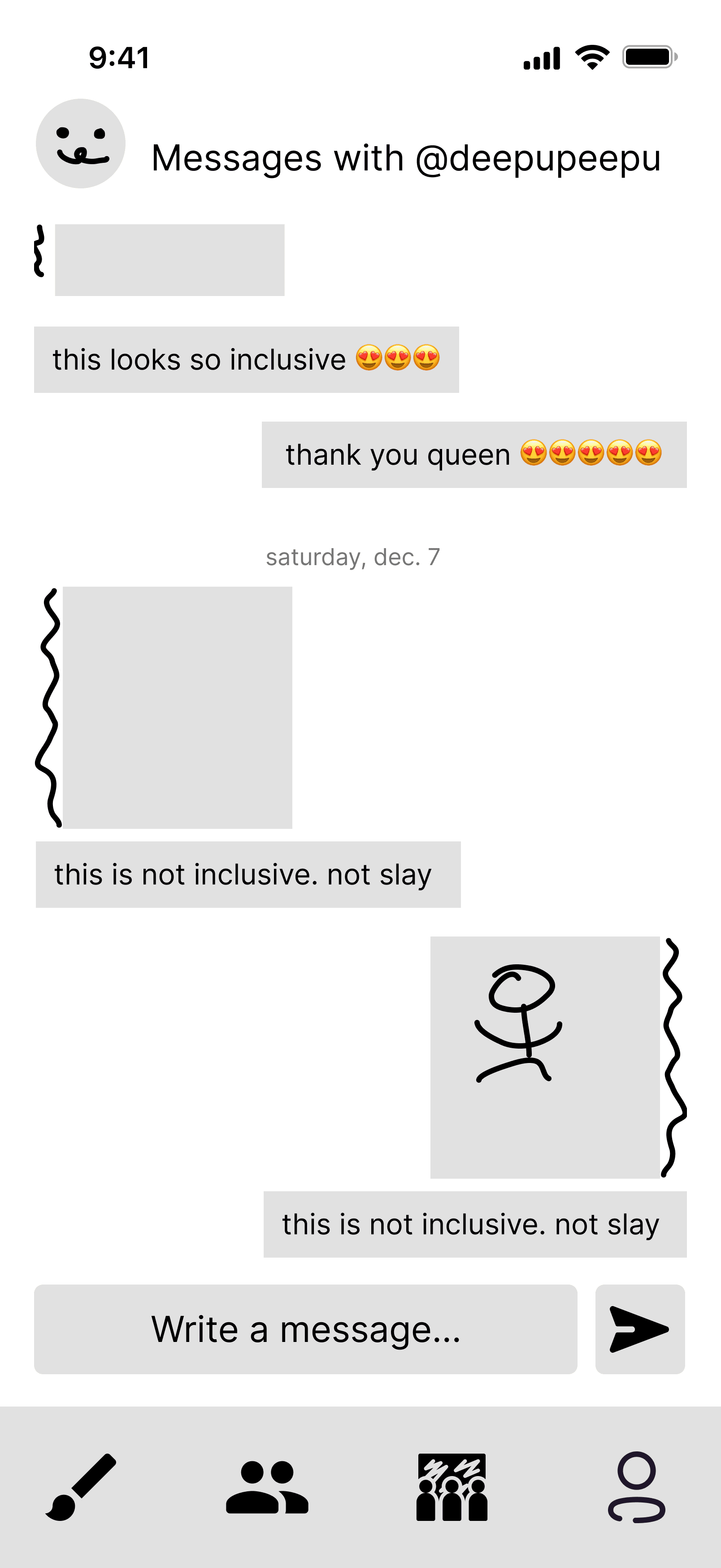
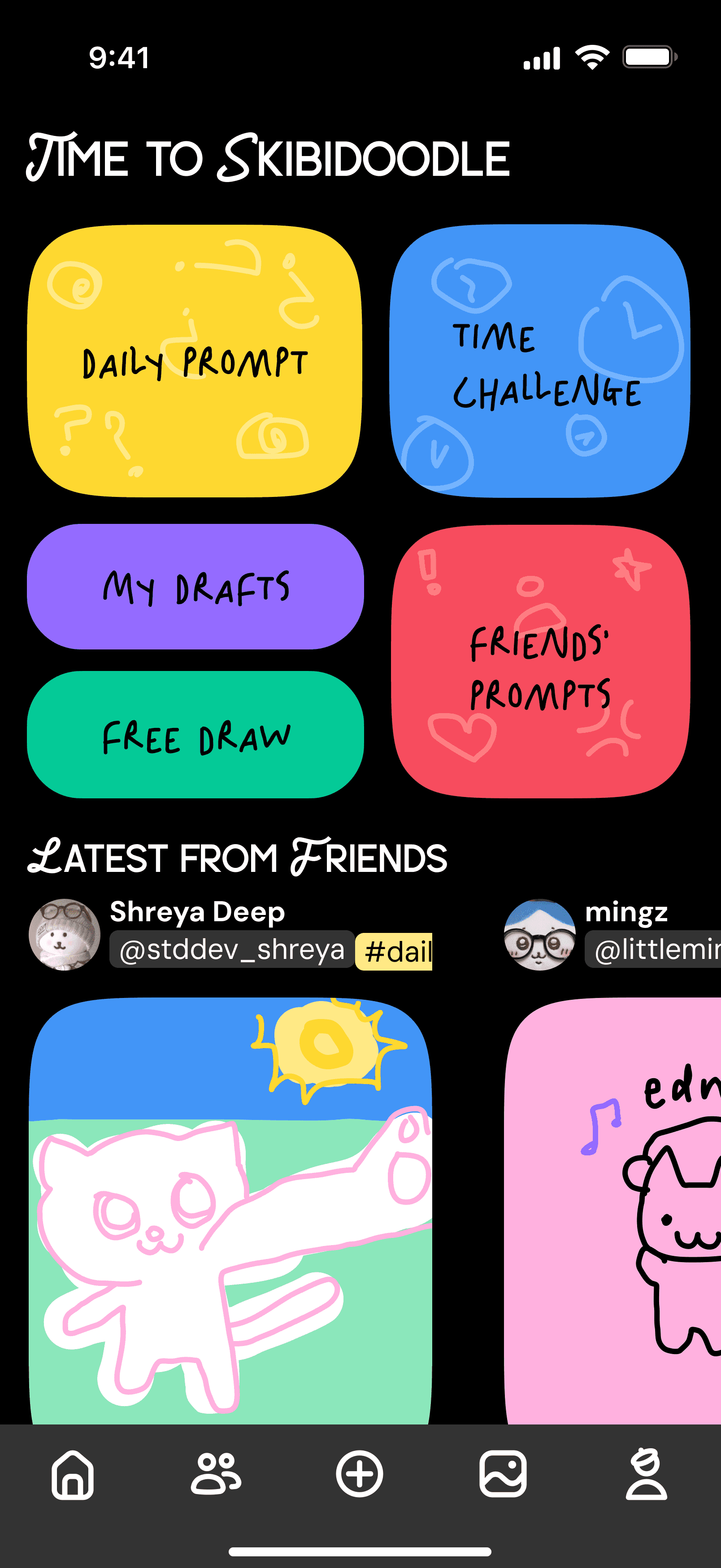
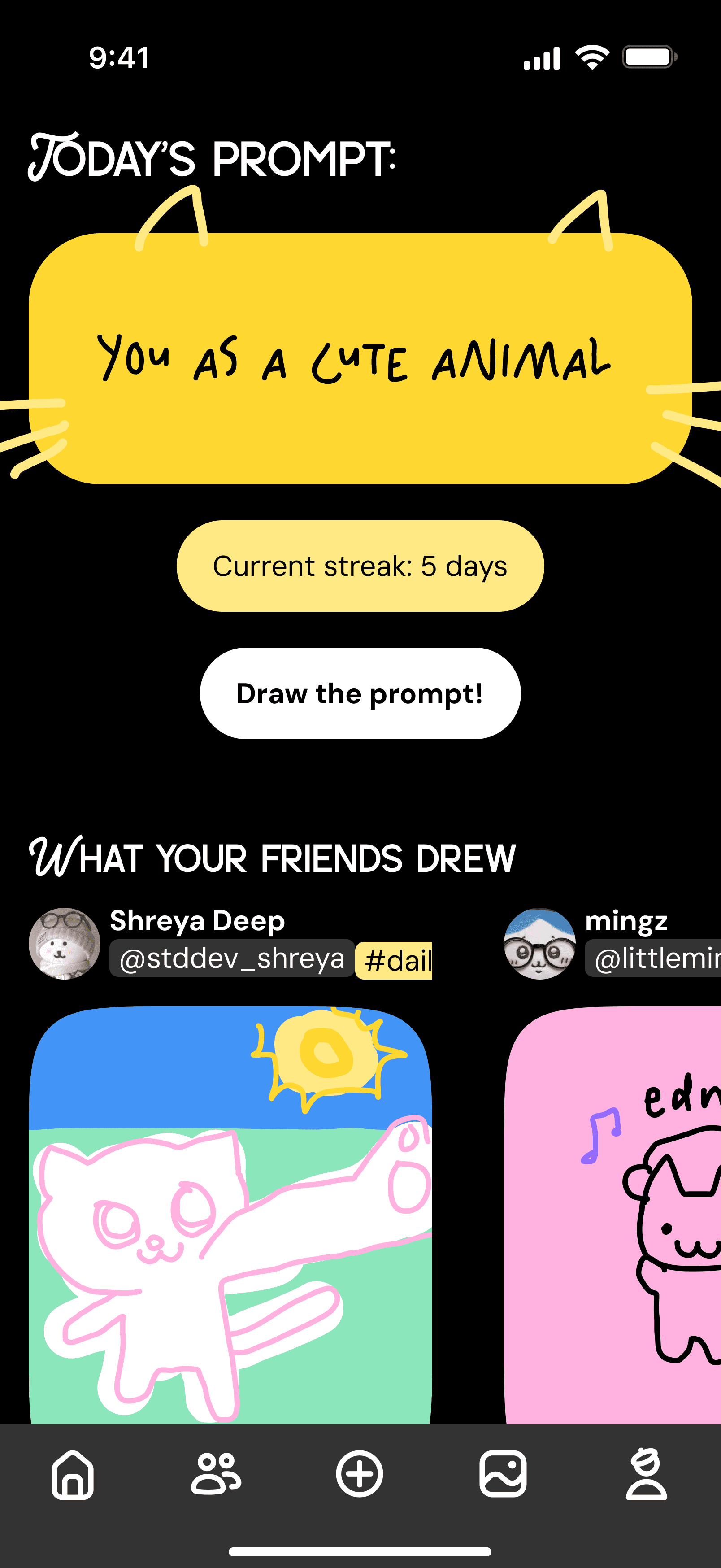
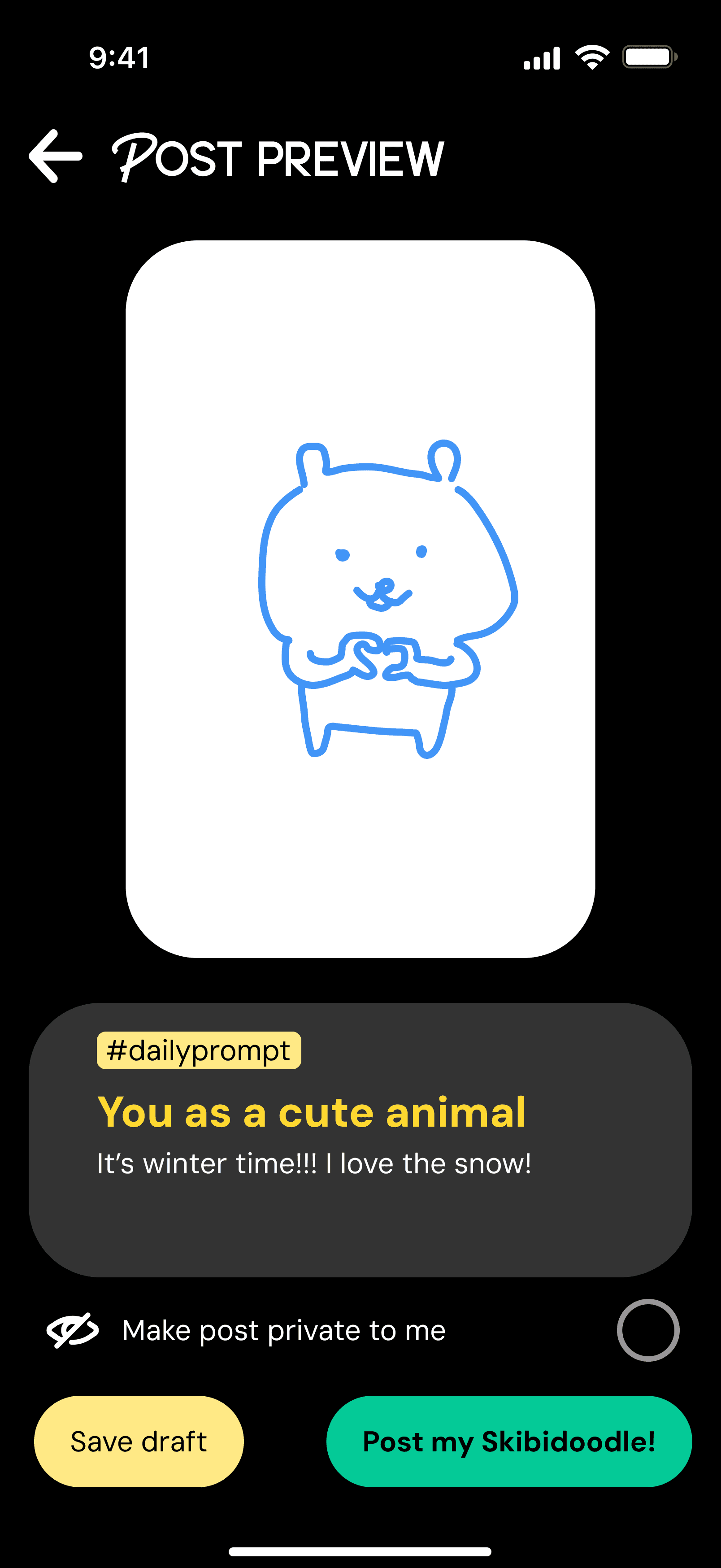
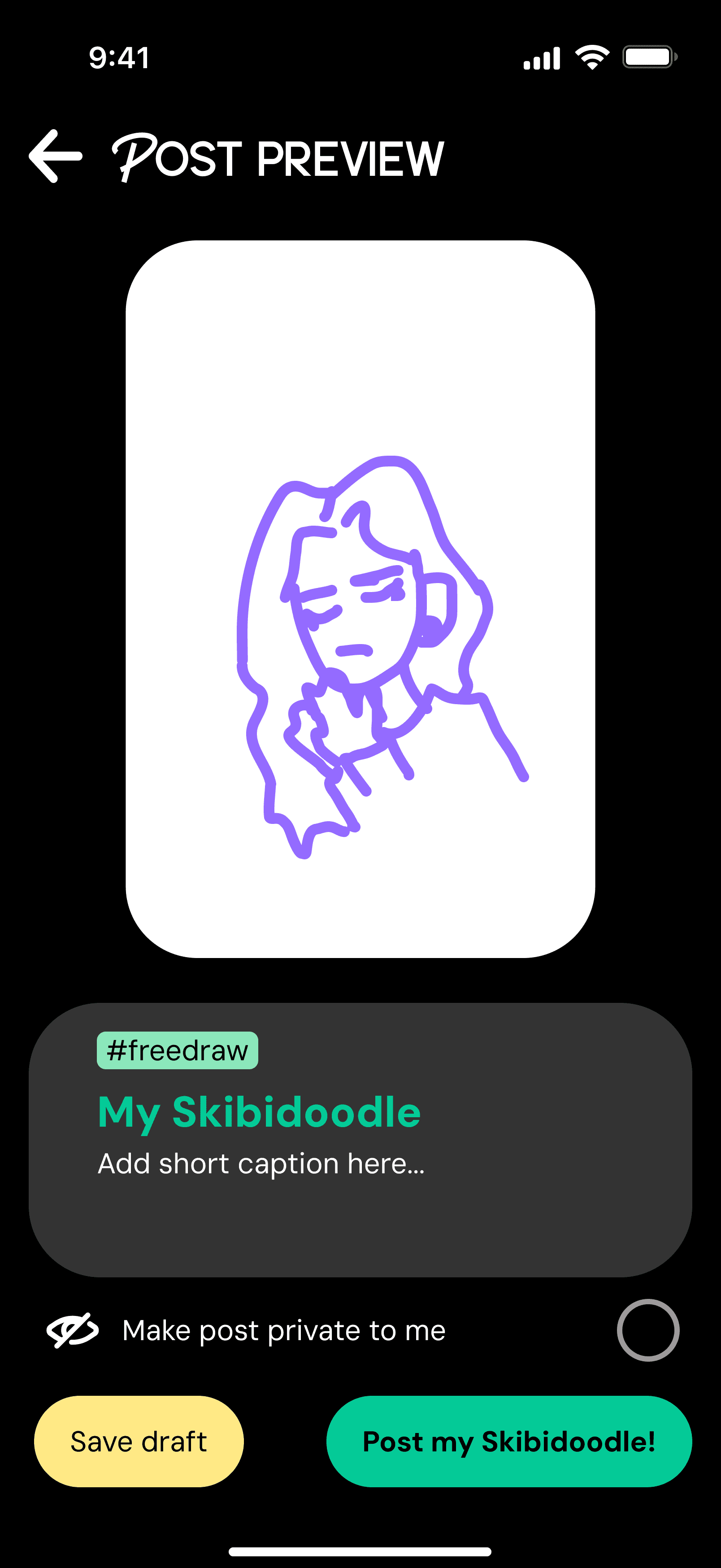
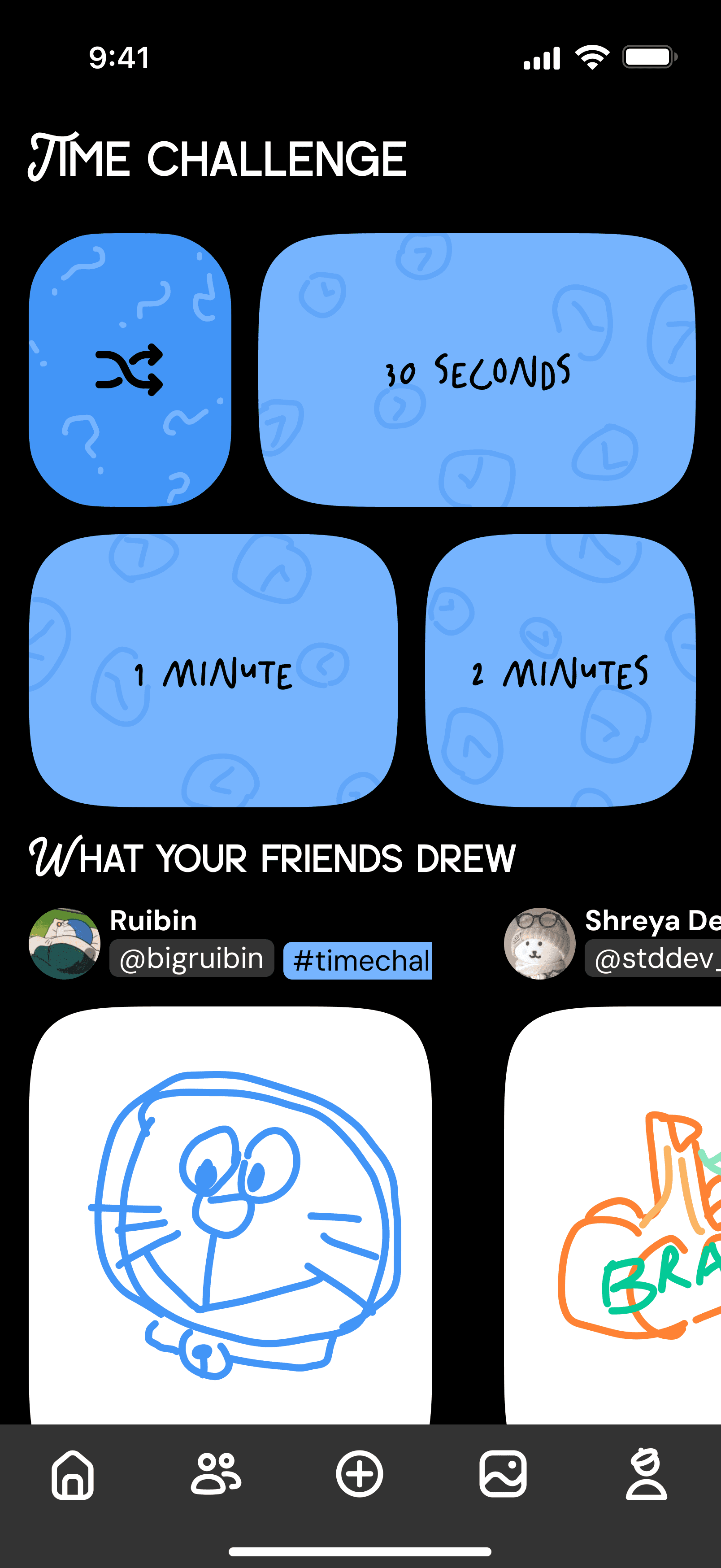
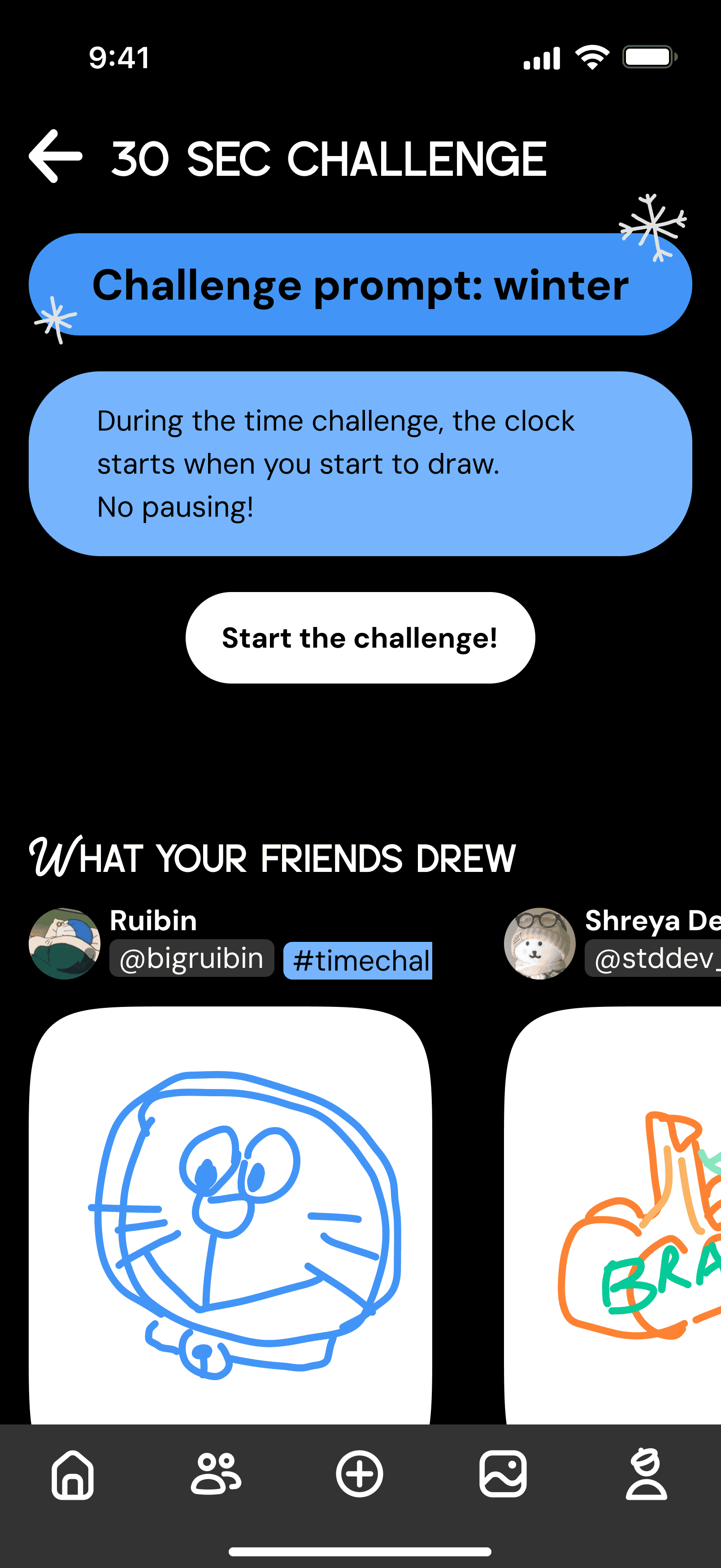
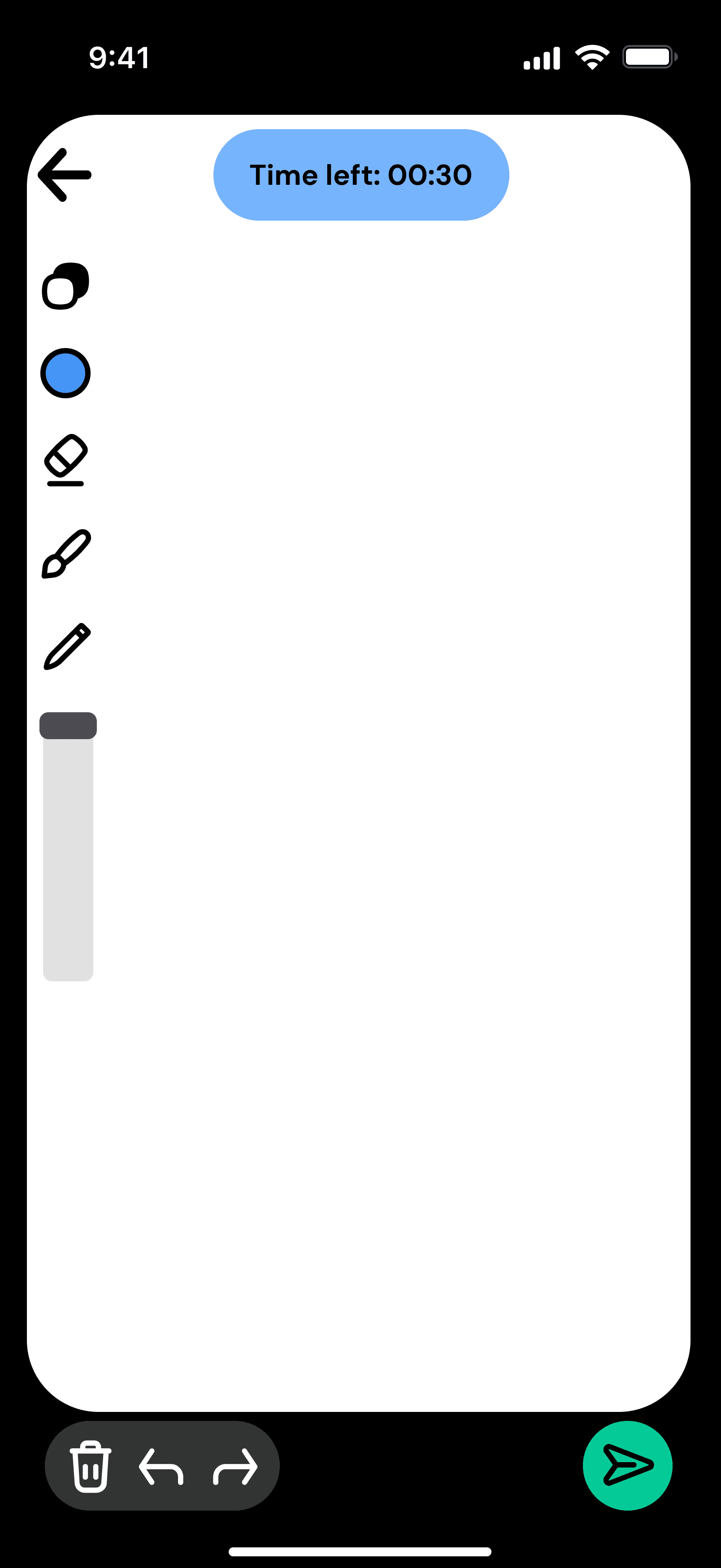
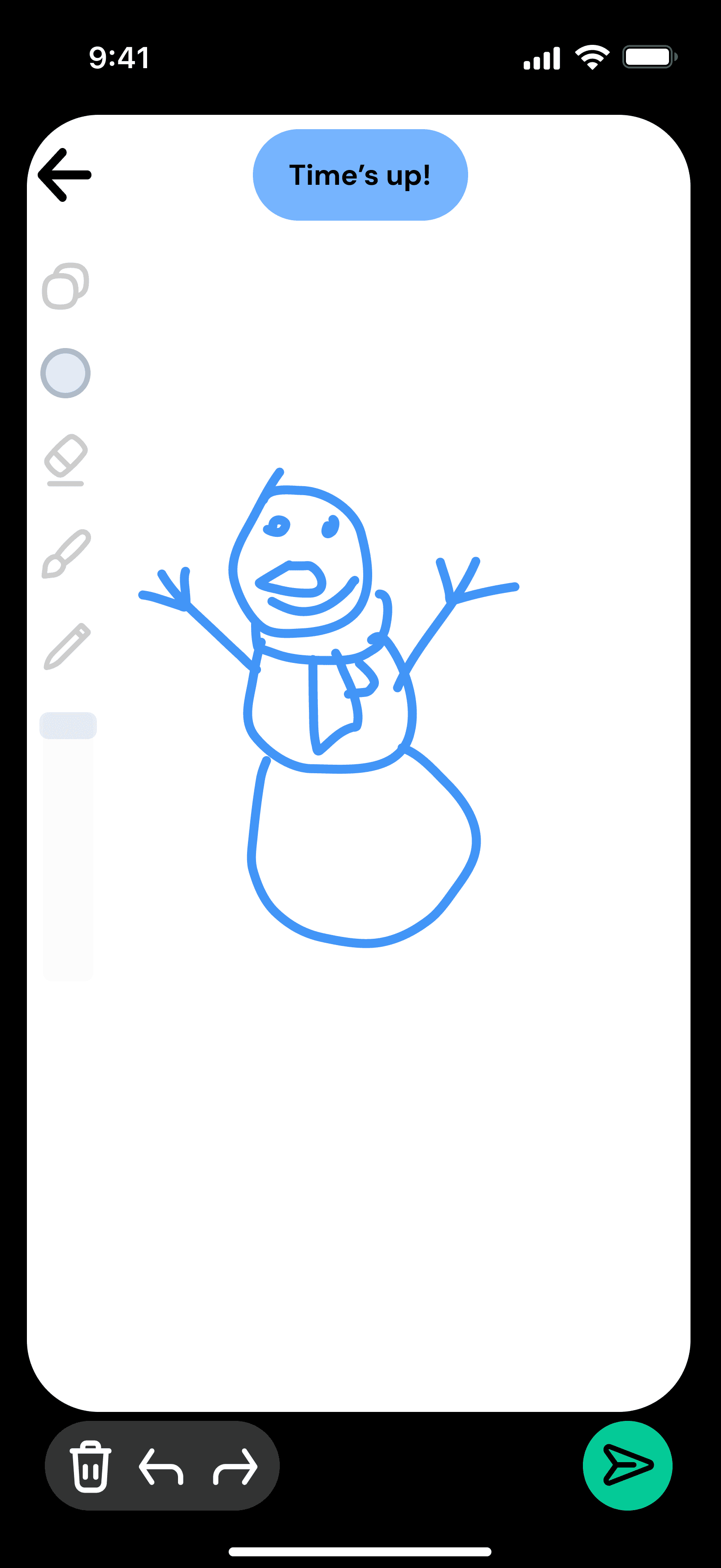
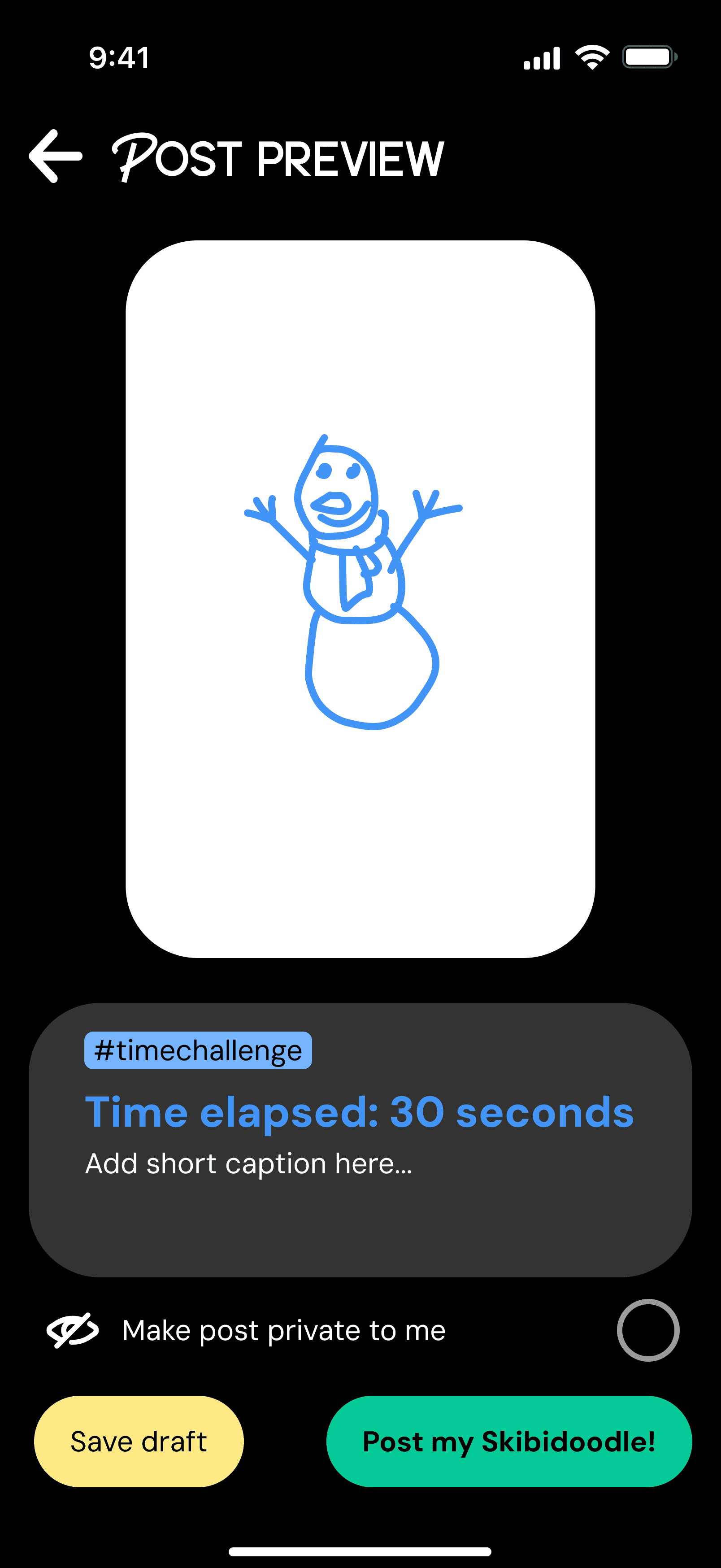
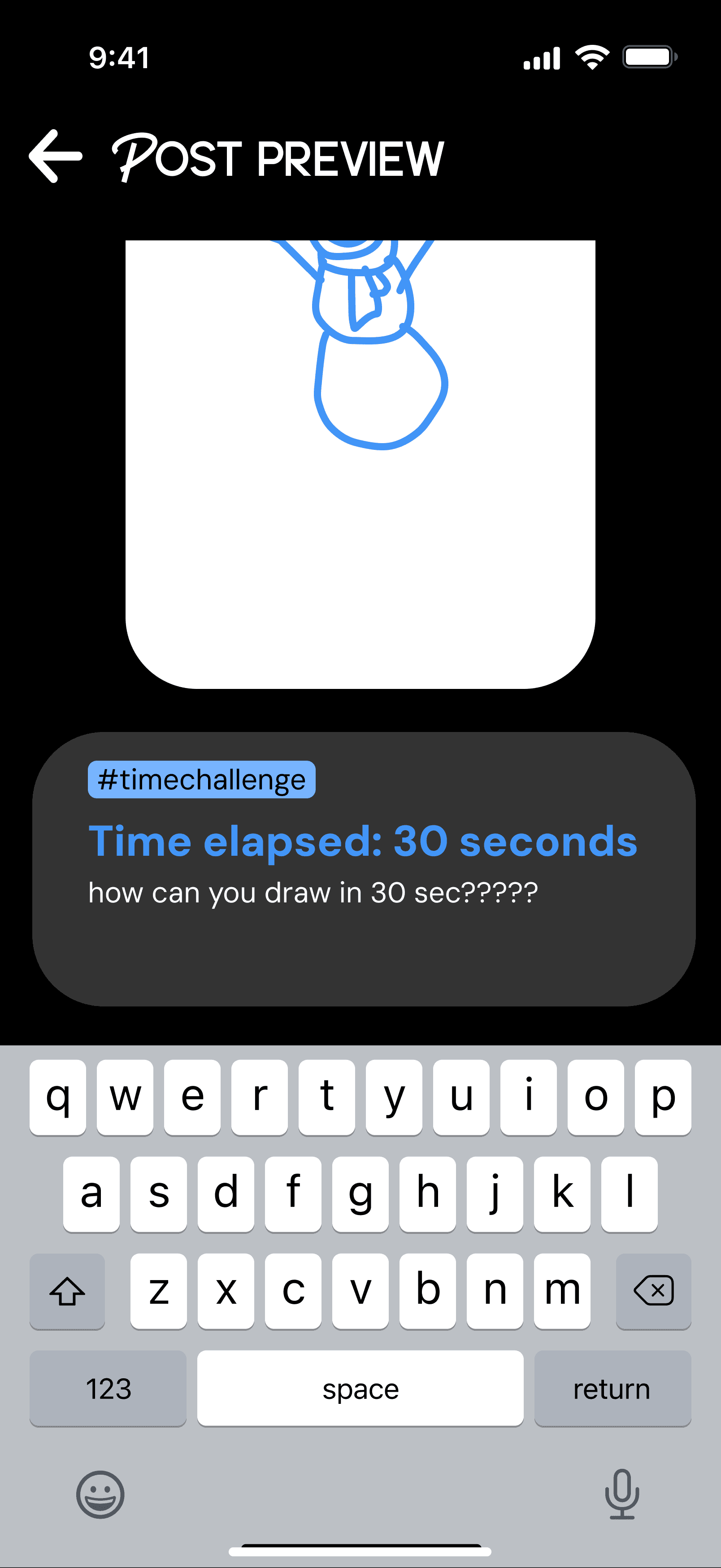
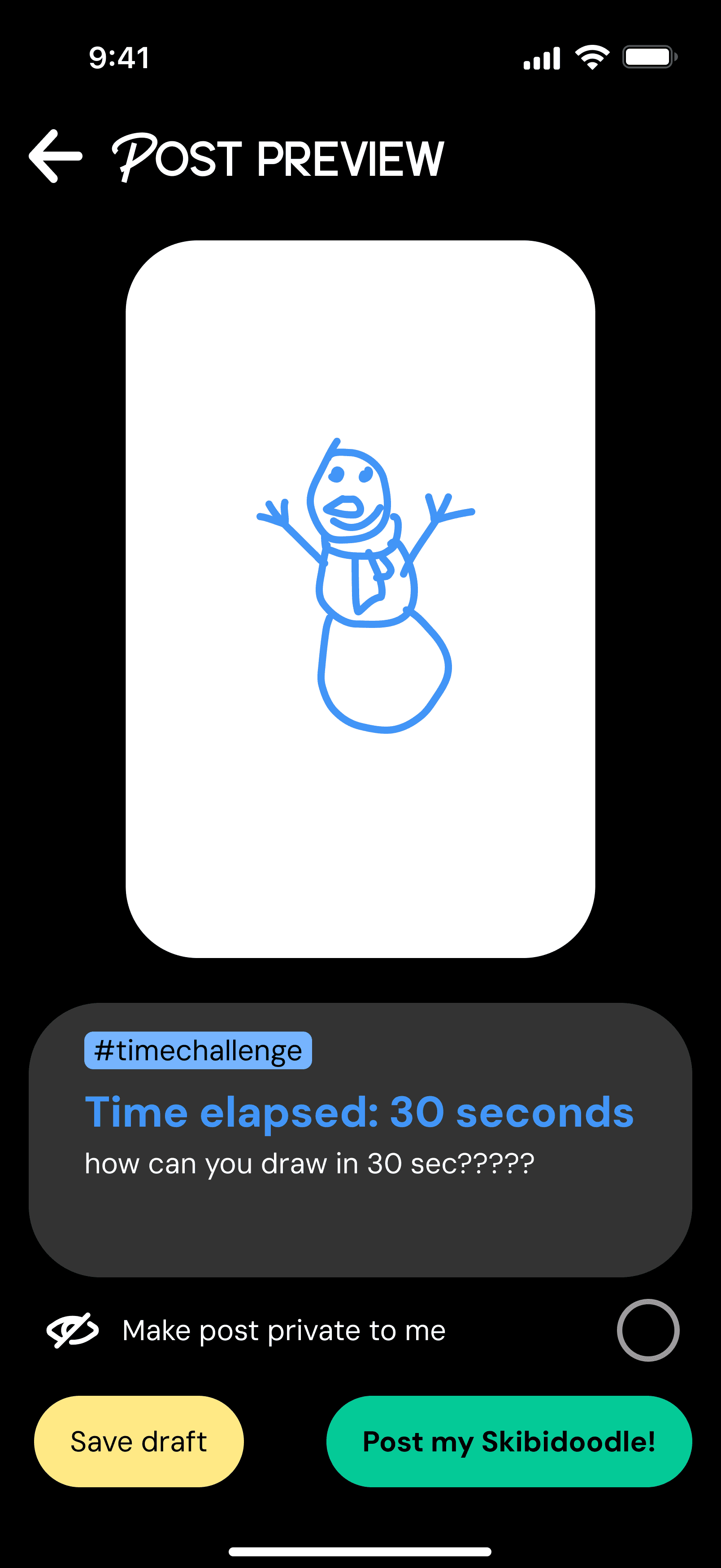
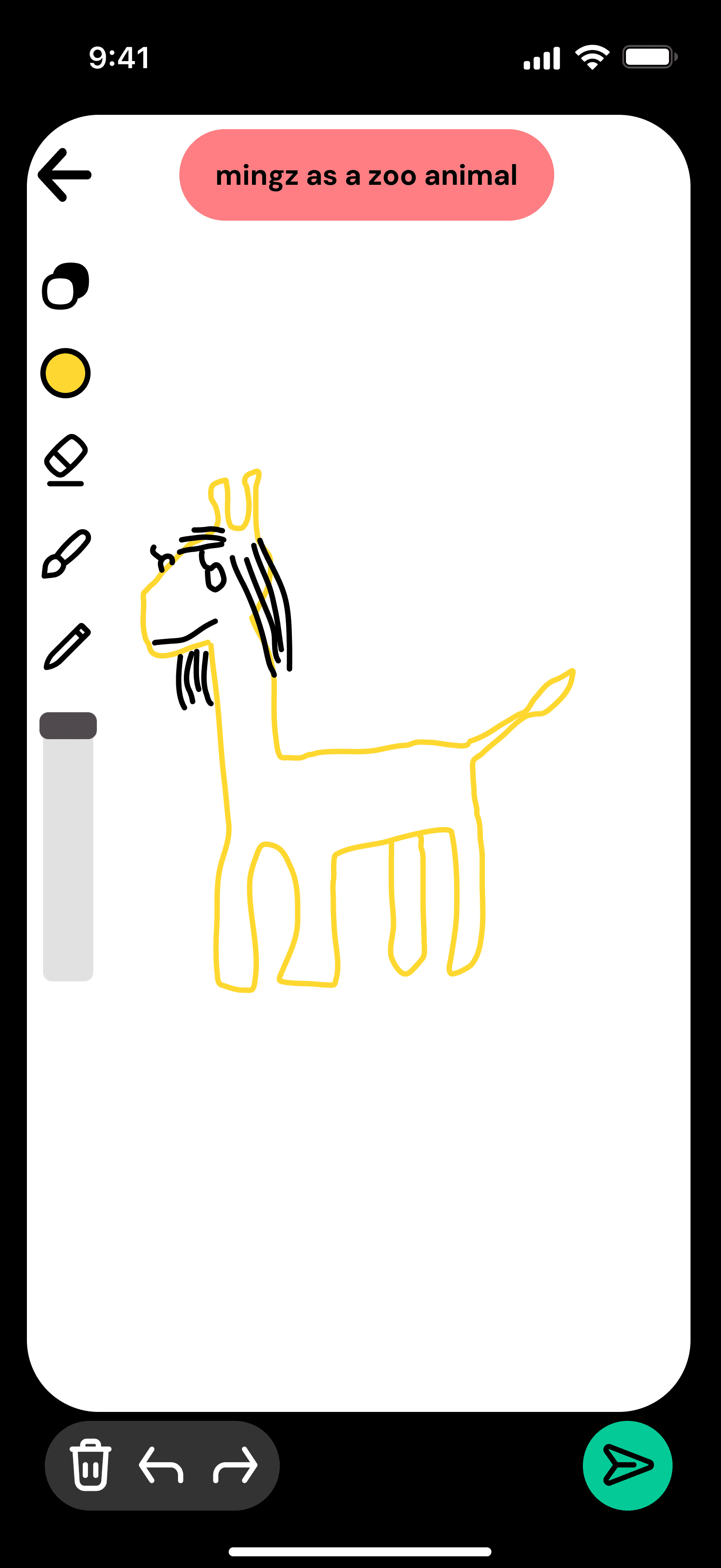
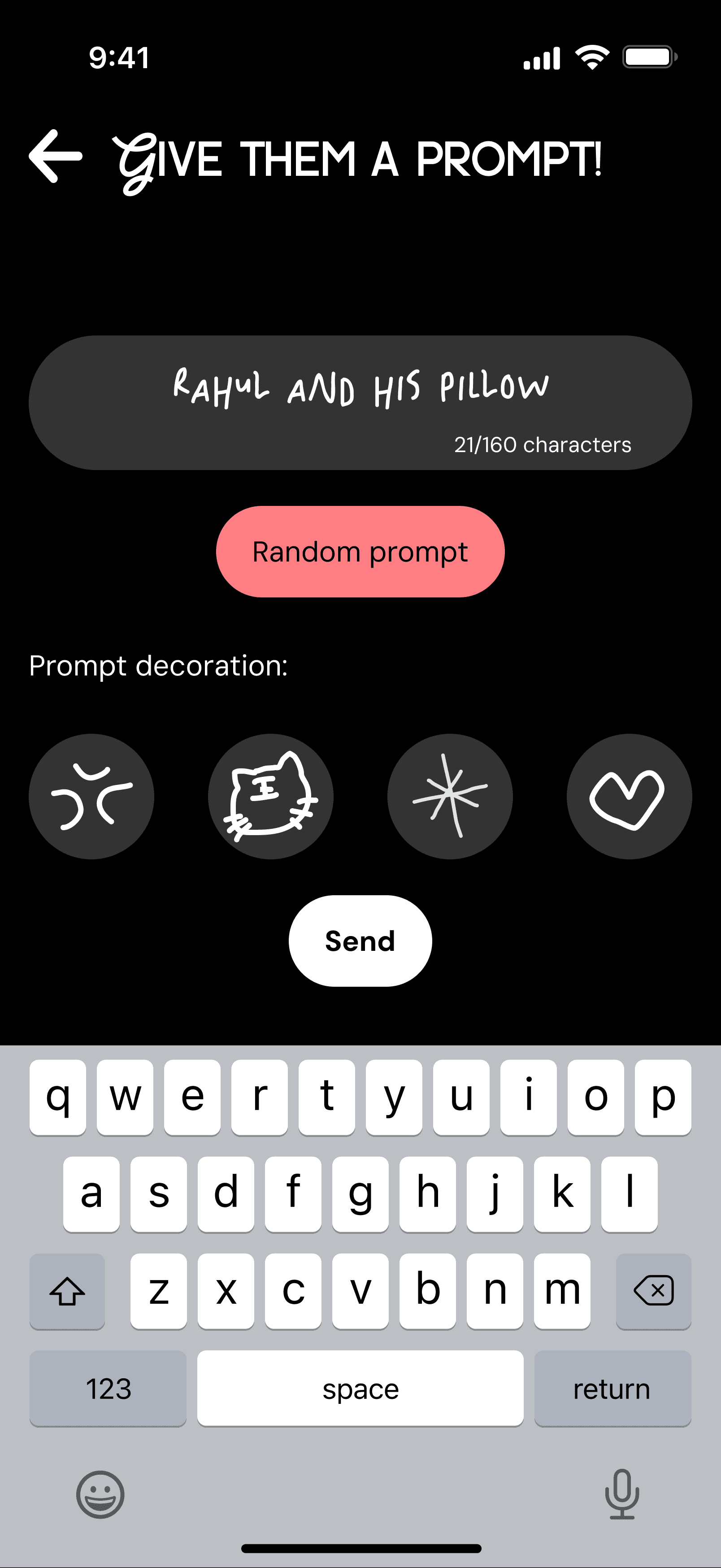
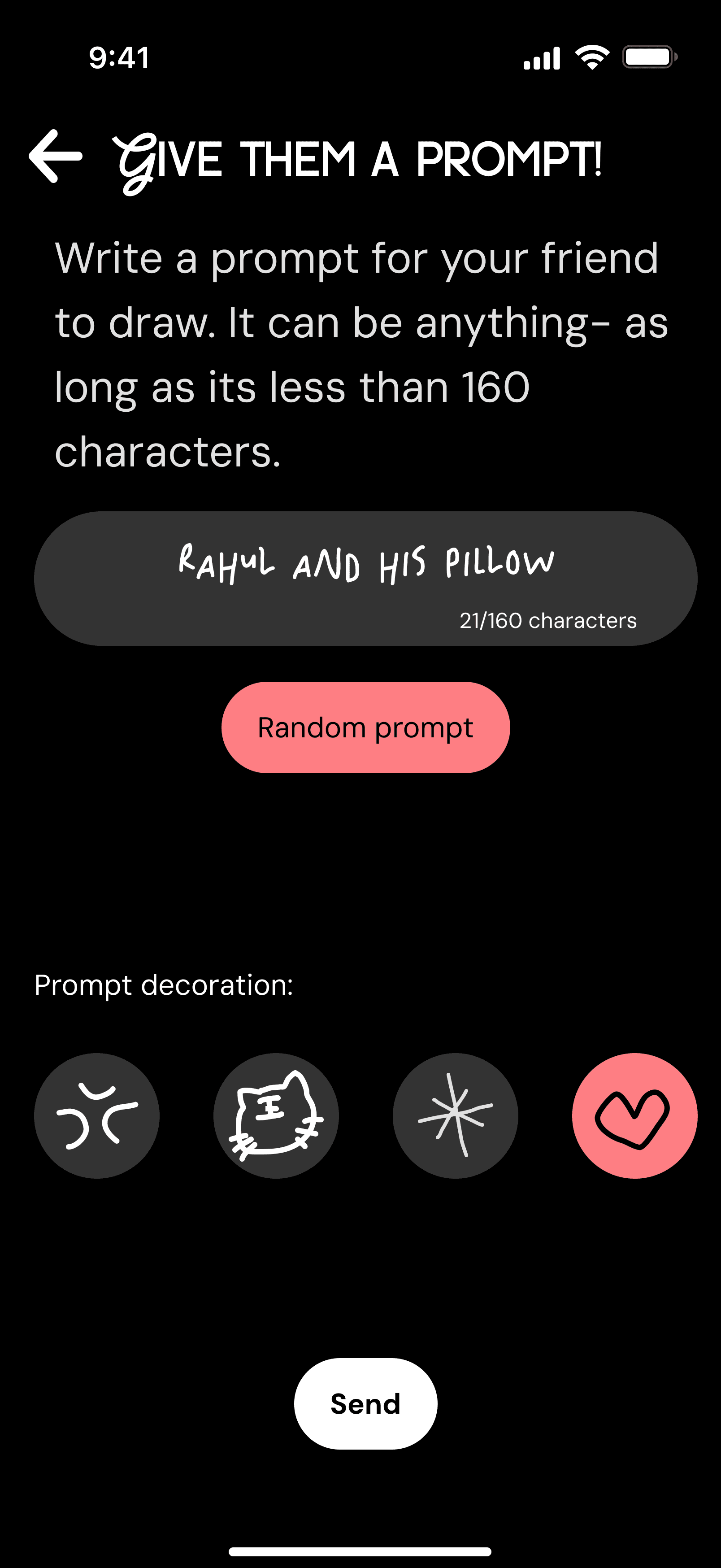
The user flows focus on different drawing modes: the daily doodle, timed challenges, friends’ prompts, and free draw.
Low-Fidelity
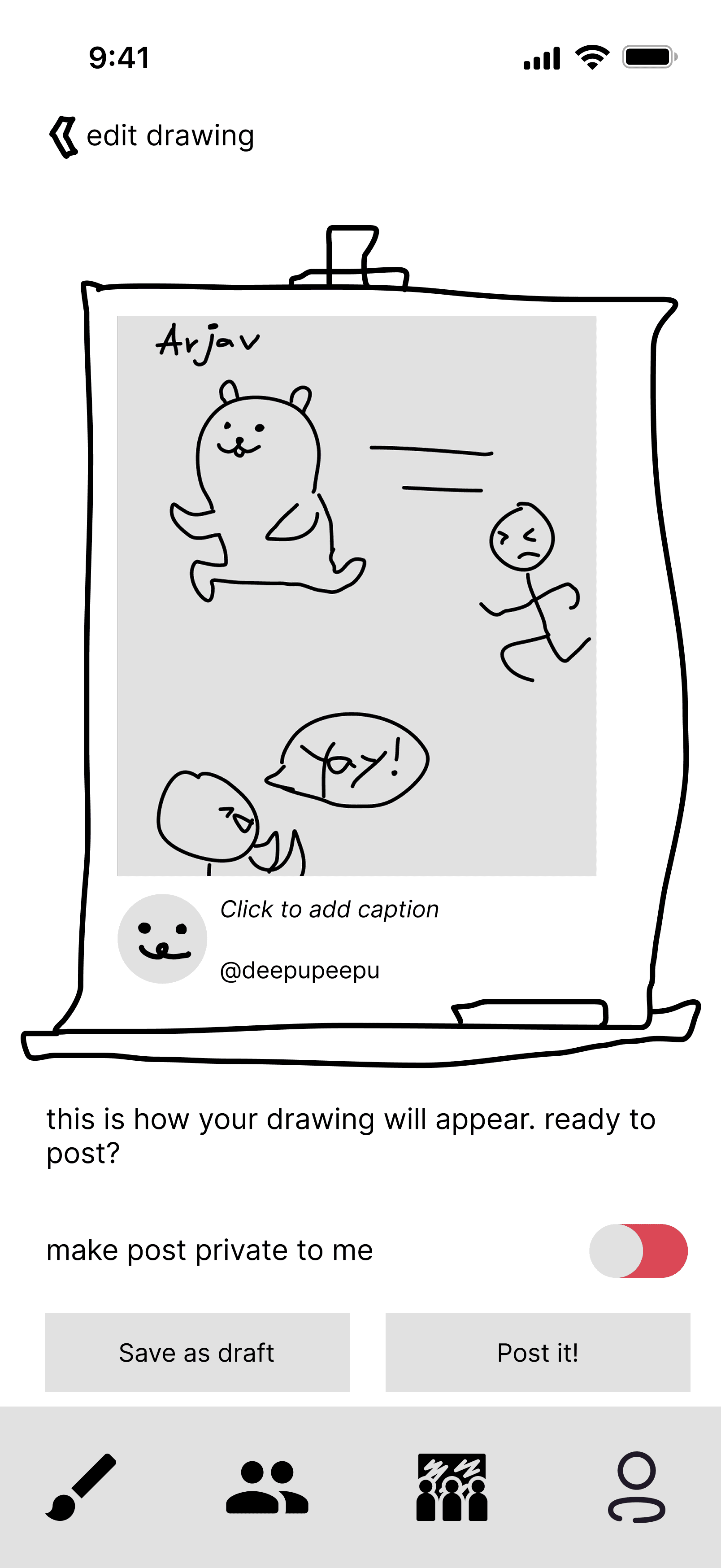
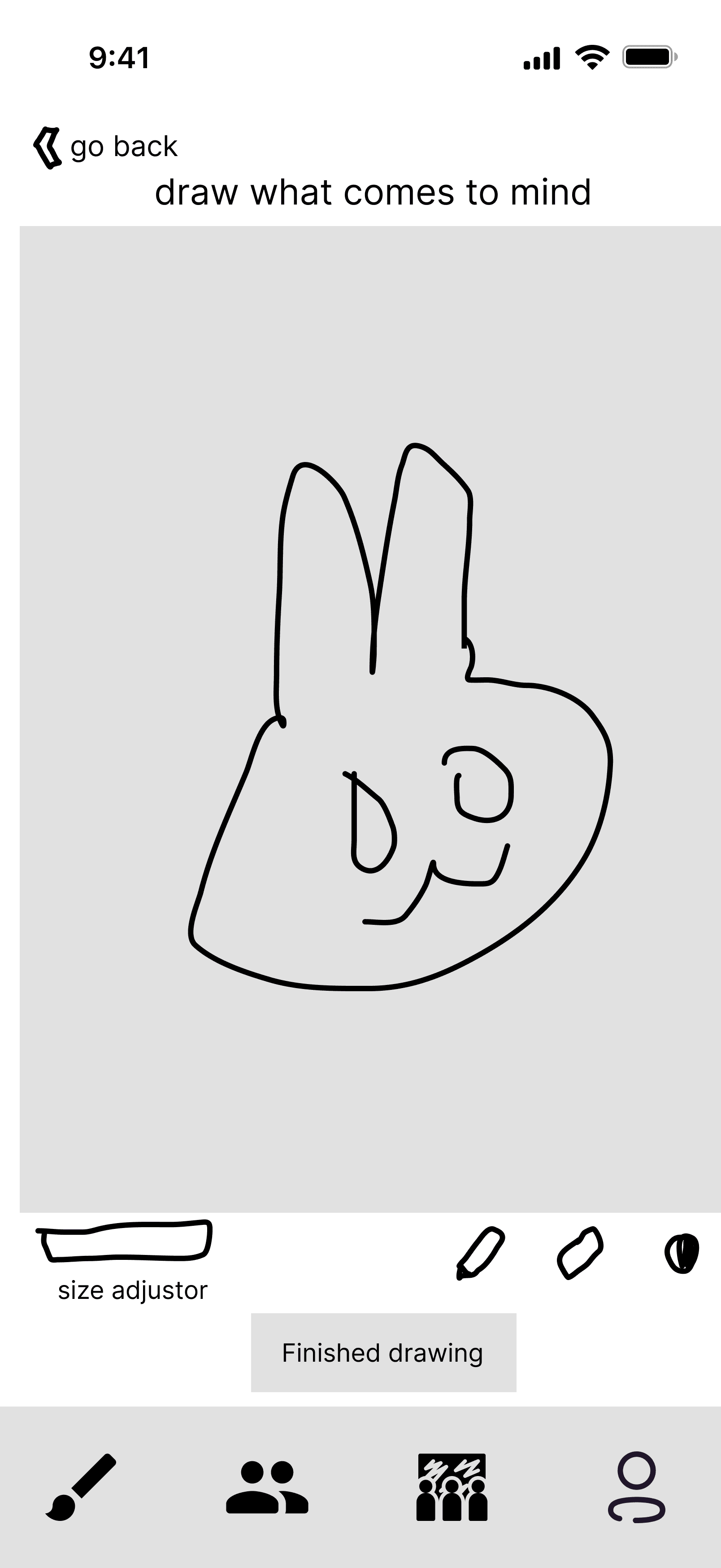
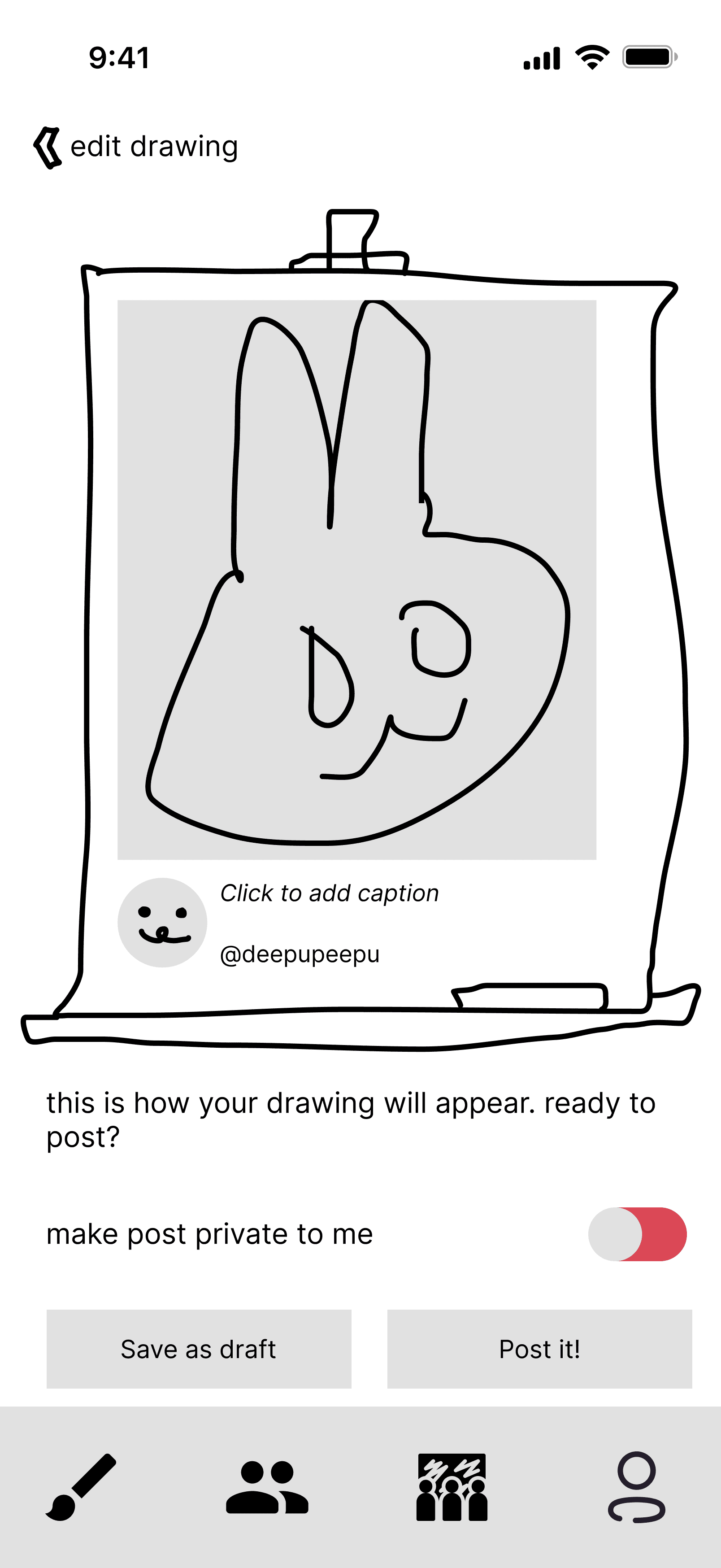
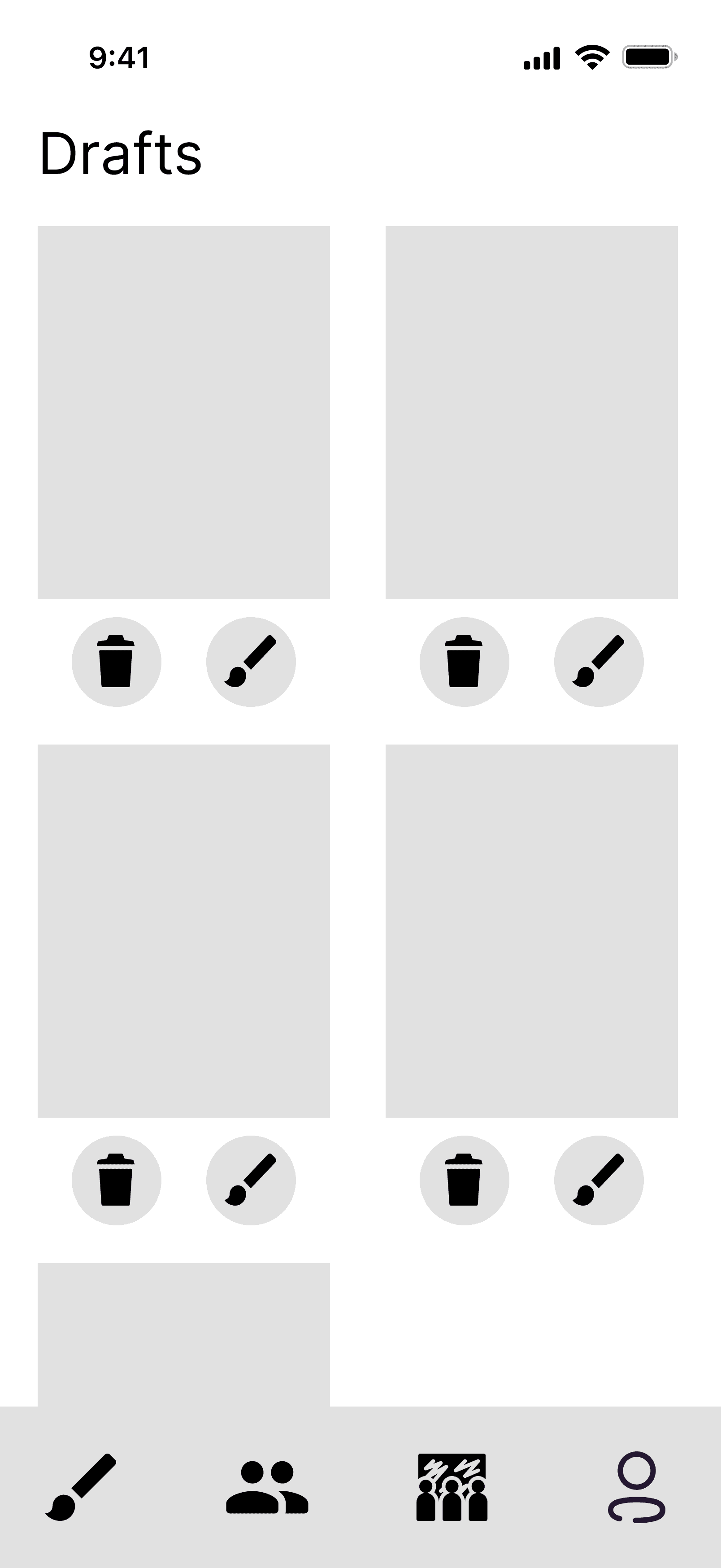
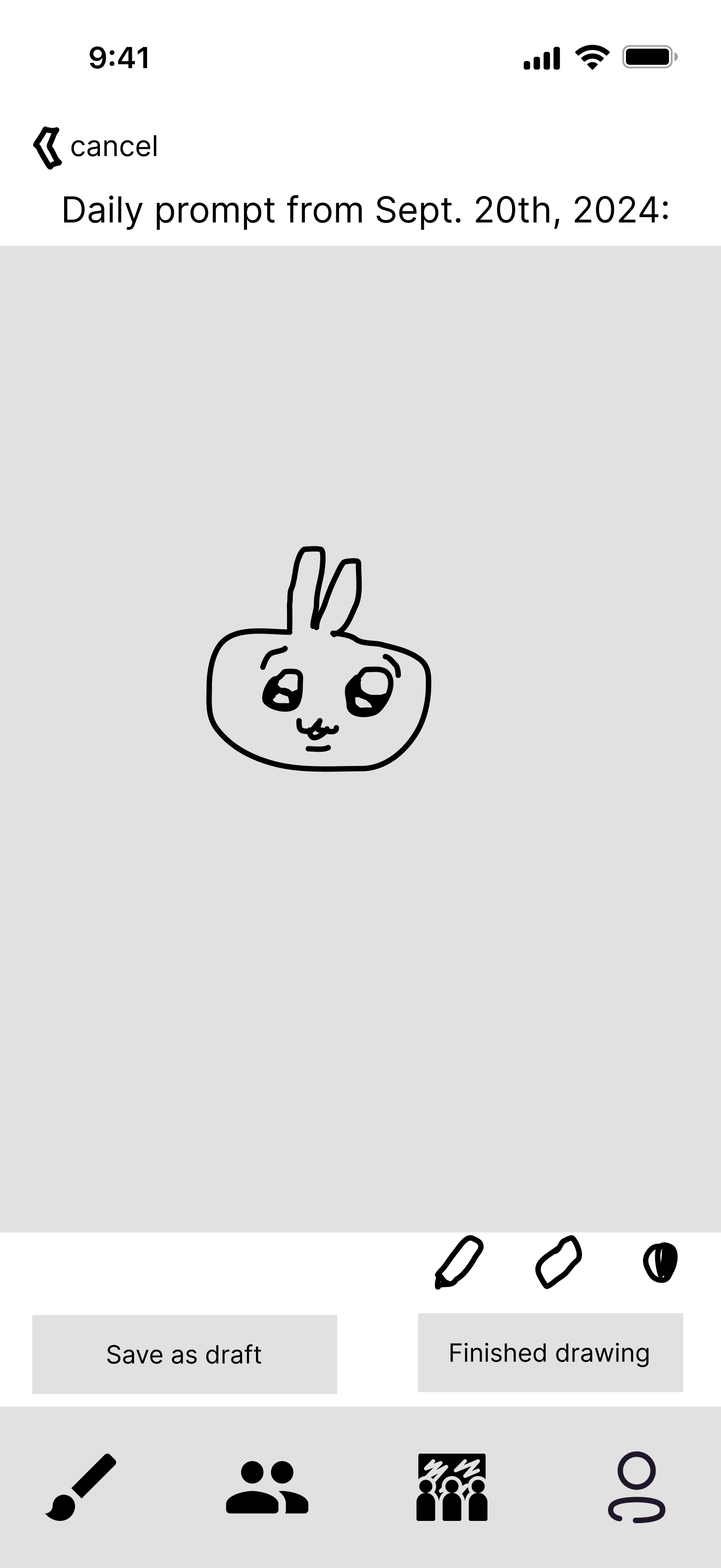
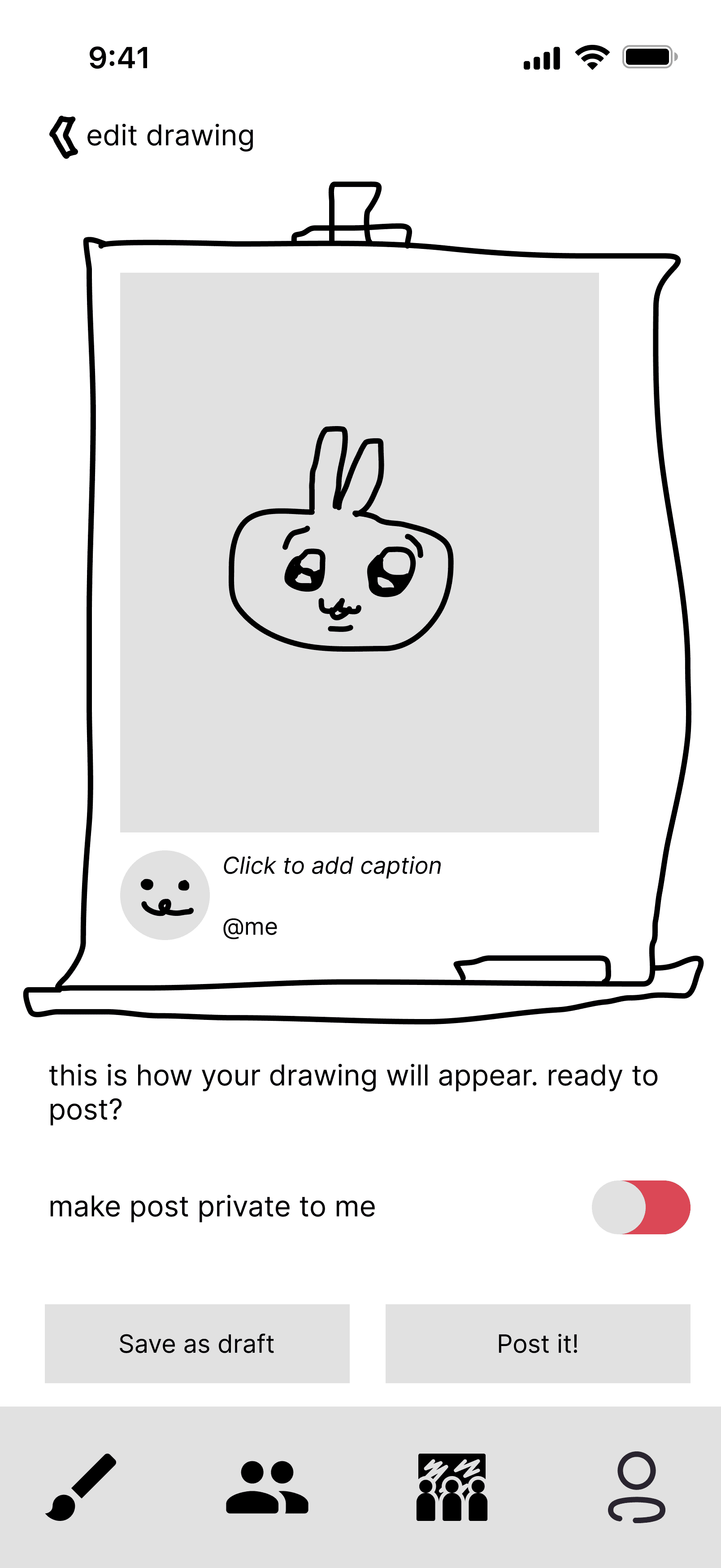
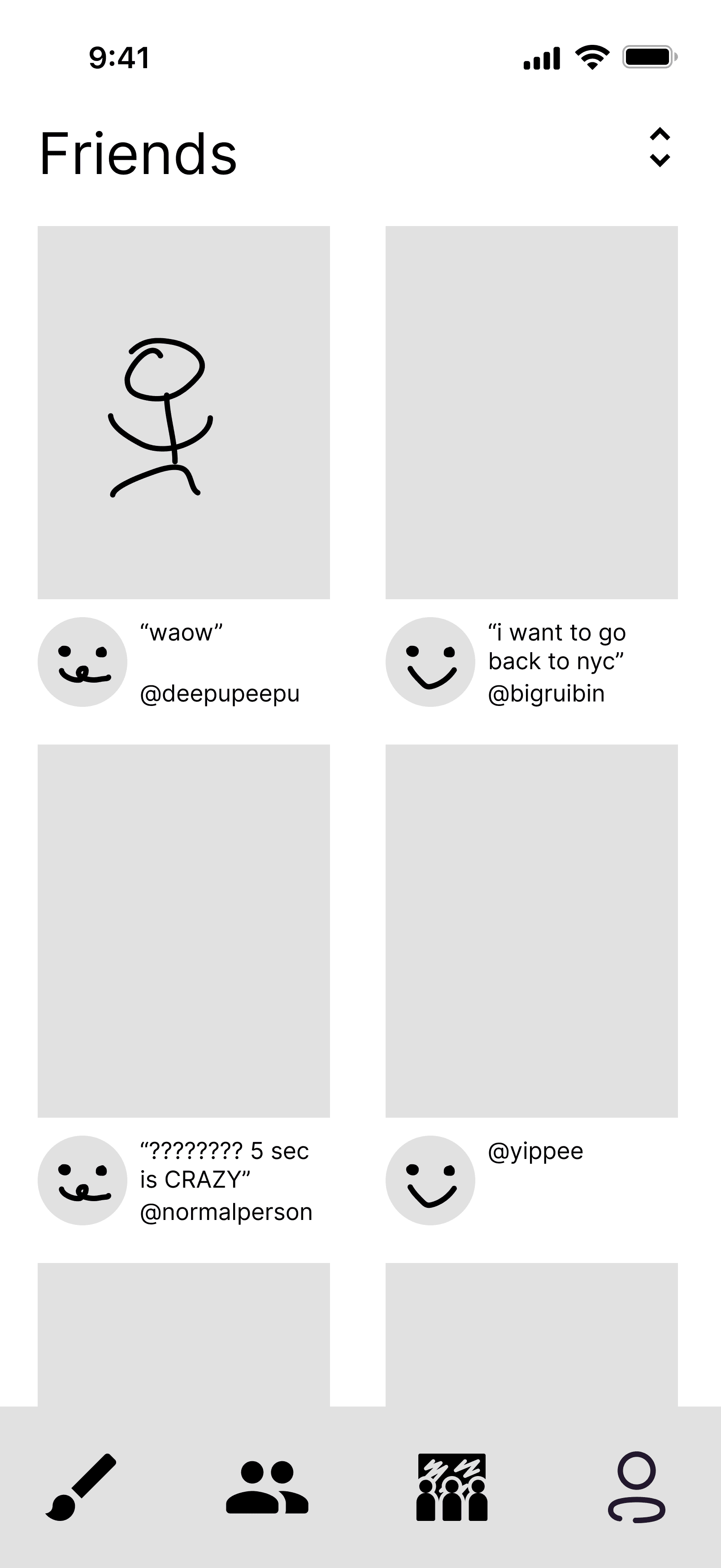
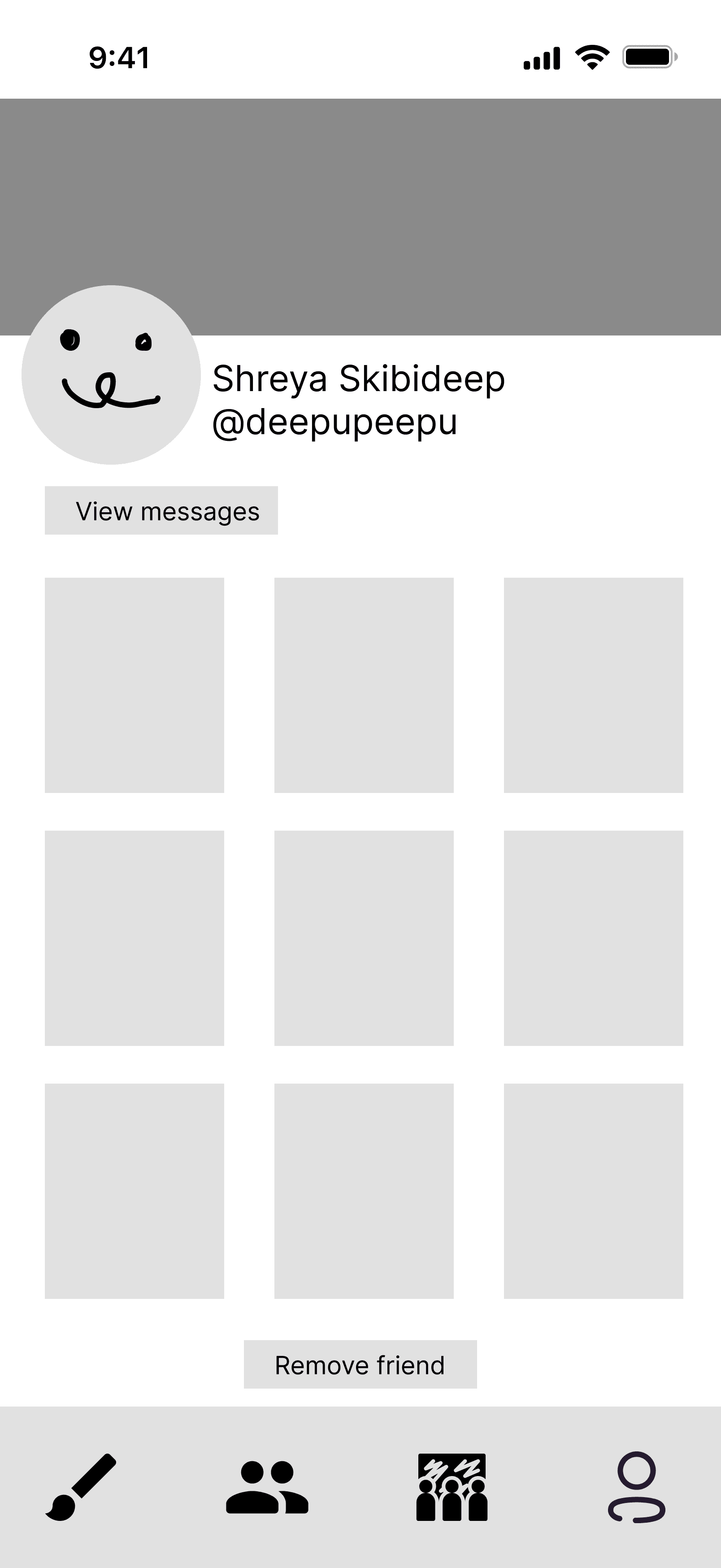
I created a low-fi wireframe based on these user flows and features.
User Testing
With the low-fi, I did some simple testing with 2 users (members of the instructional team), and received detailed feedback.
Changes Made
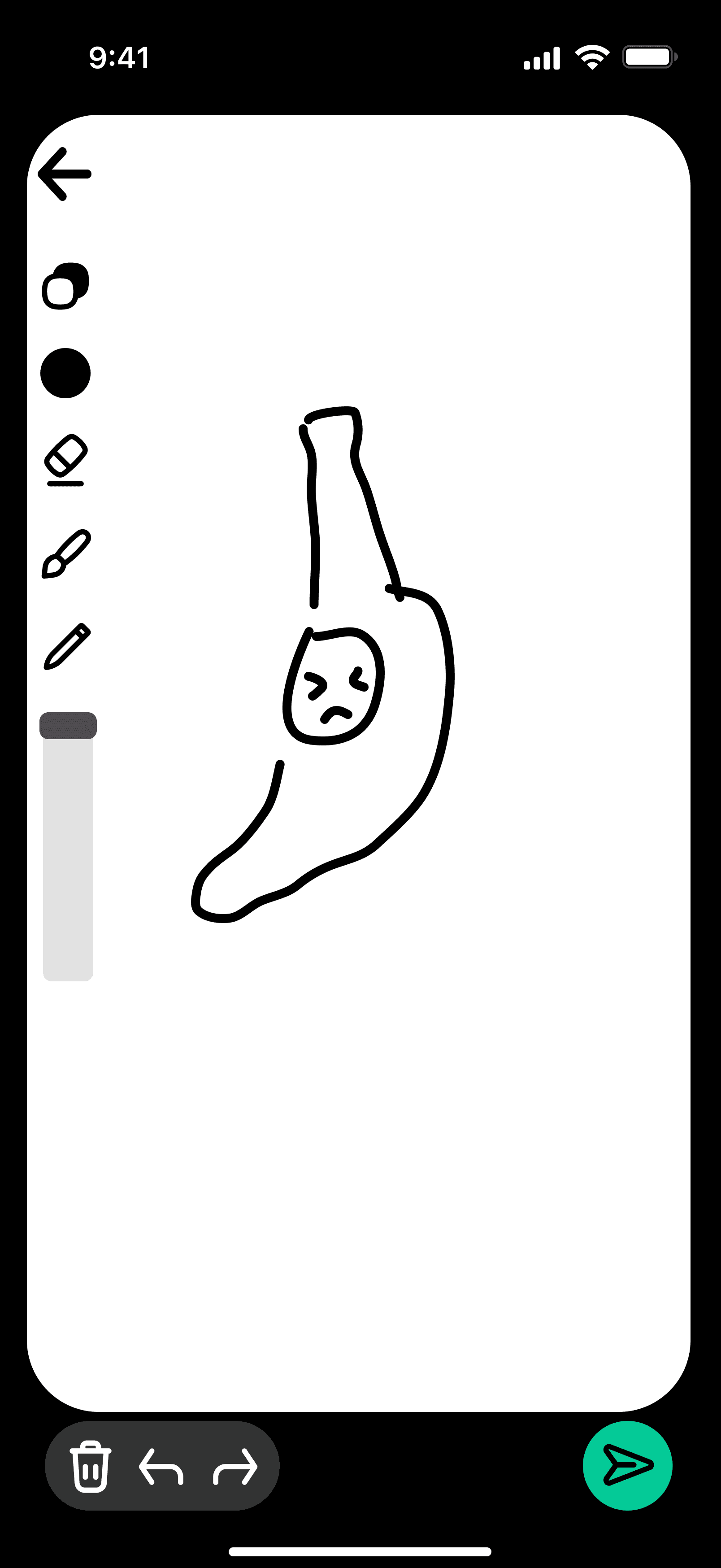
Initially, I wanted to make the app black and white drawing only, to make it very simple for users. However, I received a lot of feedback that it might be too limiting for users, and thus less fun to use.
High-Fidelity
I wrote the design principles for Skibidoodle, outlining how the app should look and feel to the user. I also created the font and color library for the app, and began working from this design.
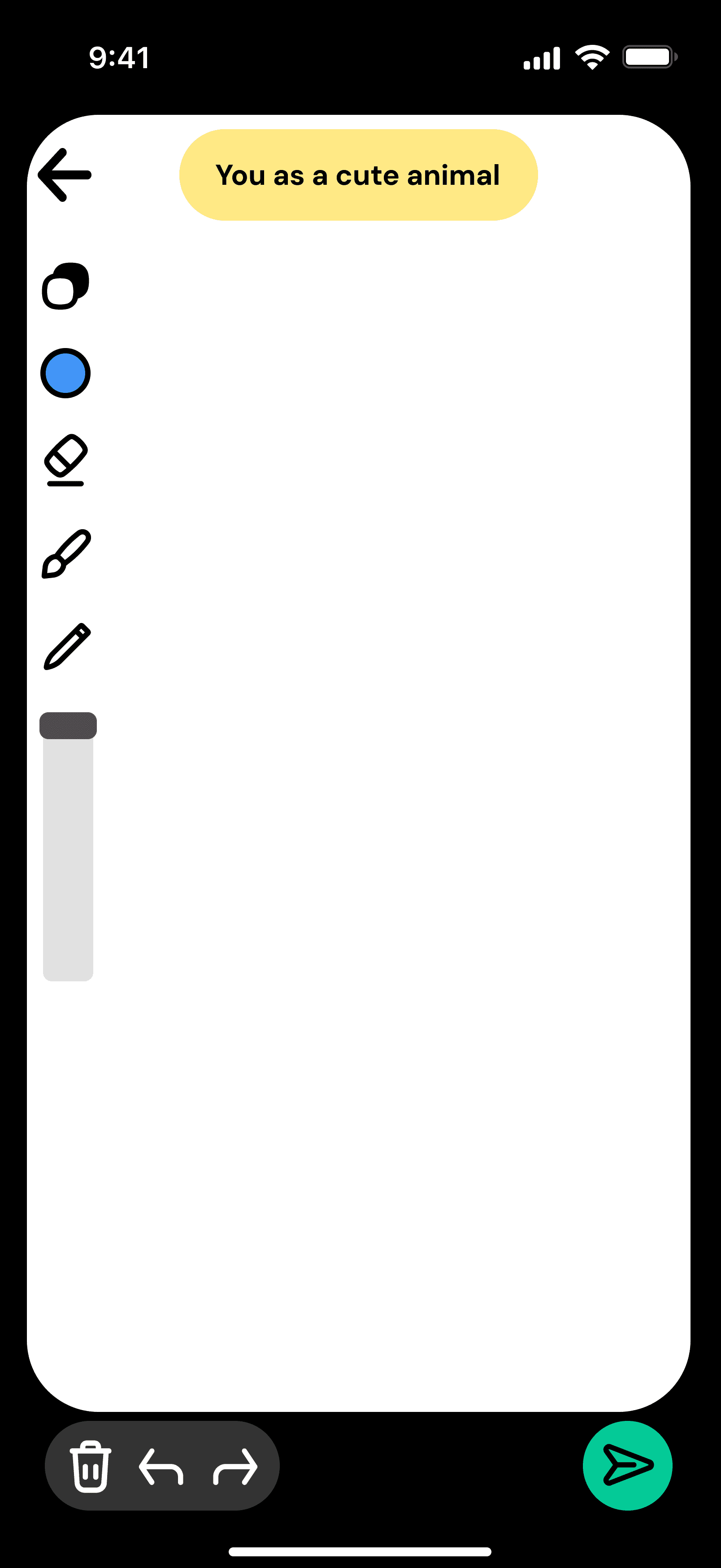
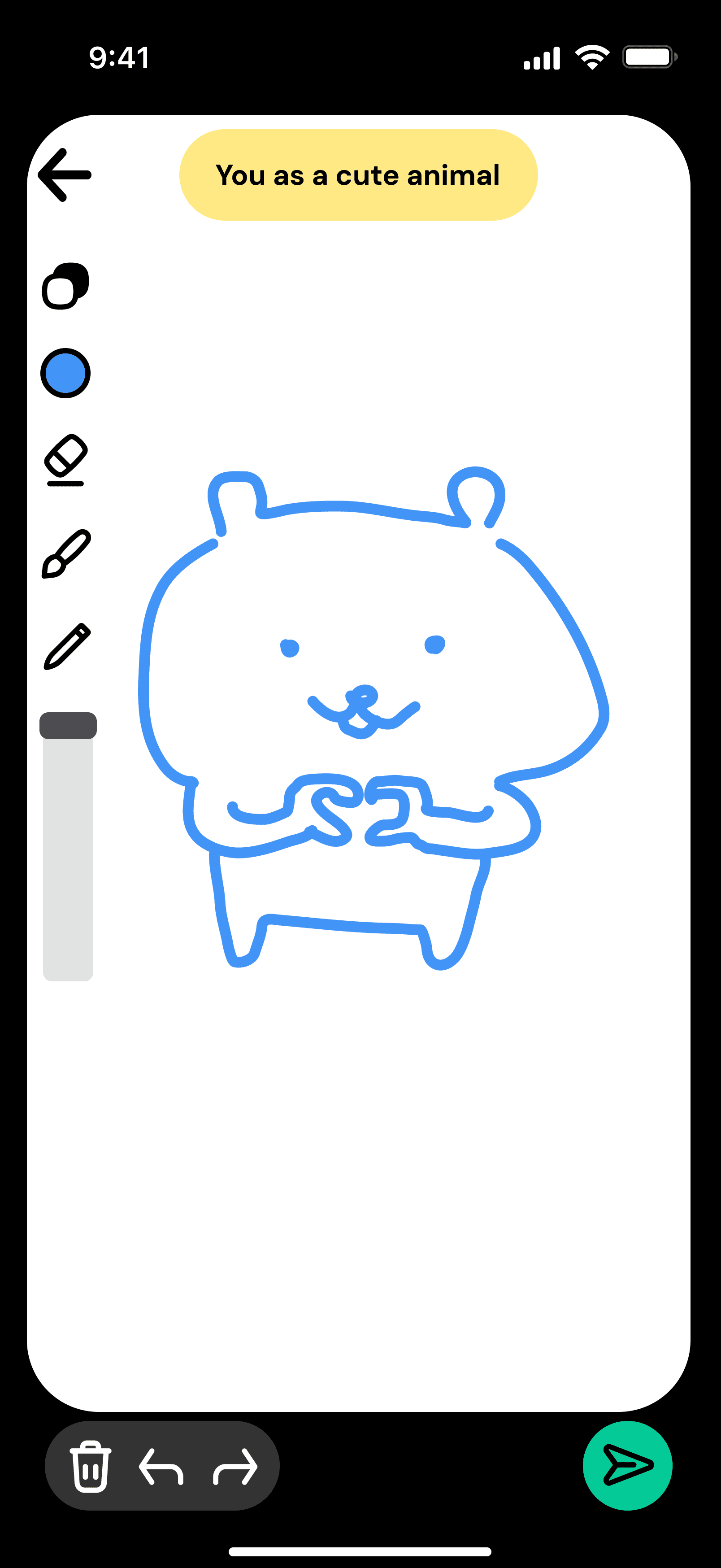
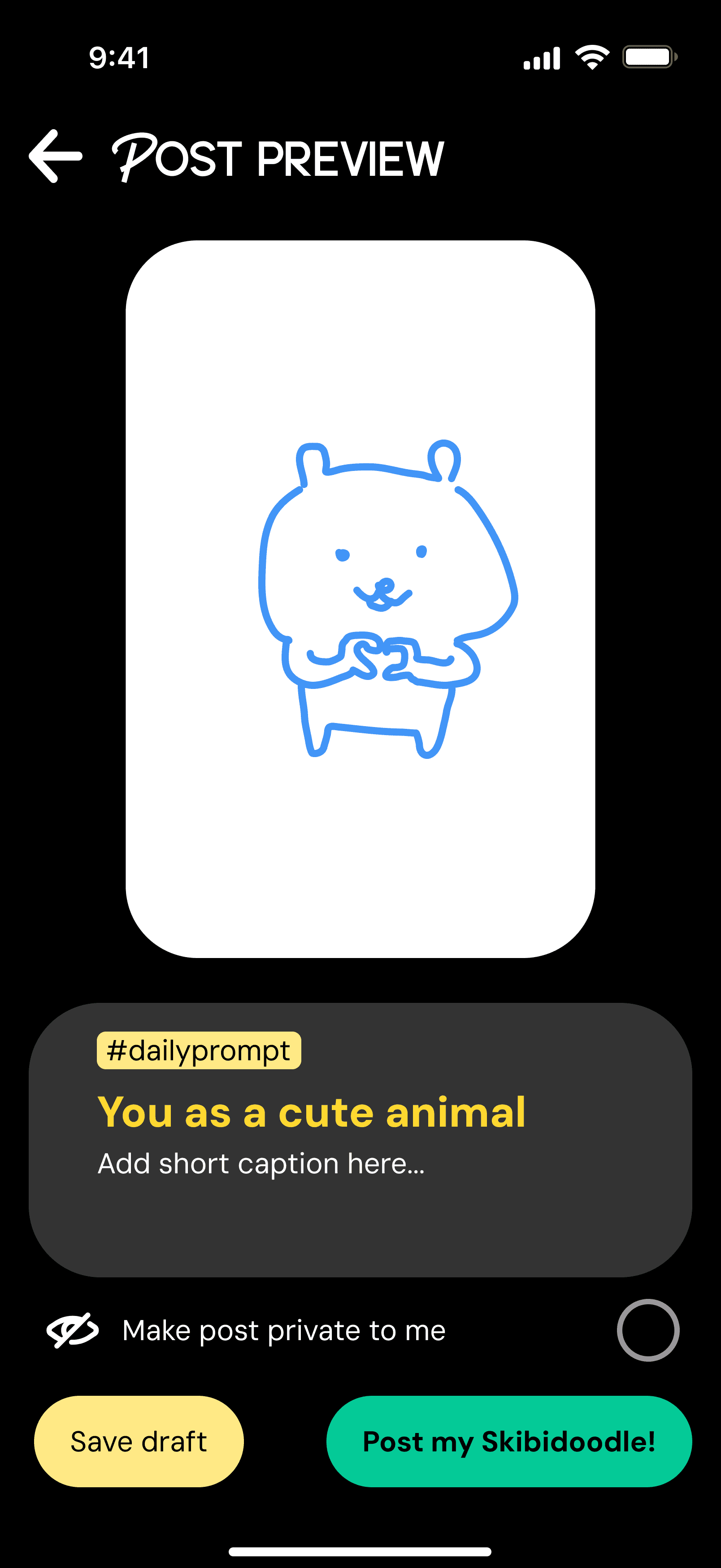
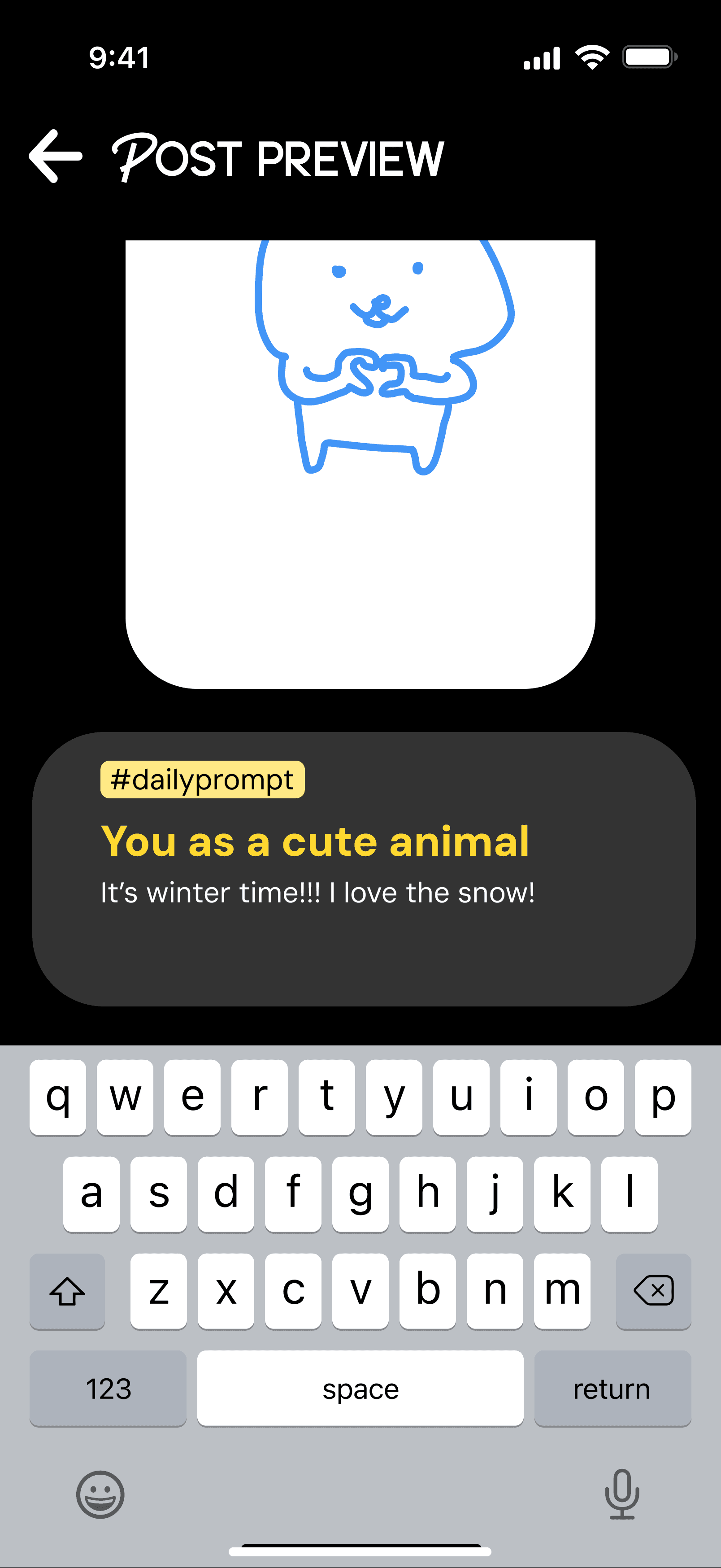
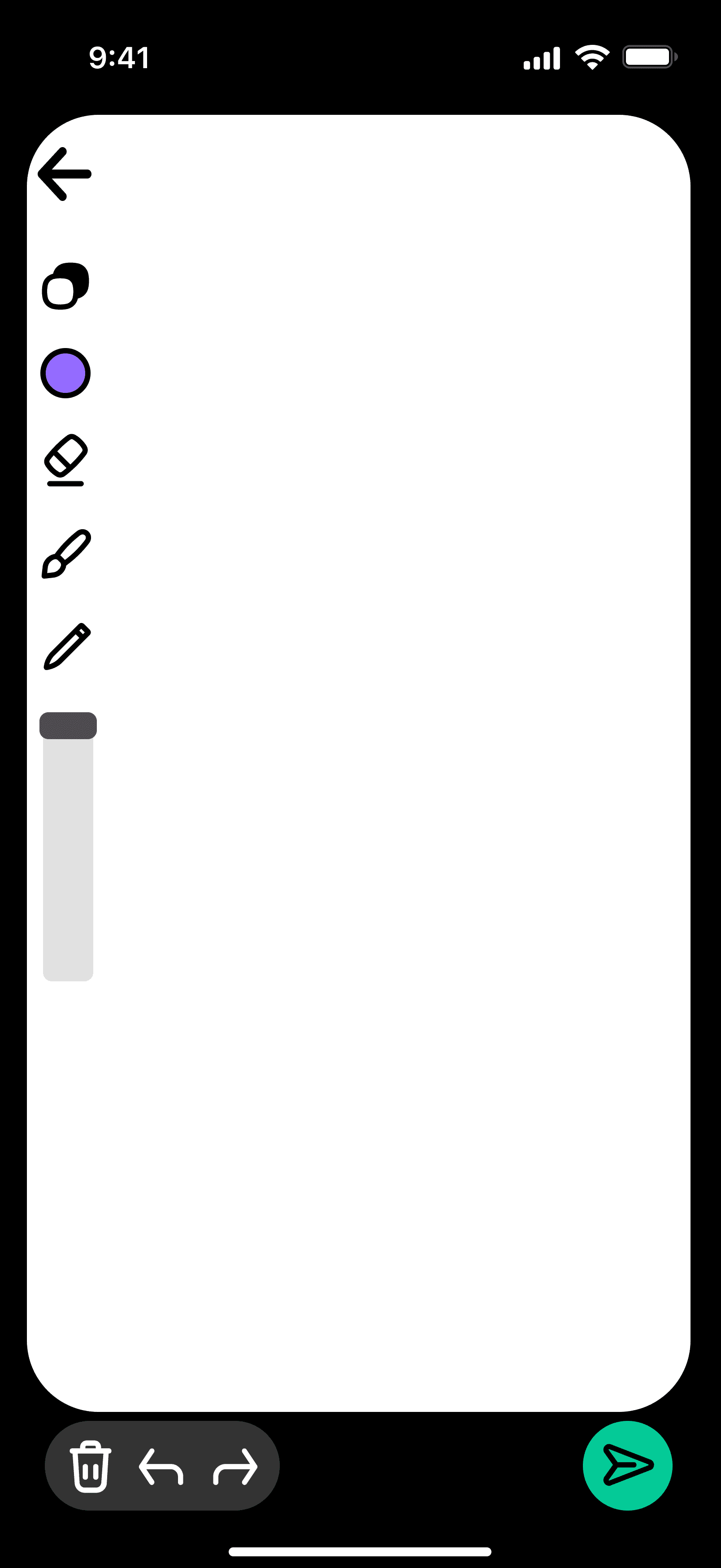
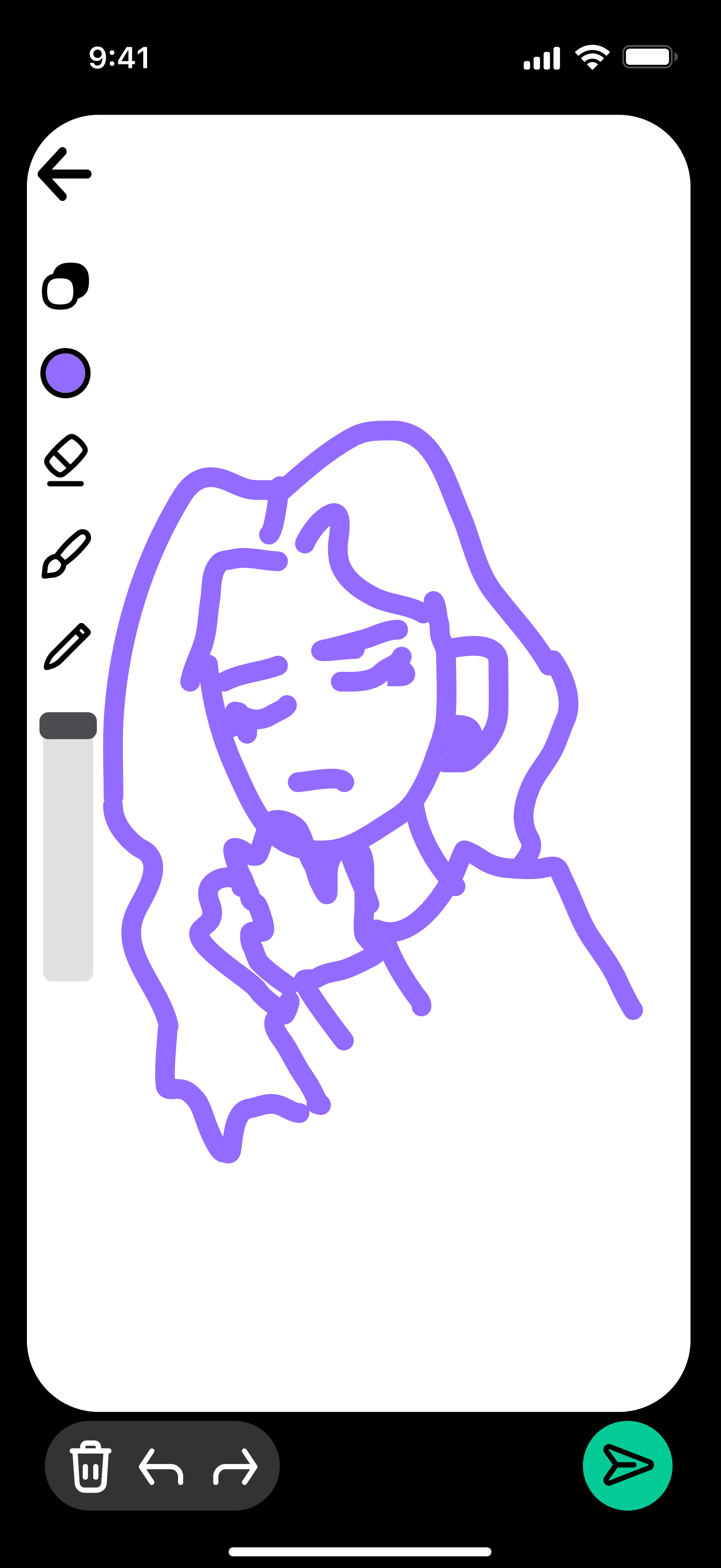
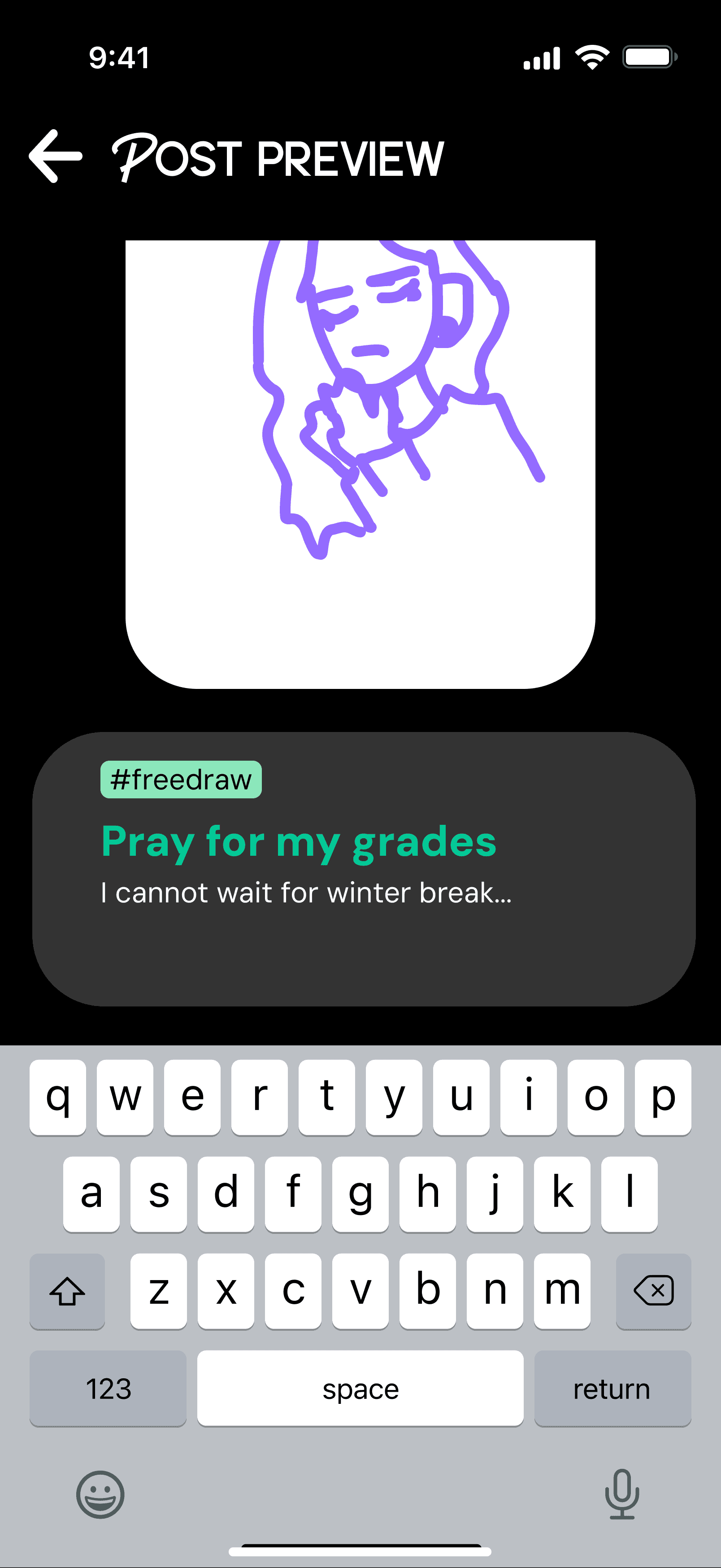
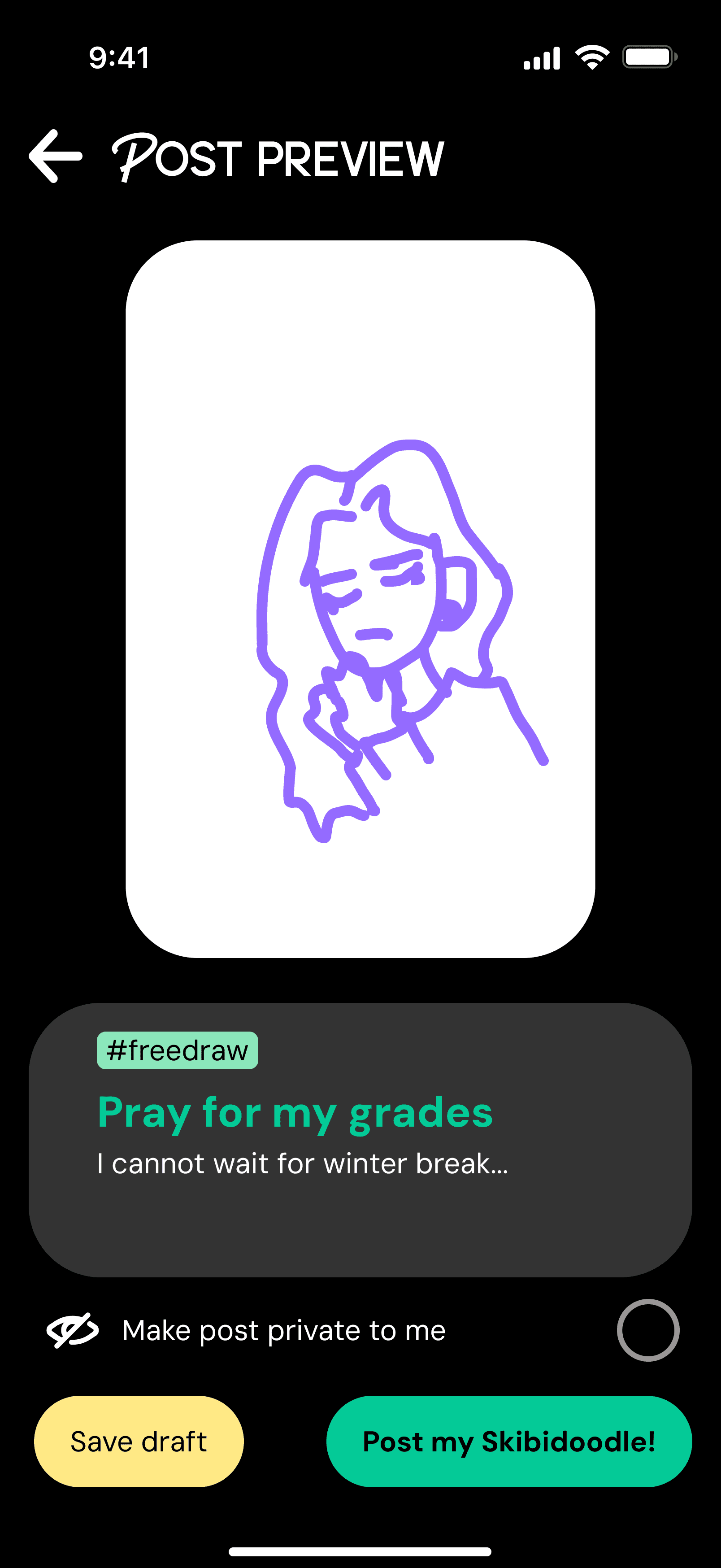
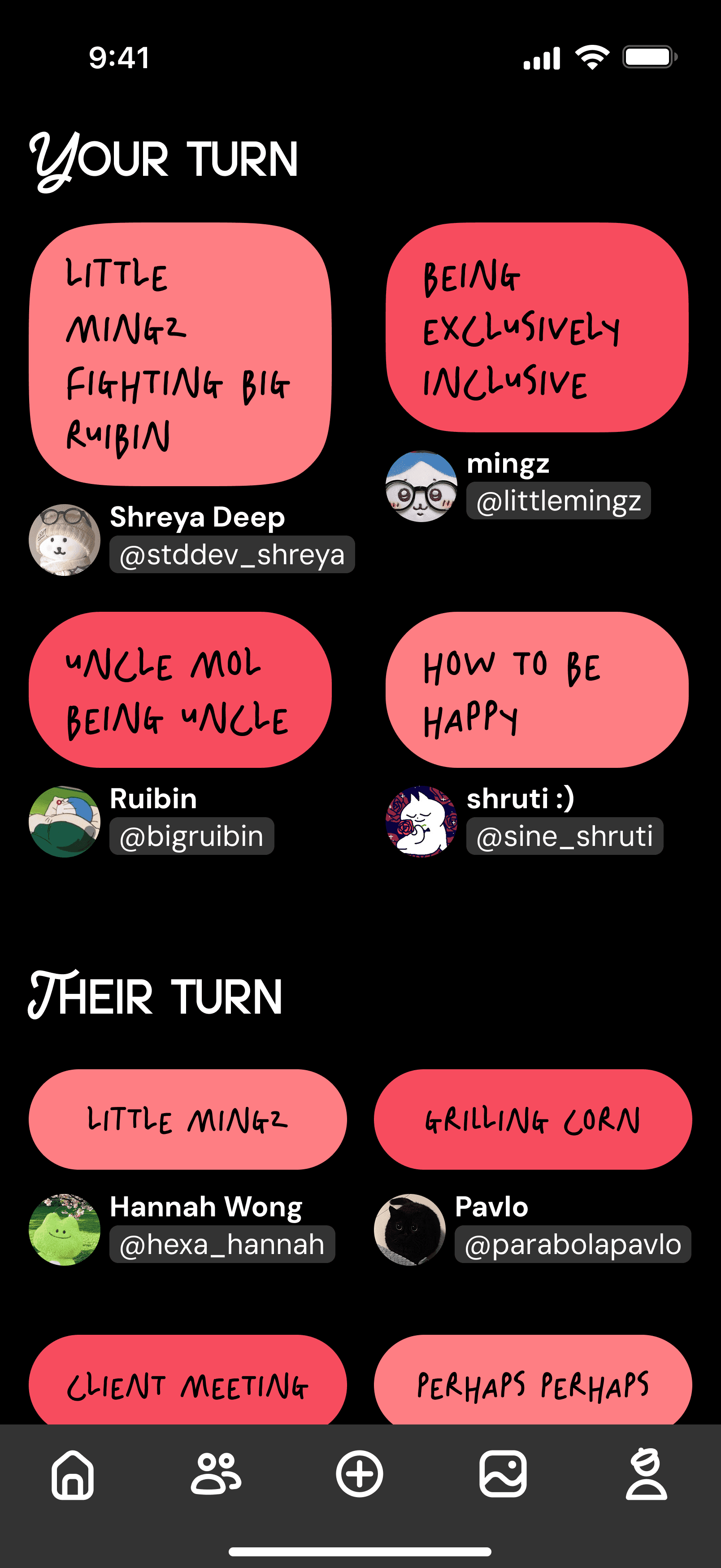
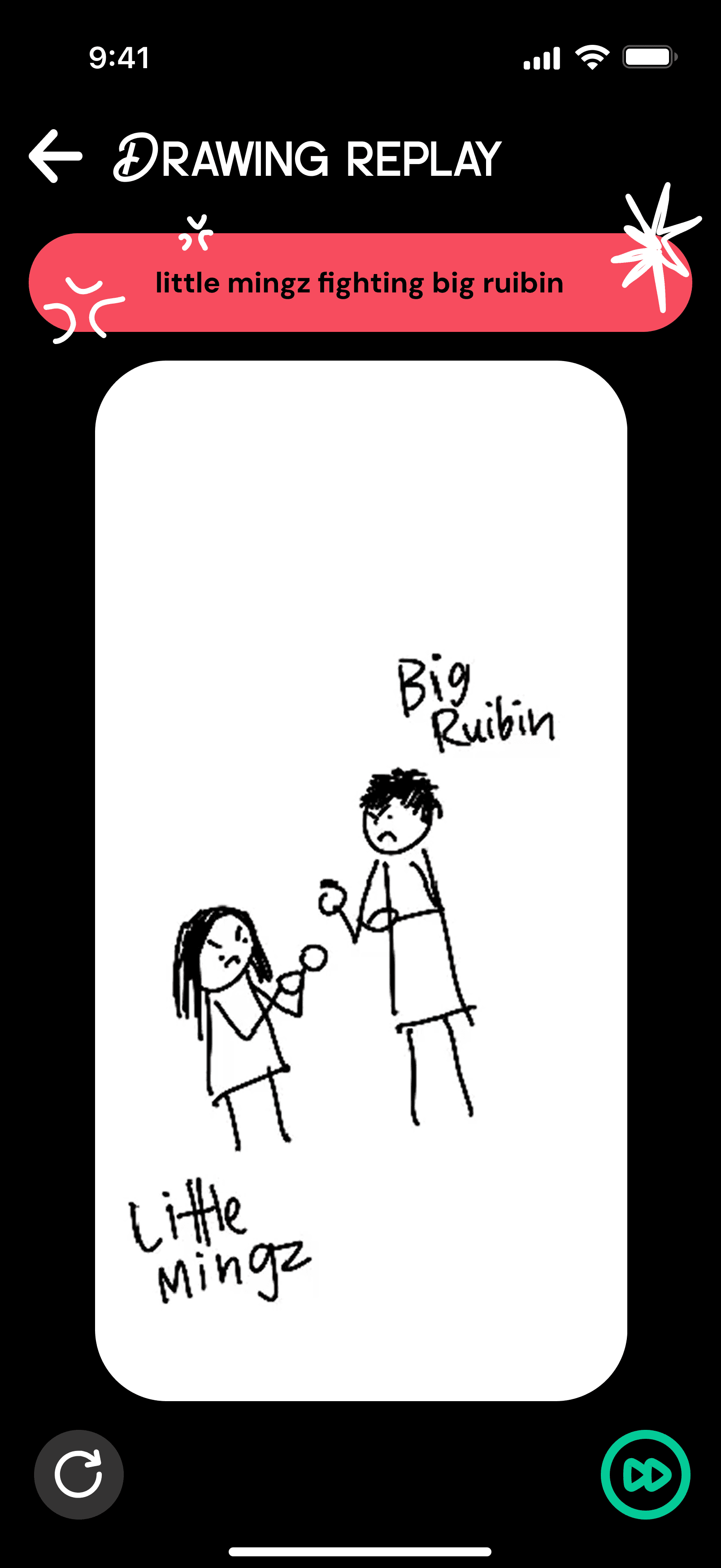
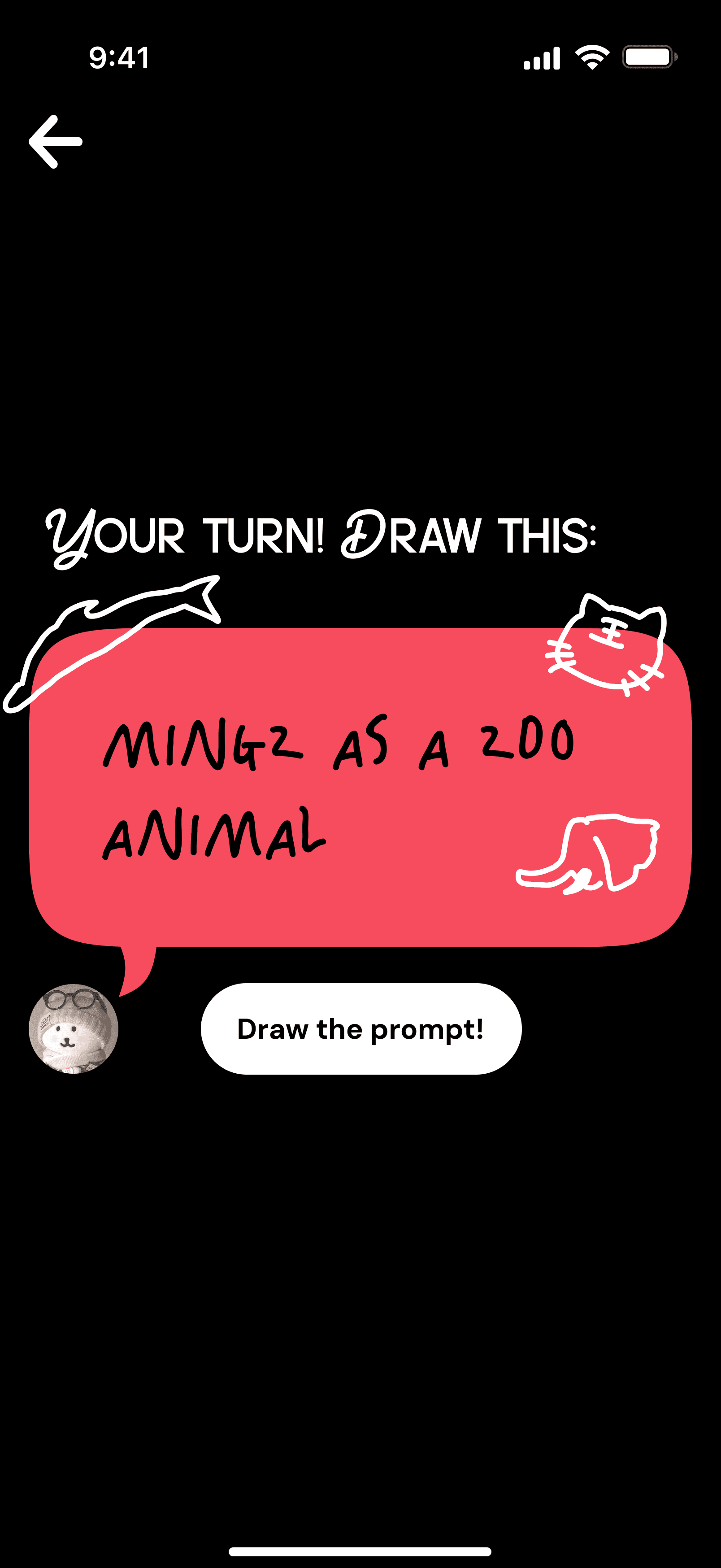
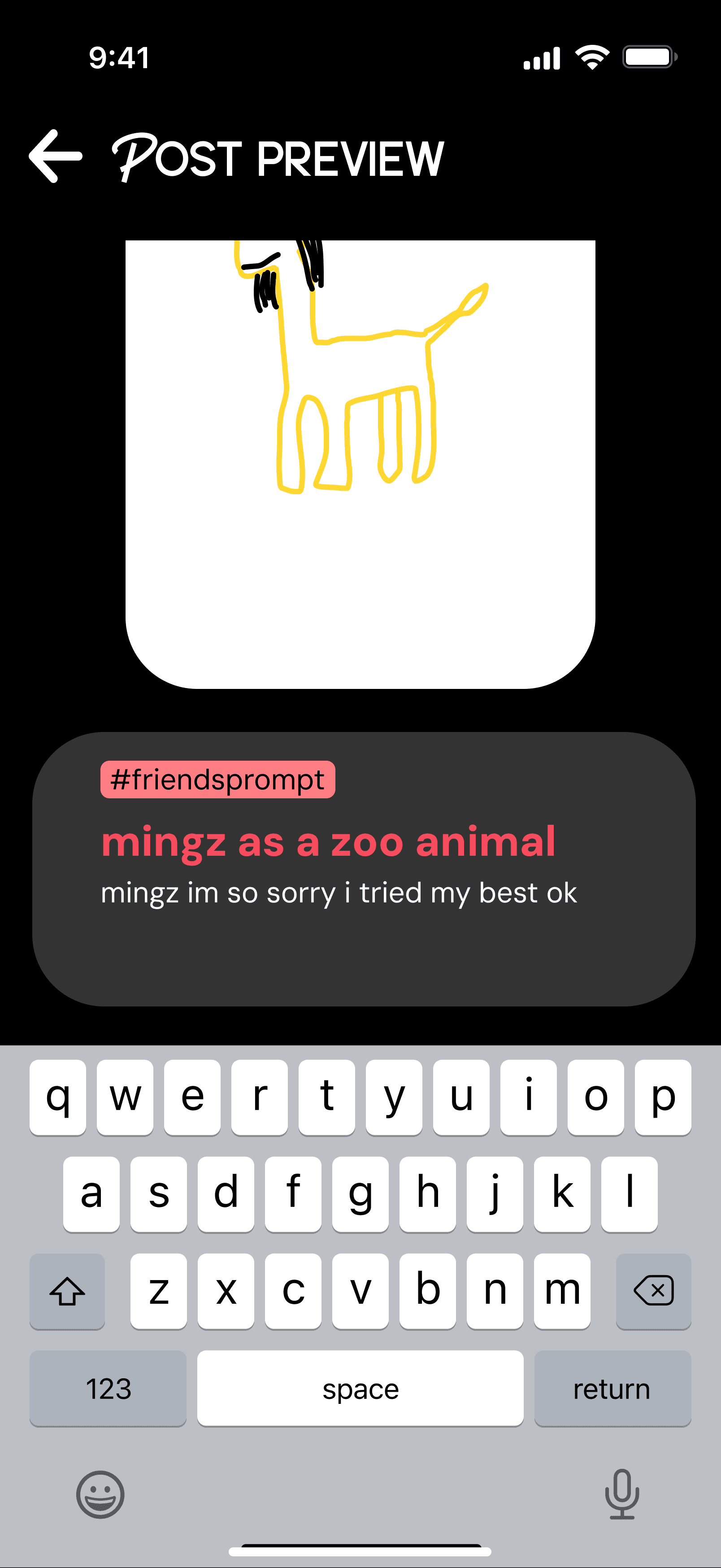
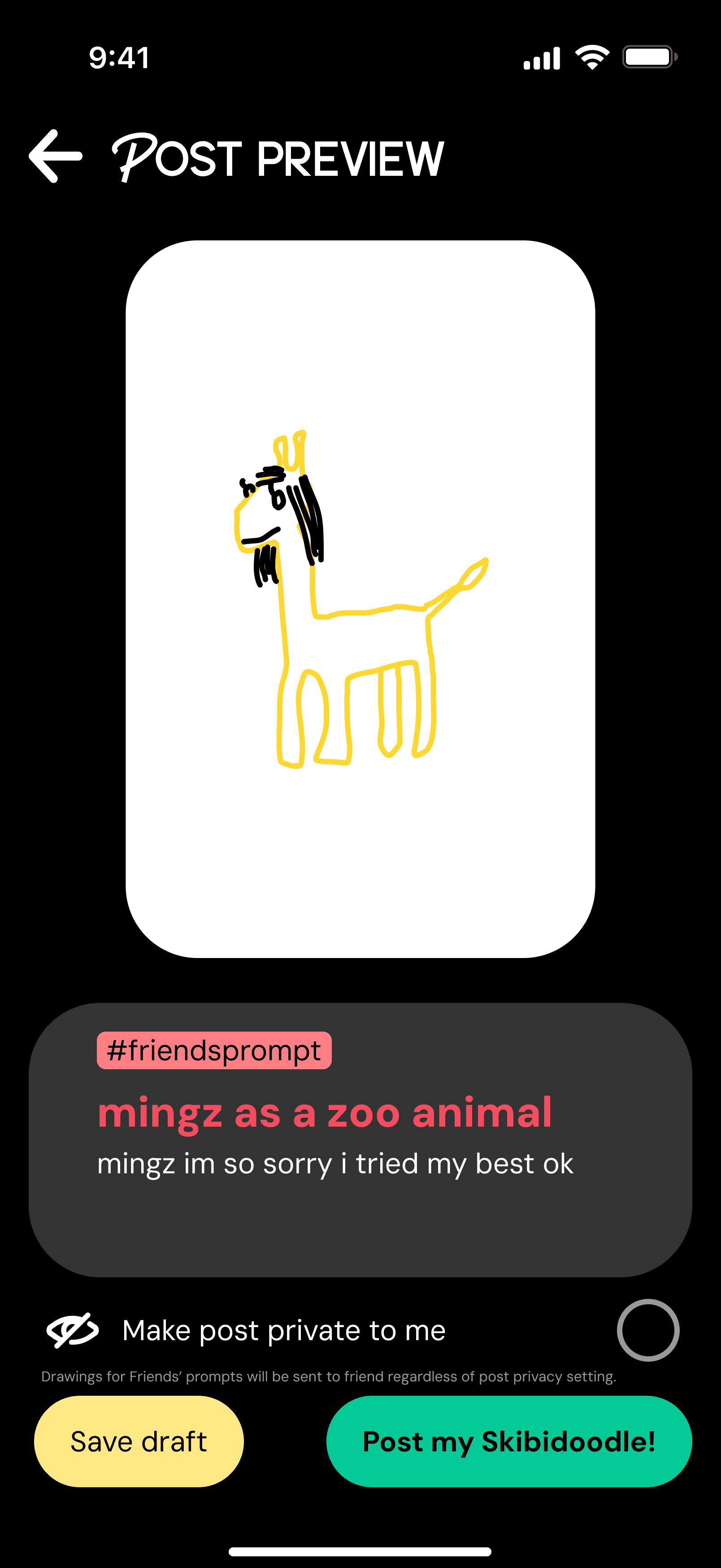
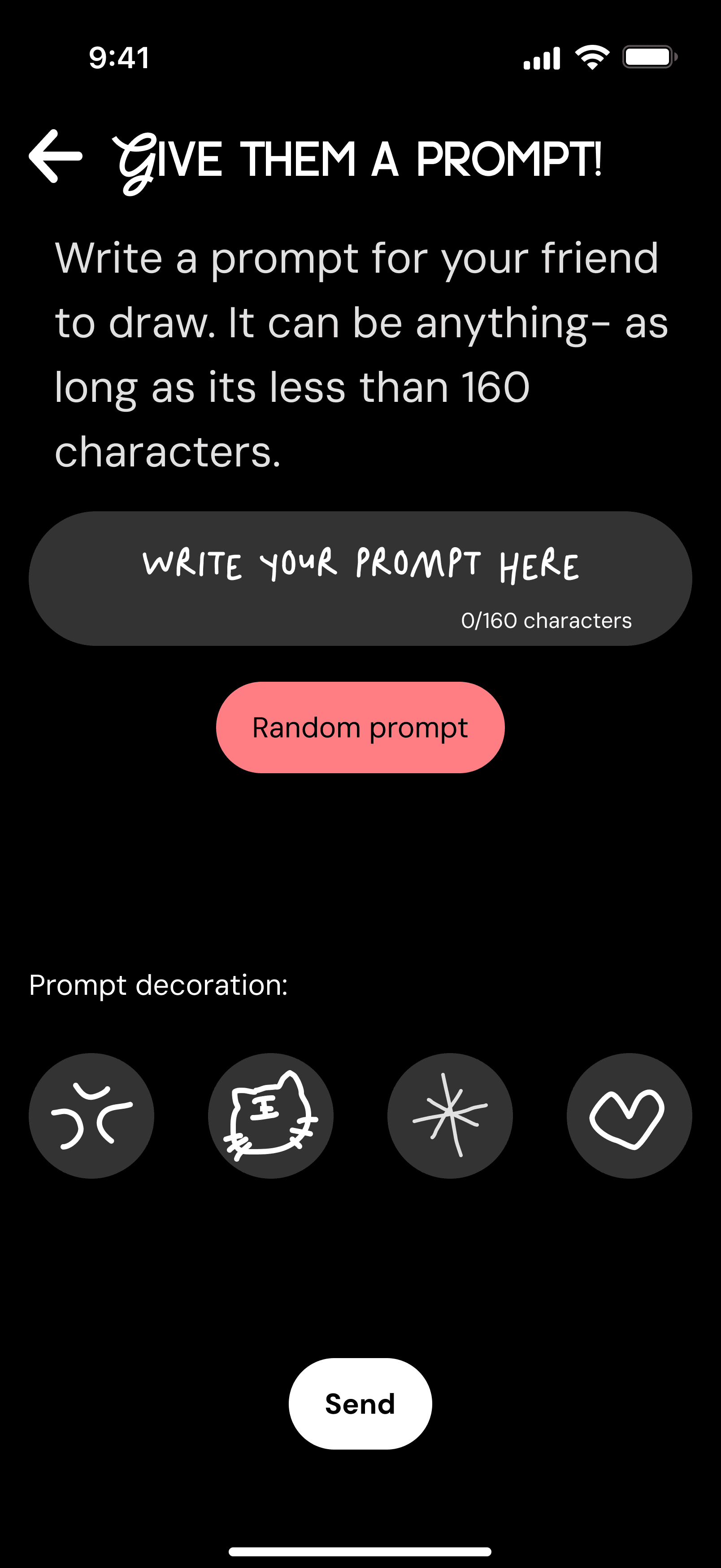
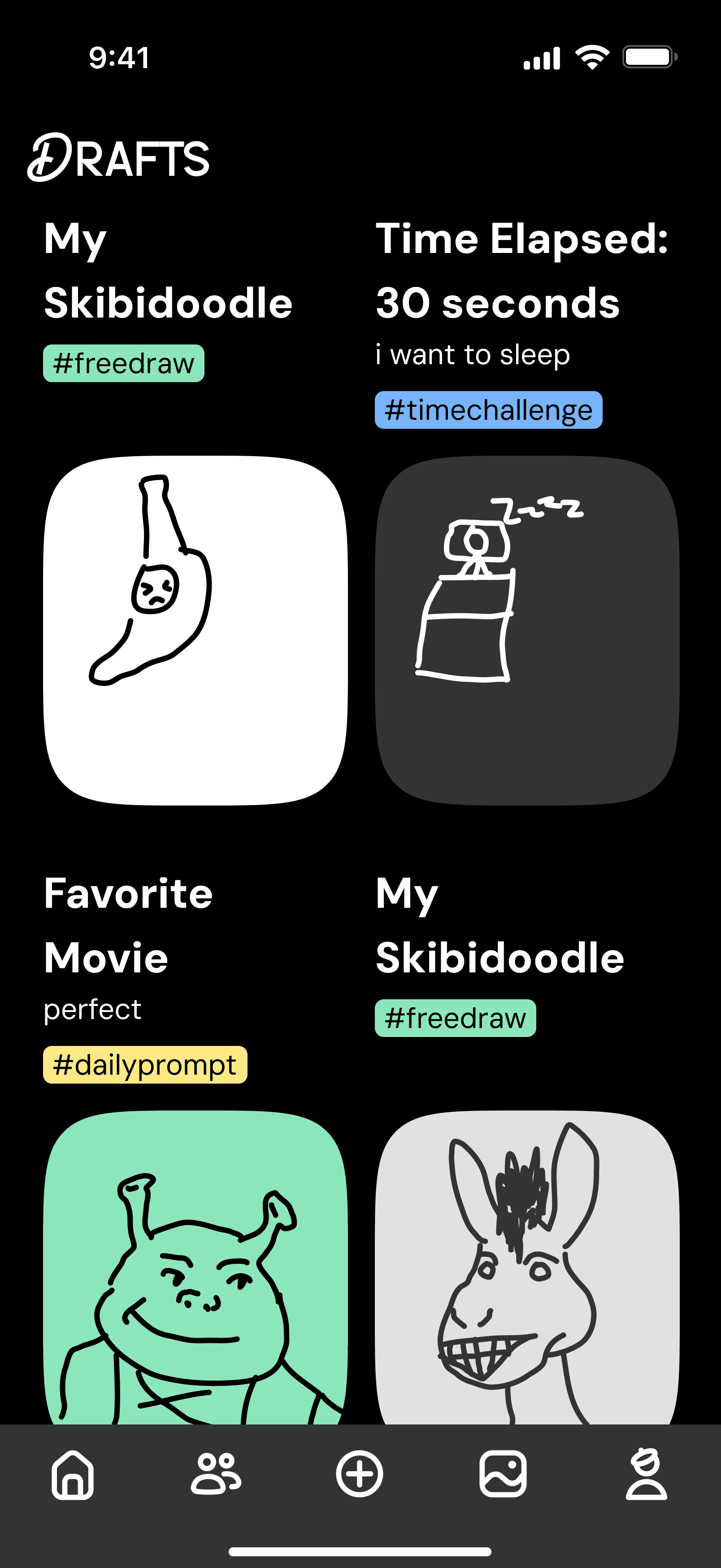
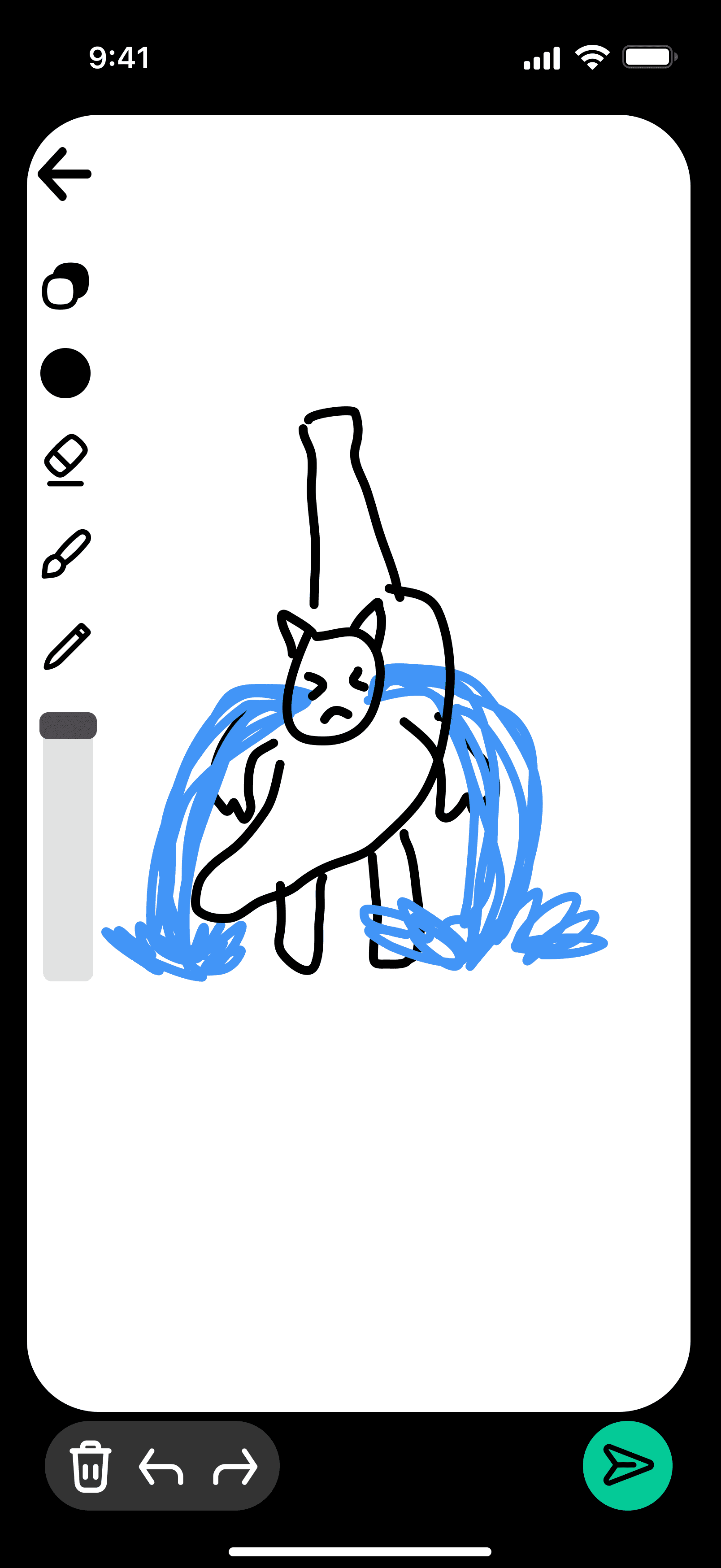
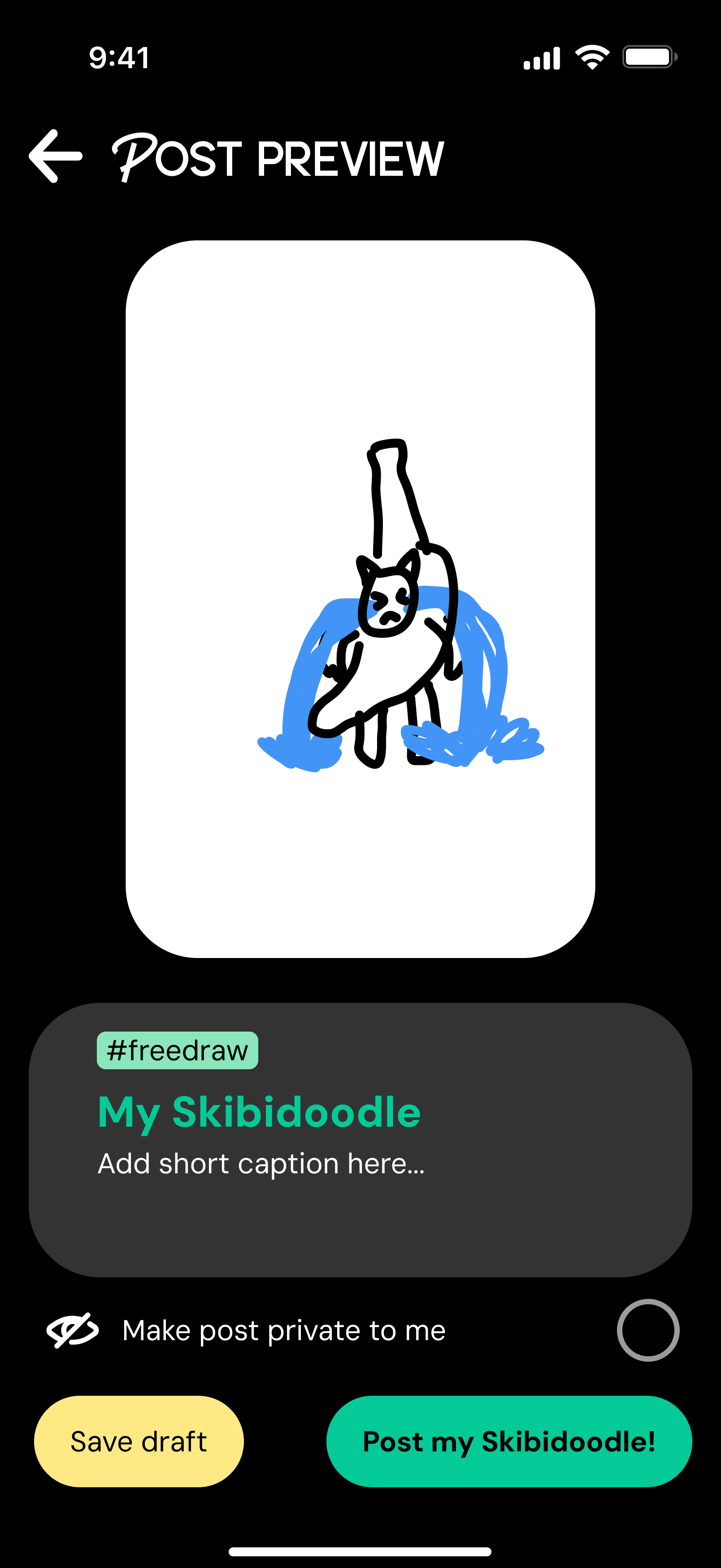
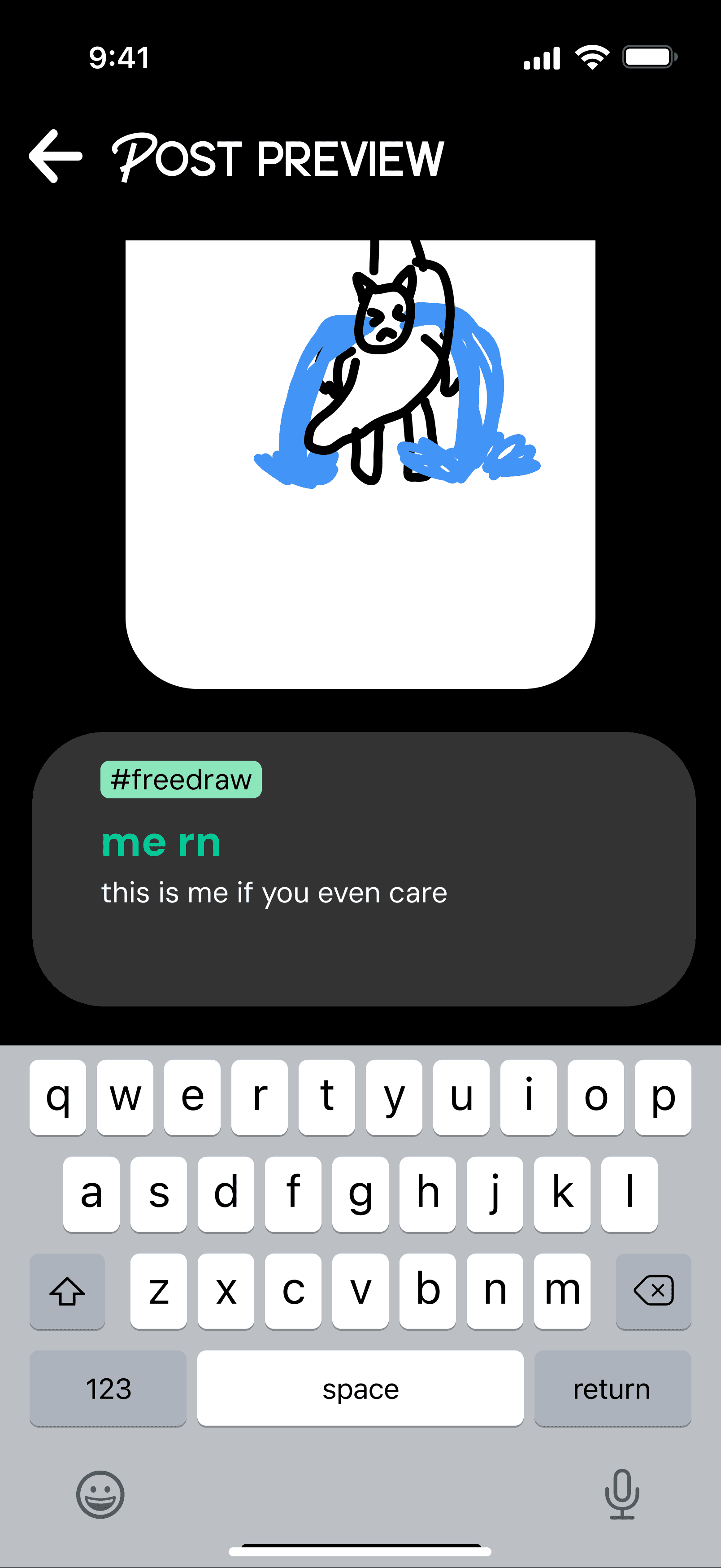
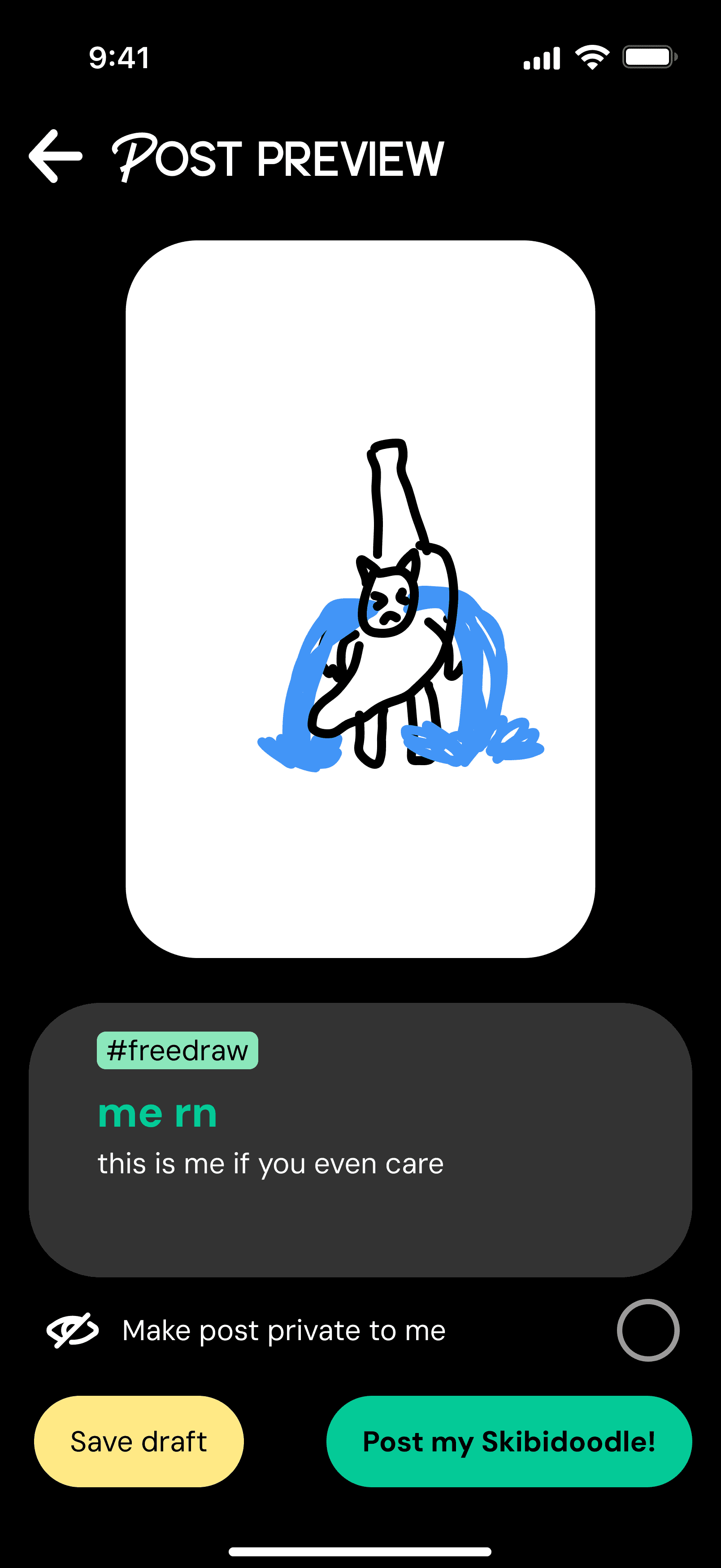
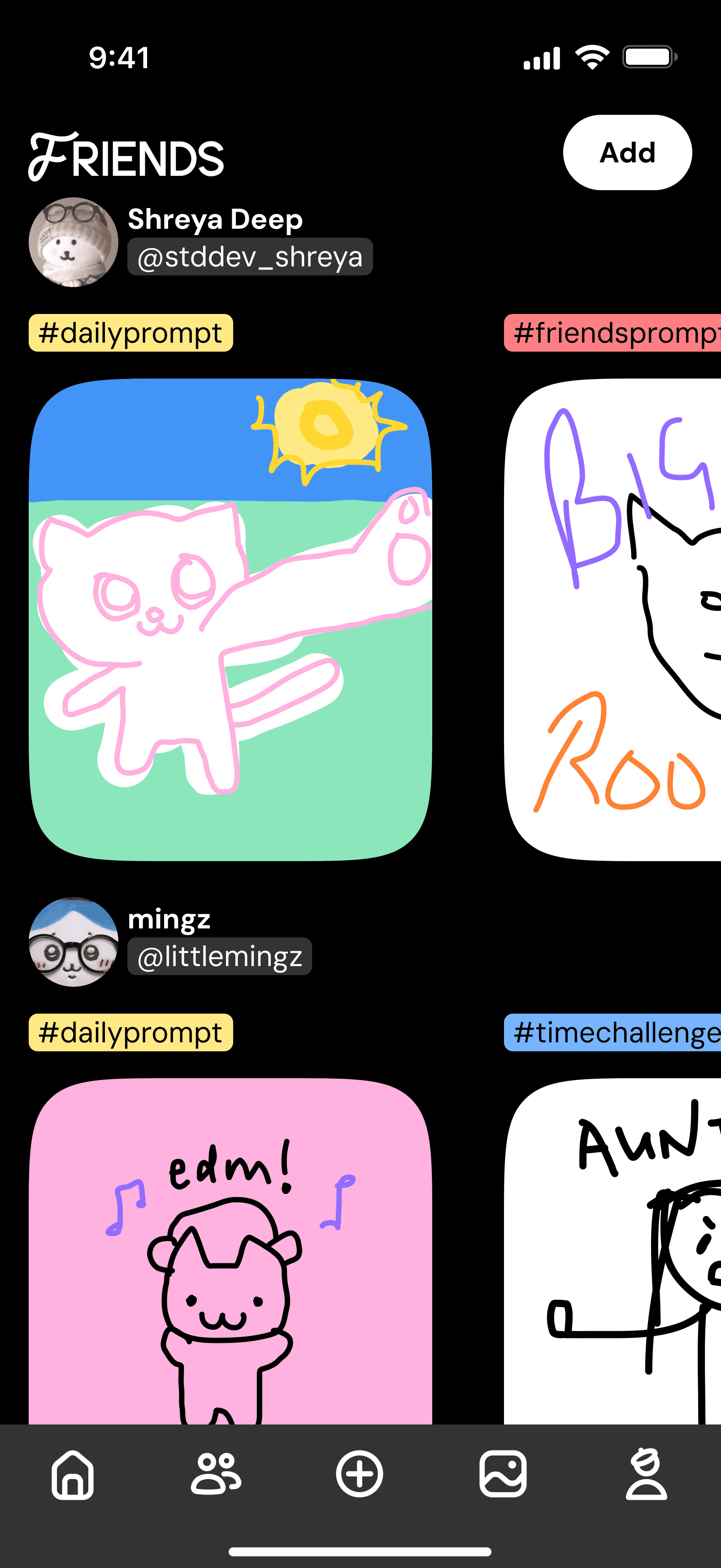
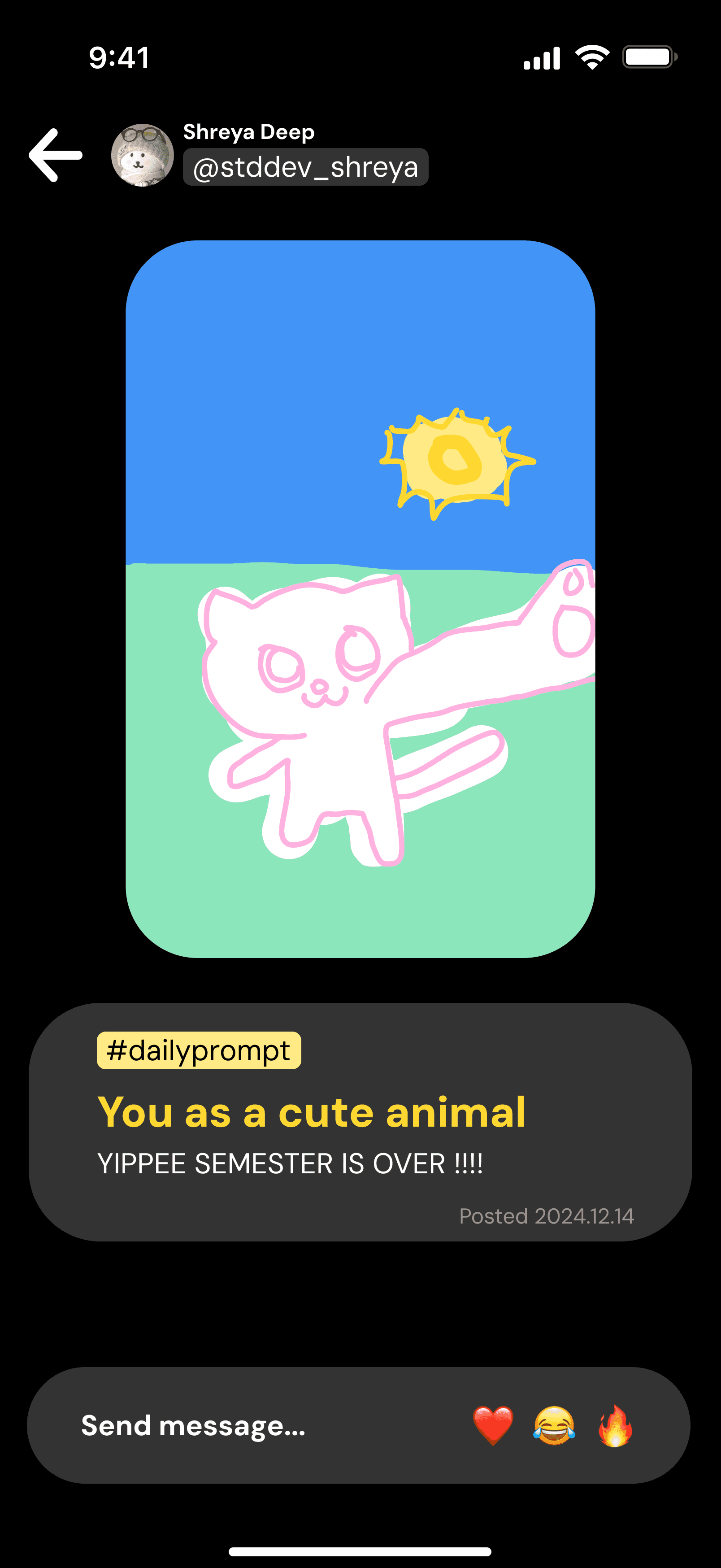
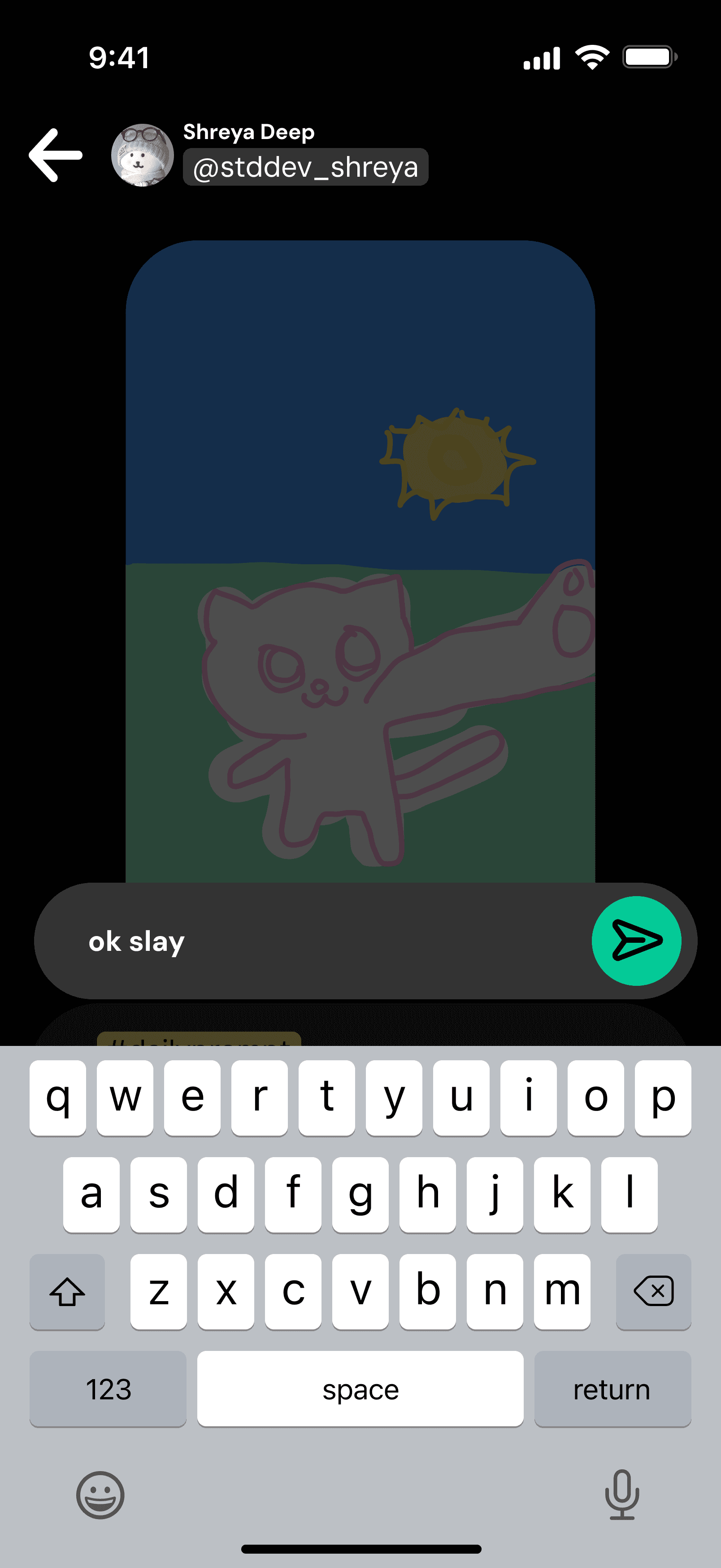
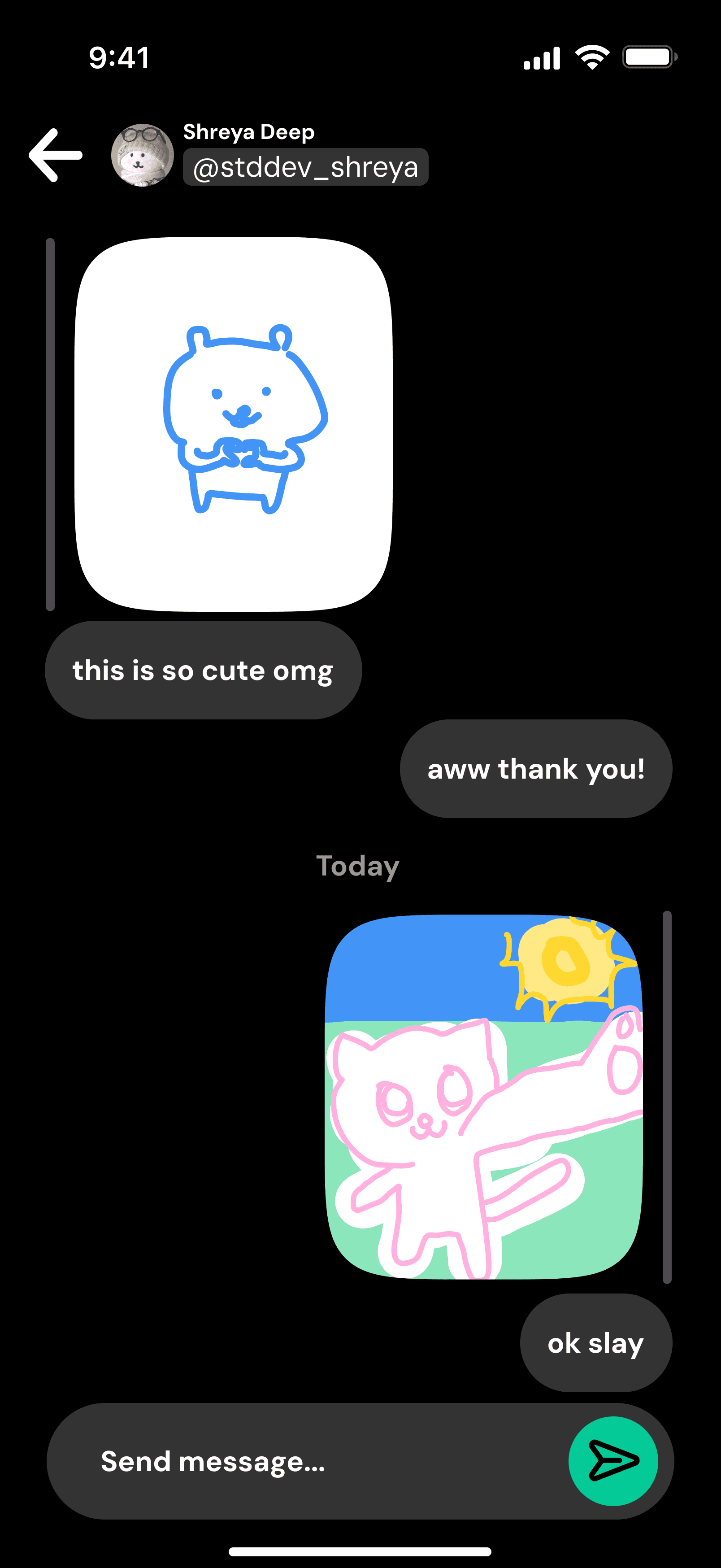
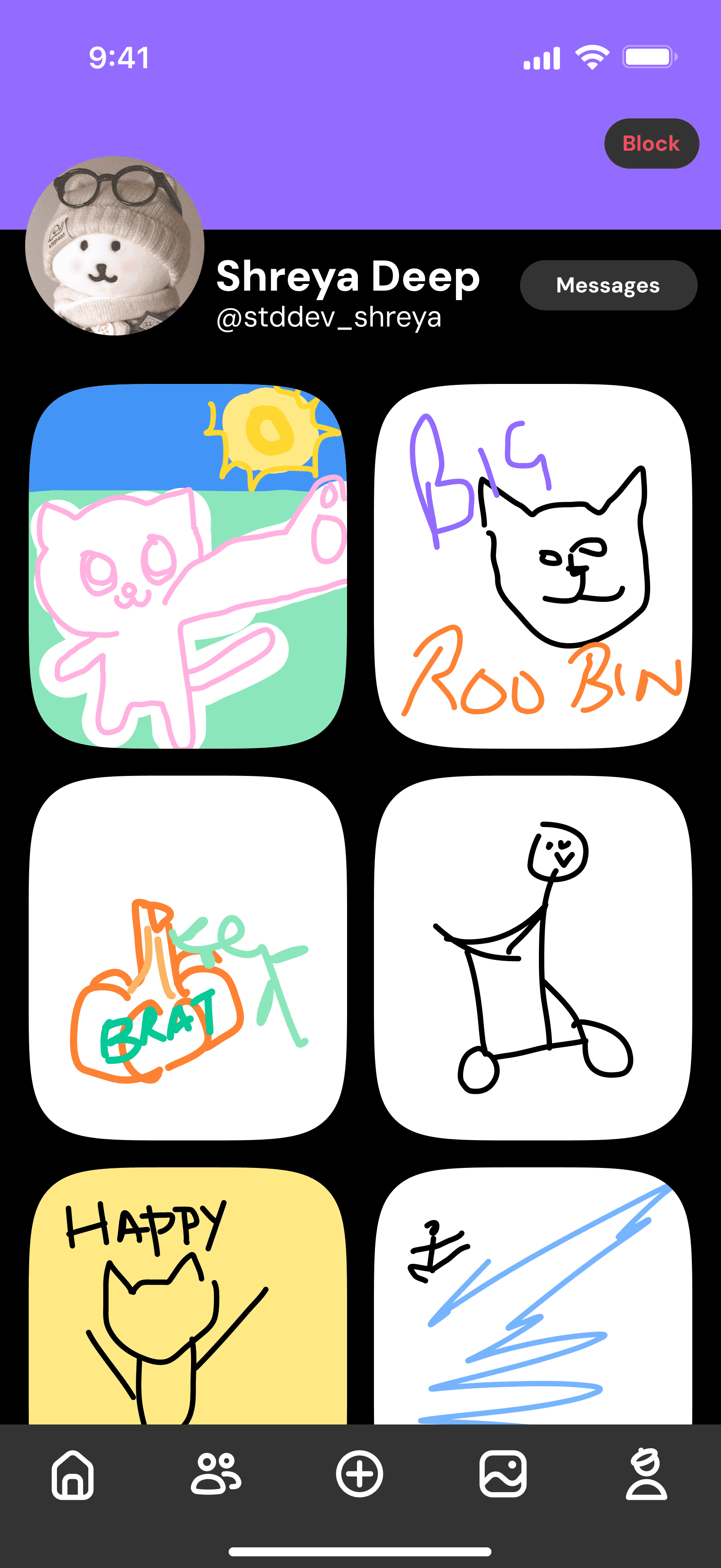
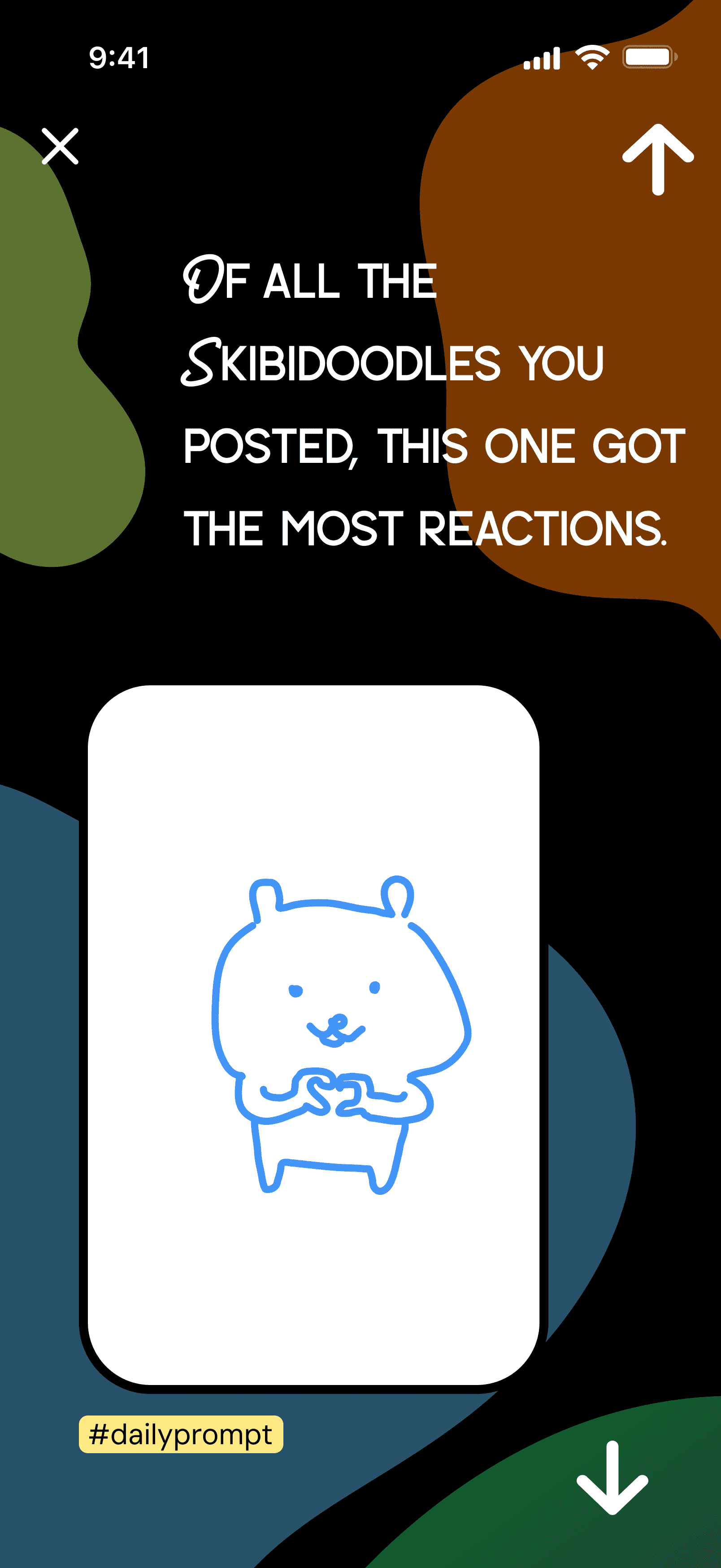
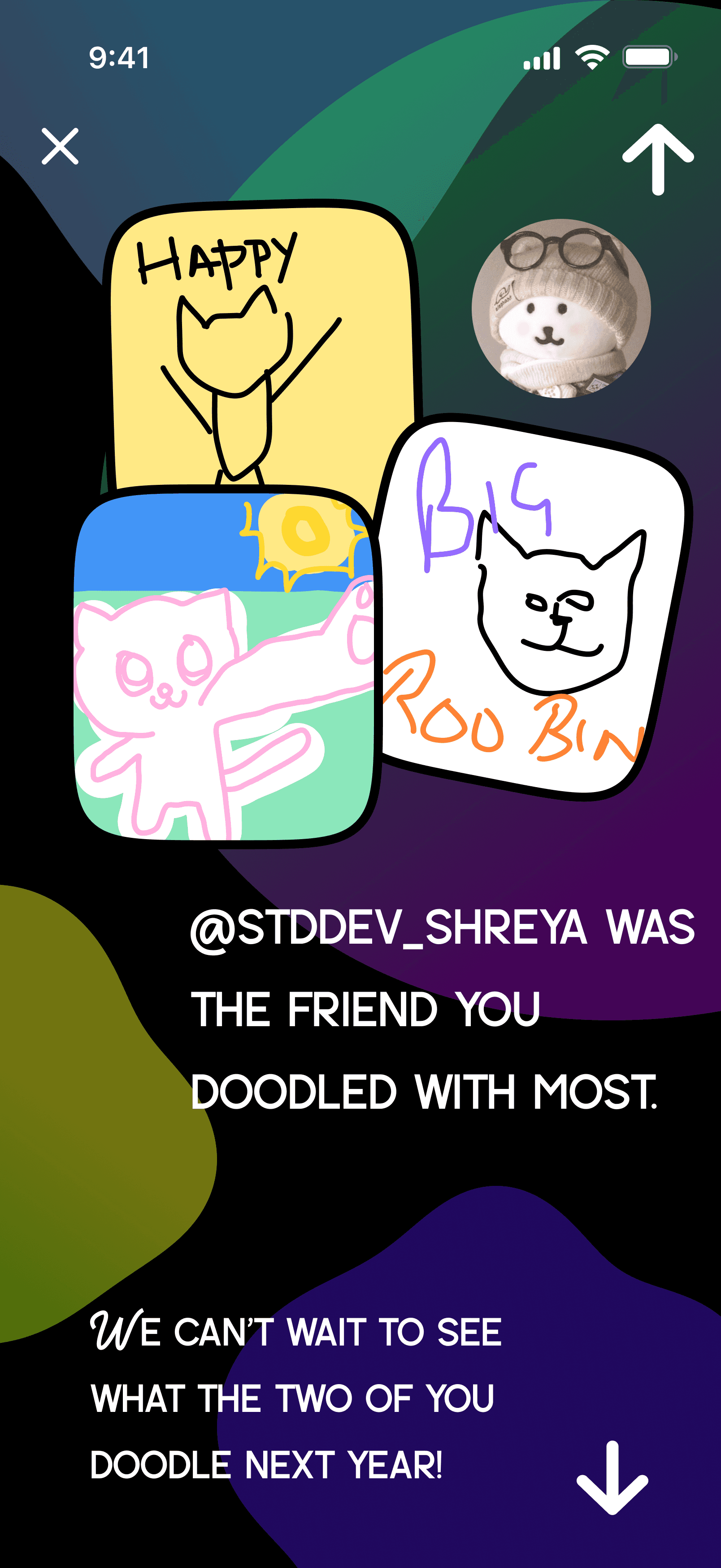
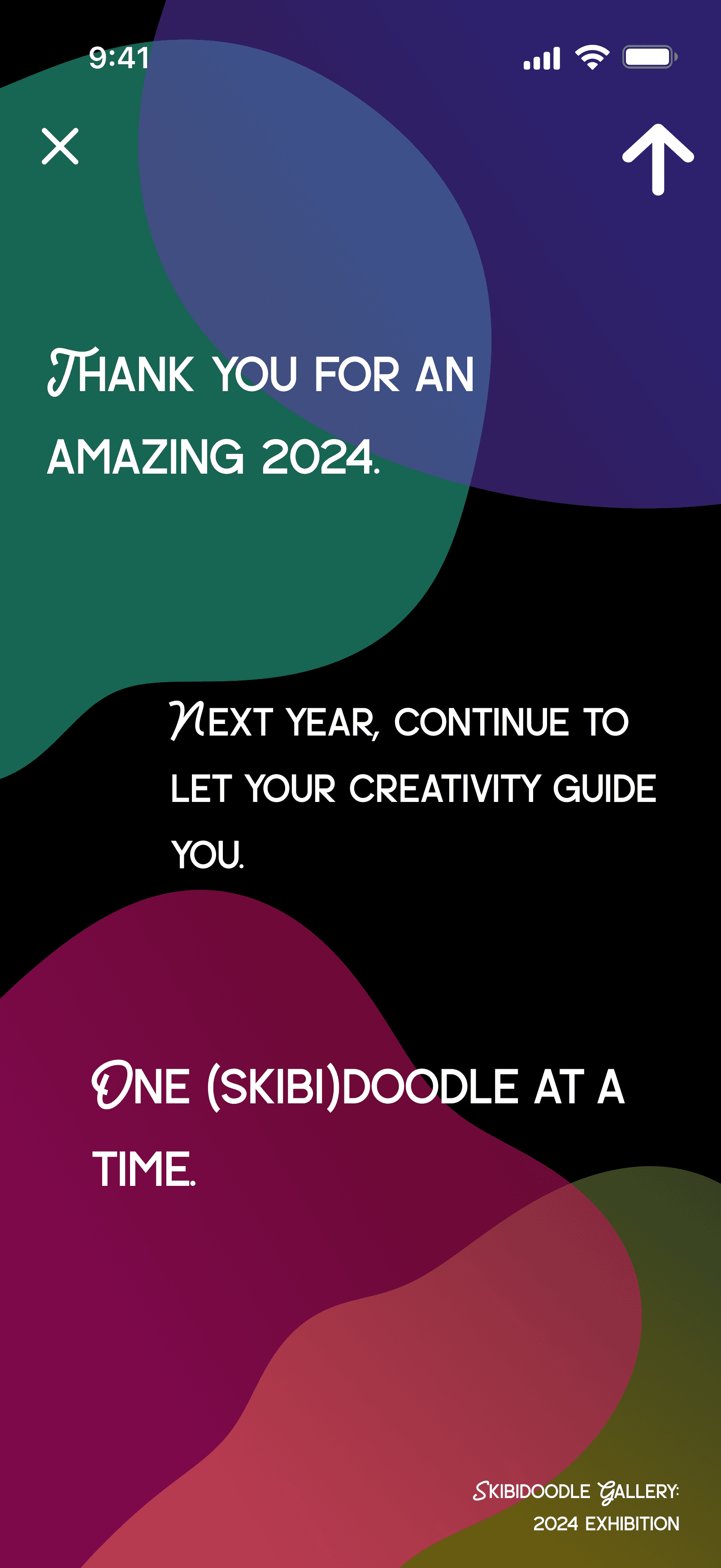
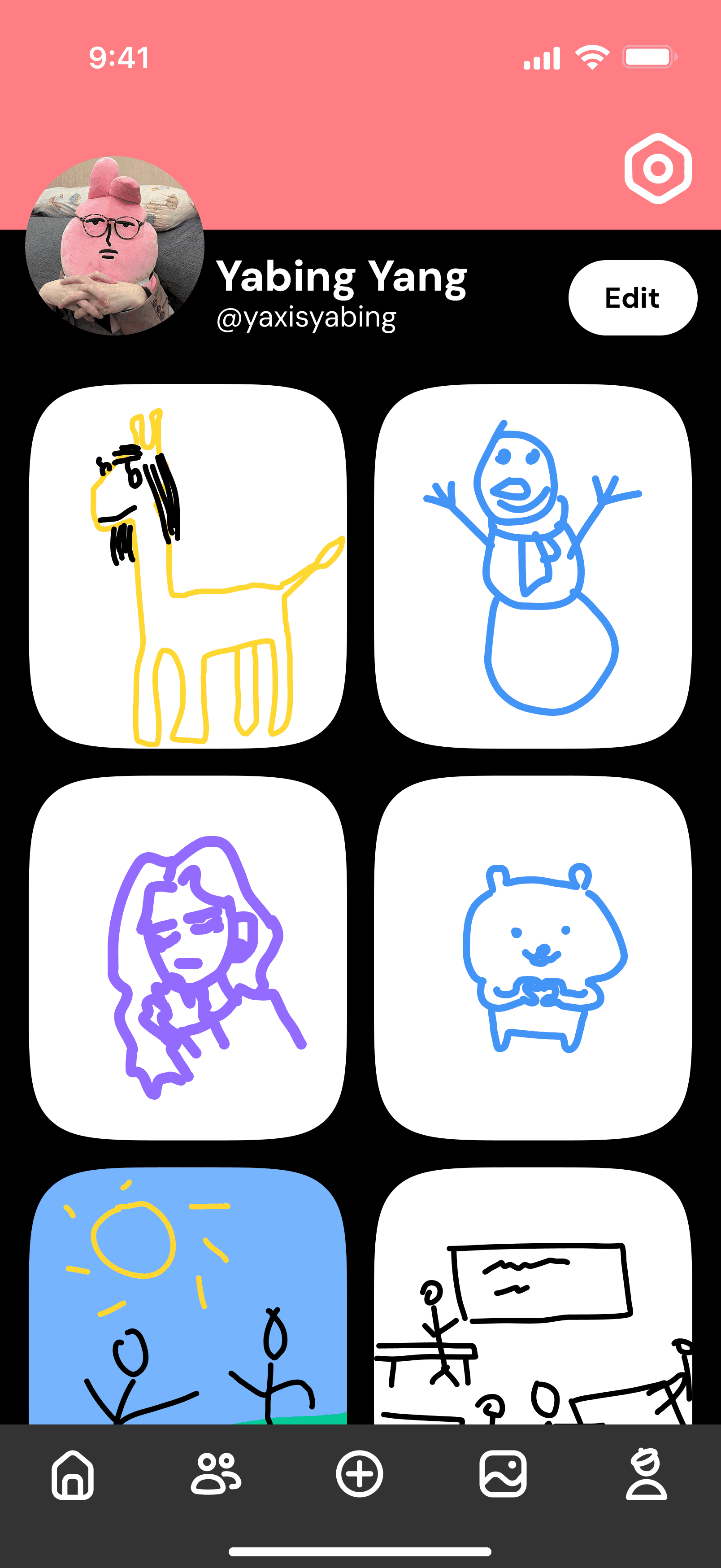
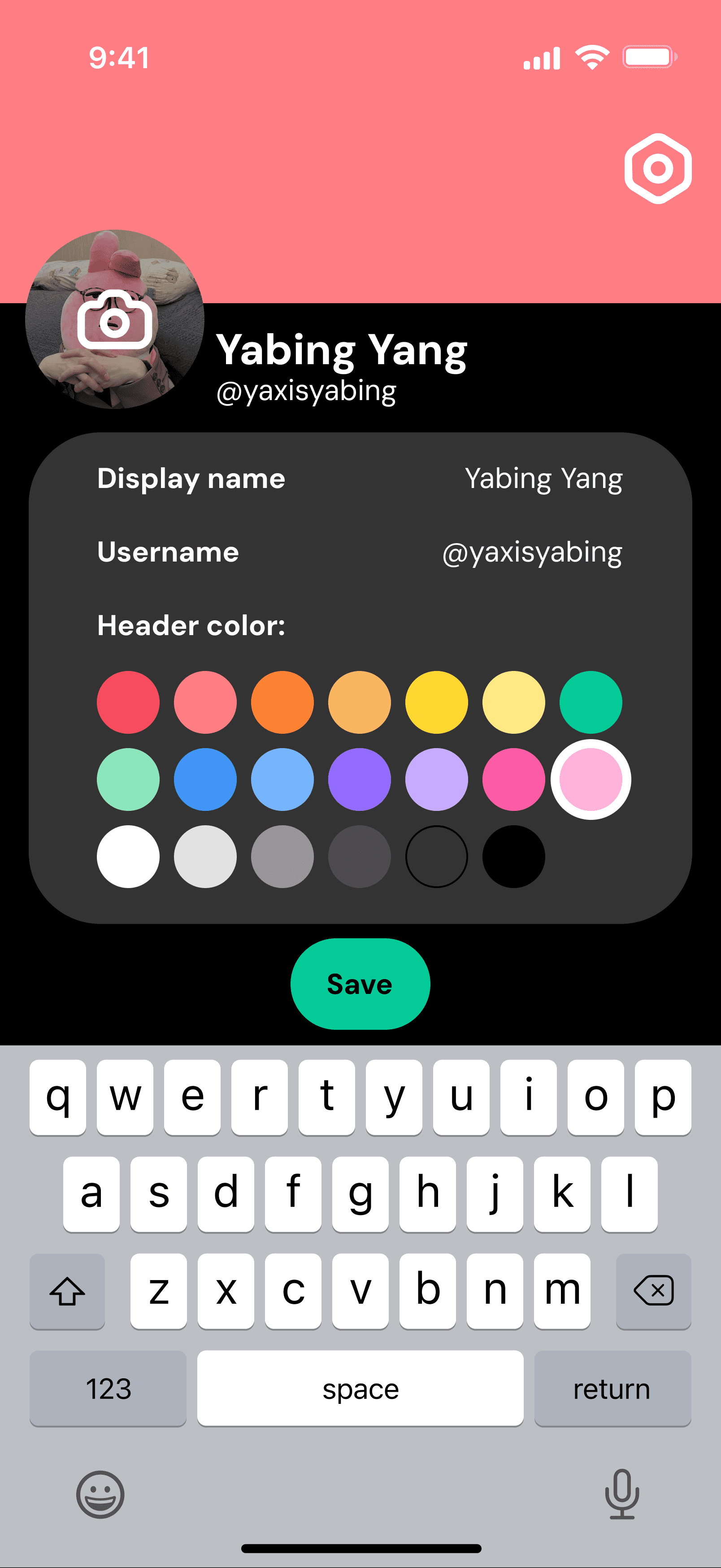
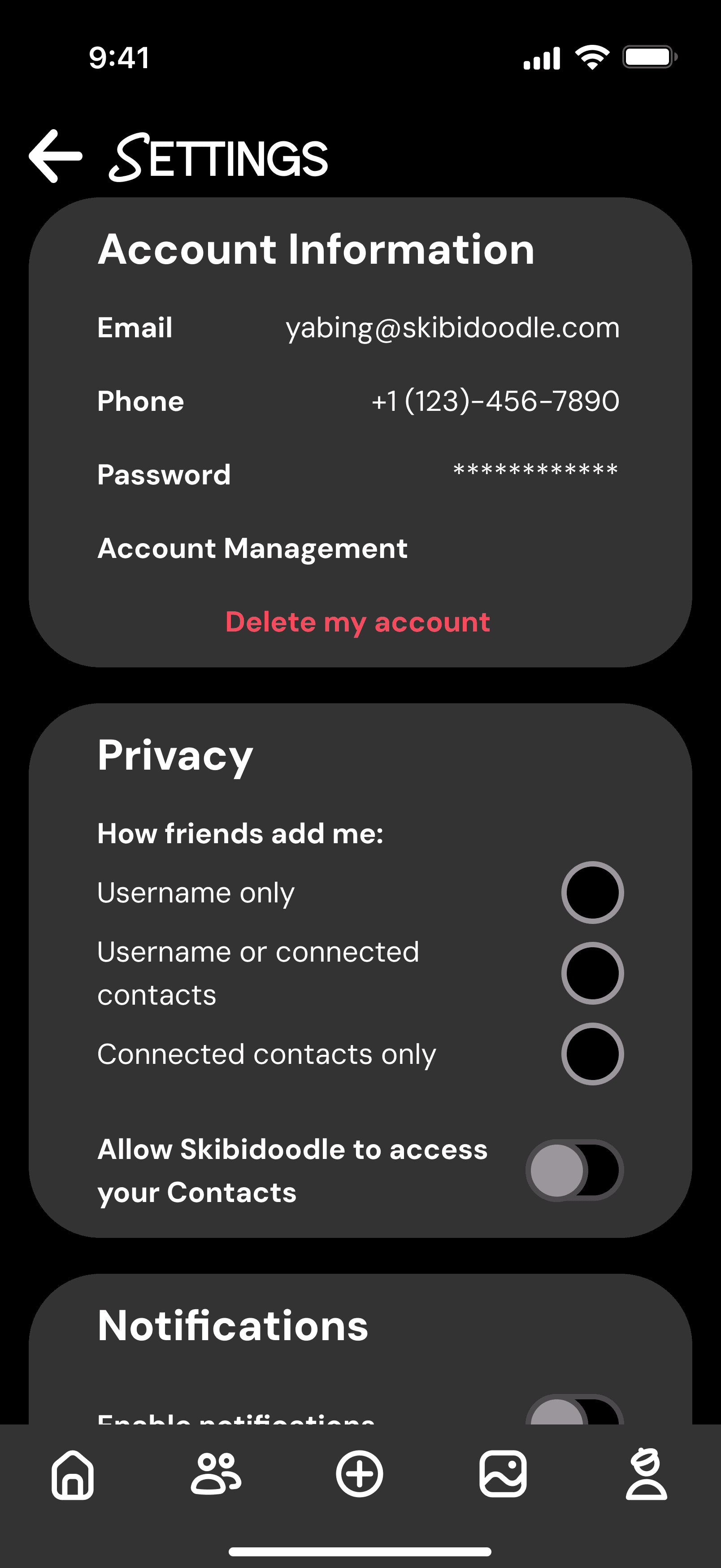
I began to create the high-fi wireframes of Skibidoodle based on the feedback, the low-fi wireframes, and the established design language. I added more color to make the app more fun and playful. Furthermore, I color-coded each drawing mode to help users identify which mode they were using more easily. I also created a “Spotify-Wrapped” style rewind, to show users different doodles they made throughout the year to show the progress they’ve made.
I also received more feedback during this phase, and increased the spacing of elements on each screen for better readability.
Prototyping
From here, I began to prototype the interactions between the different elements of each screen. Utilizing many components, I was able to highlight the different interactions users could have with the tools of the app.
Why Skibidoodle?
With Skibidoodle, the users have multiple options for doodling, whether its with friends or by themselves. The playfulness of the app encourages users to play around with their doodles as well, and helps users get in the habit of drawing without stress.
Impact
Leveraging social connections through friends will motivate users to use the app and explore their creative and silly ideas alike. Sending a prompt to a friend will allow for more dynamic interactions and creative doodles.
Through these features, the users will have a variety of choices available to them to play with according to their preference.